
Restore
Repair the damage time left behind
Tears, creases, water stains, missing corners, fading. Reviva rebuilds what's lost and brings the photo back to how you remember it.
Try Restore free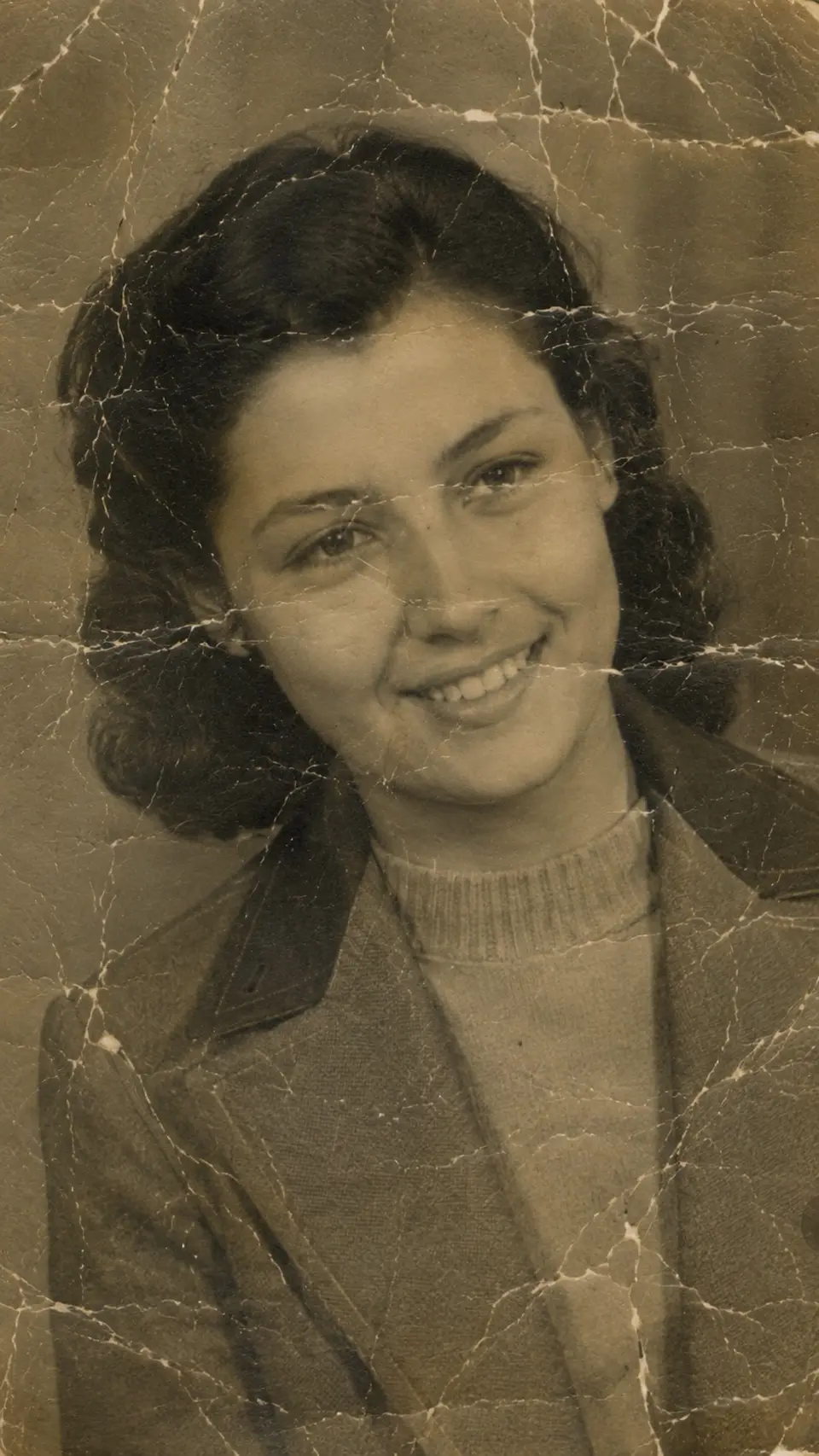

Reviva restores damaged photos, colorizes black-and-white memories, and sharpens blurry faces. All in seconds, right from your phone. The studio result, without the studio.
Free to try · No watermarks · Your photos stay private
Drag the handle. Every photo on this page is a real Reviva restoration.
Most old photos need more than one kind of help. Reviva gives you the three that matter, each tuned for the way time wears a picture down.
Tears, creases, water stains, missing corners, fading. Reviva rebuilds what's lost and brings the photo back to how you remember it.
Try Restore free Reviva adds natural, true-to-era color to grayscale photos: skin tones, skies, and fabric. The moment feels present again.
Try Colorize free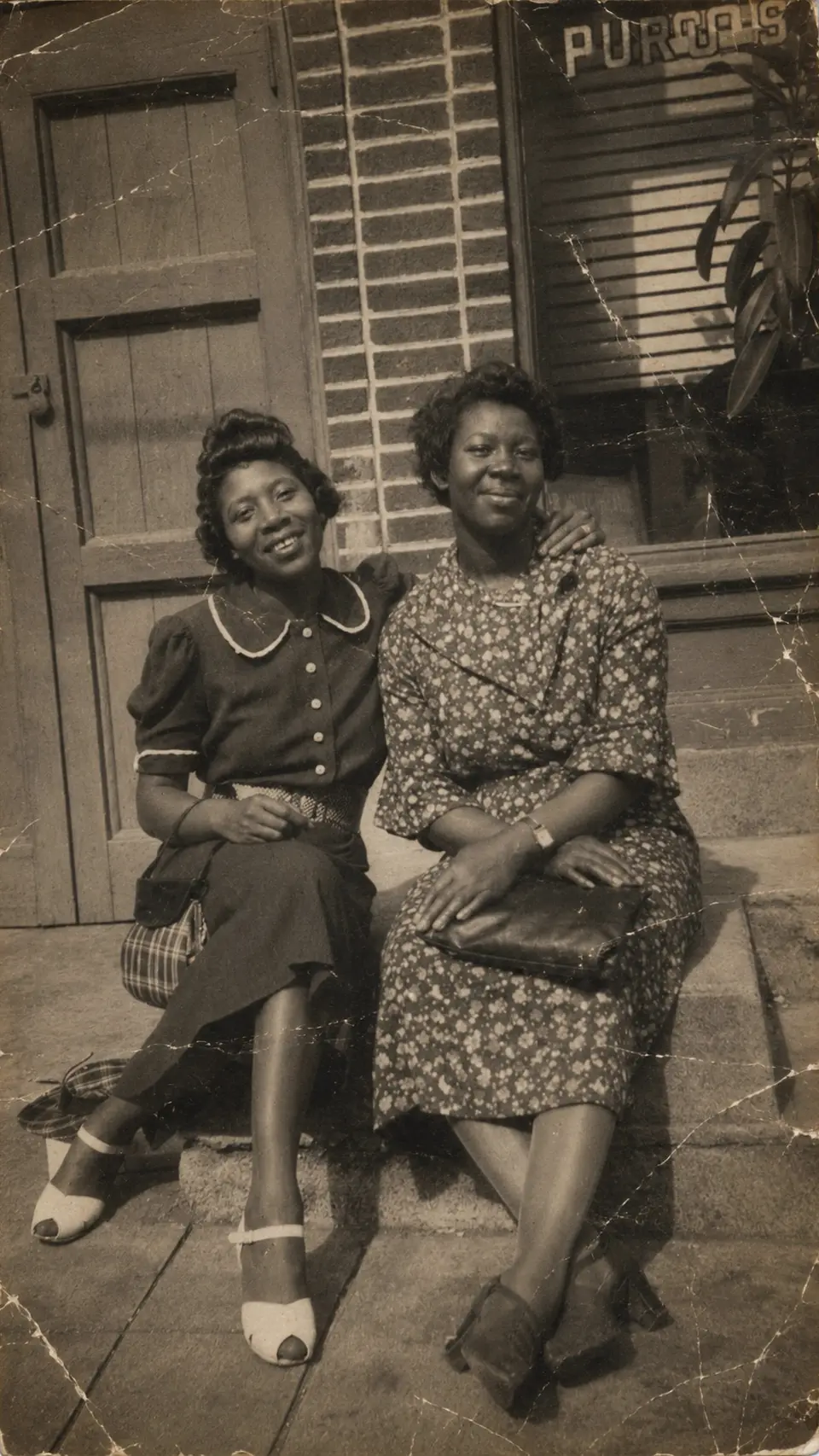
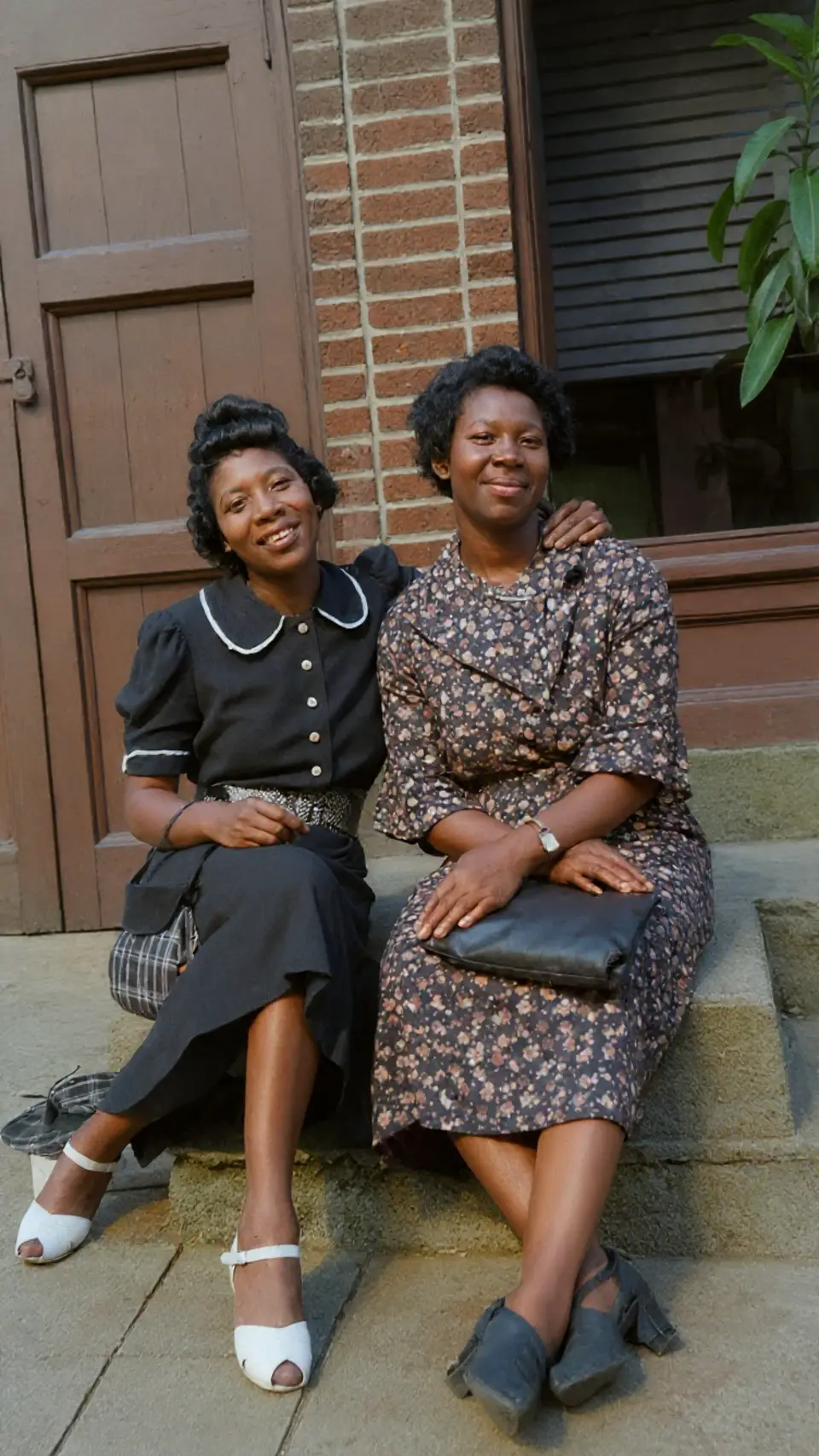
Blurry, soft, low-resolution? Reviva brings back facial detail and clarity, even on decades-old prints and scanned snapshots.
Try Enhance free

As each photo passes the line, the faded original becomes the finished restoration, exactly the way it looks inside the app.
Photo restoration used to mean a specialist, a quote, and a two-week wait. Now it's three taps before your coffee gets cold.
Choose any photo from your camera roll. The older, more faded, or more damaged it is, the more Reviva has to give back.
Restore, Colorize, or Enhance. One tap does what a studio used to charge hundreds for.
Your restored photo is ready in seconds. Save it in full resolution, print it, or send it to the family group chat.
No staged demos. Every pair below is a genuine before and after. Slide the handle and watch the years fall away.
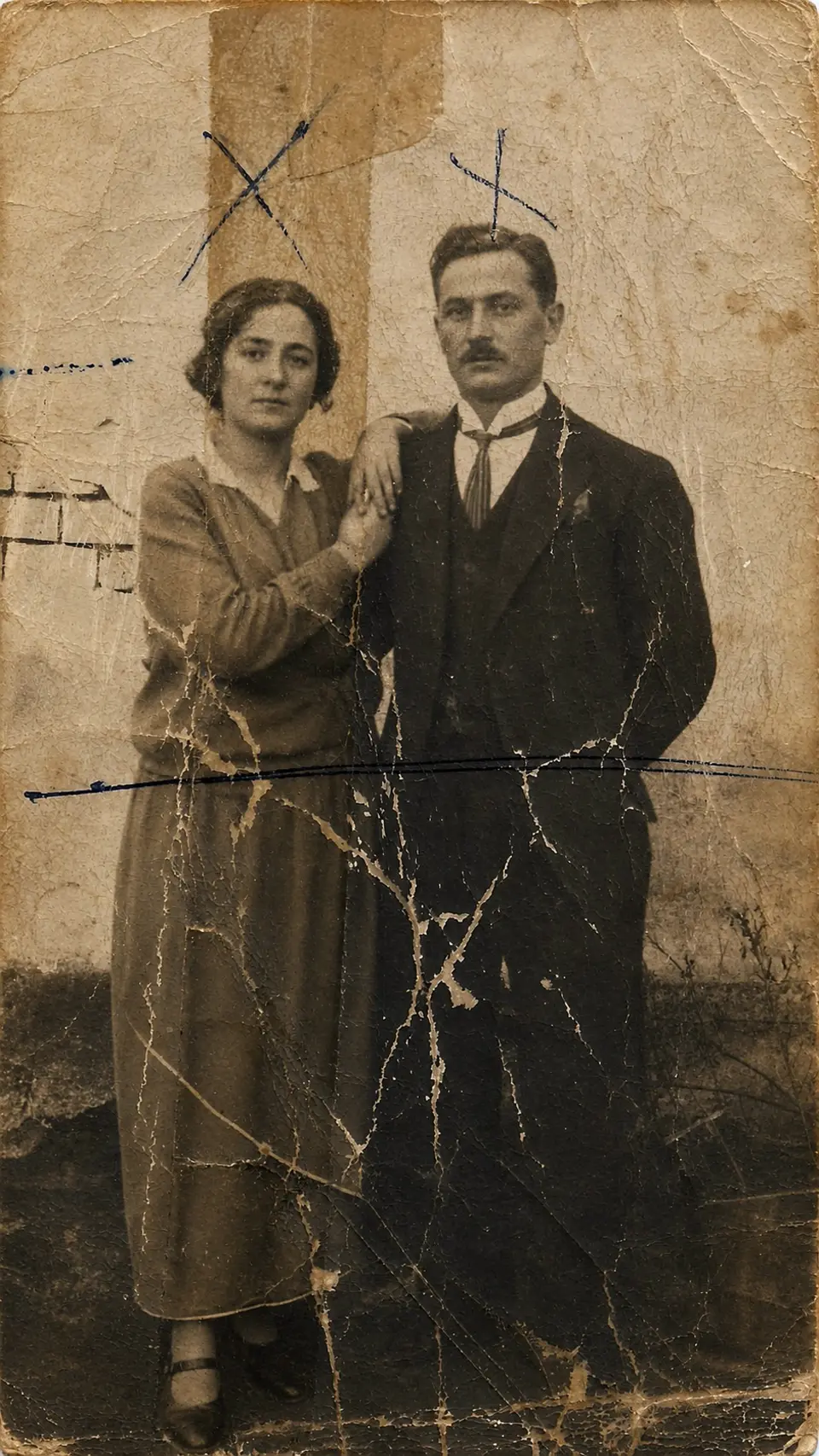
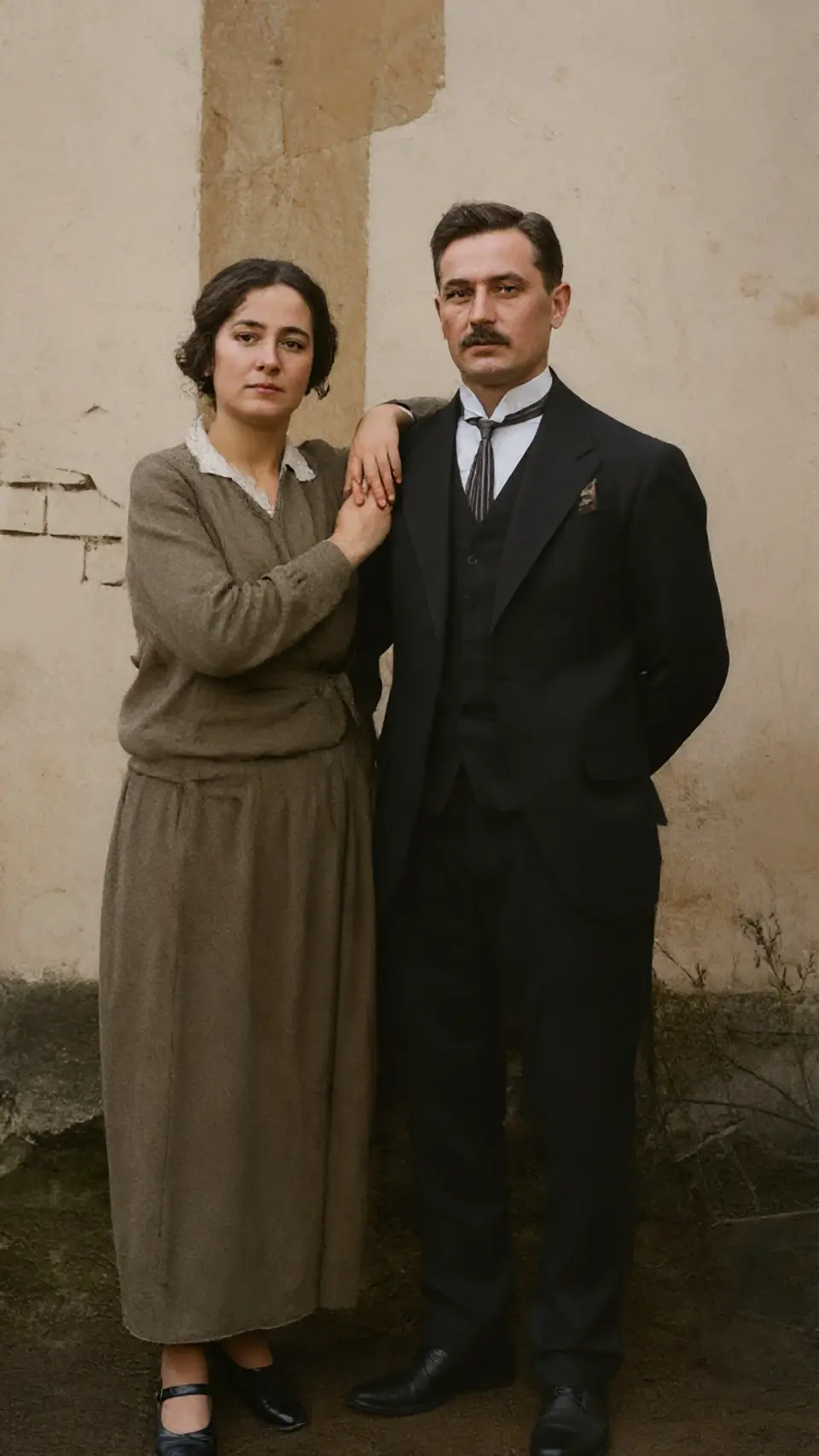
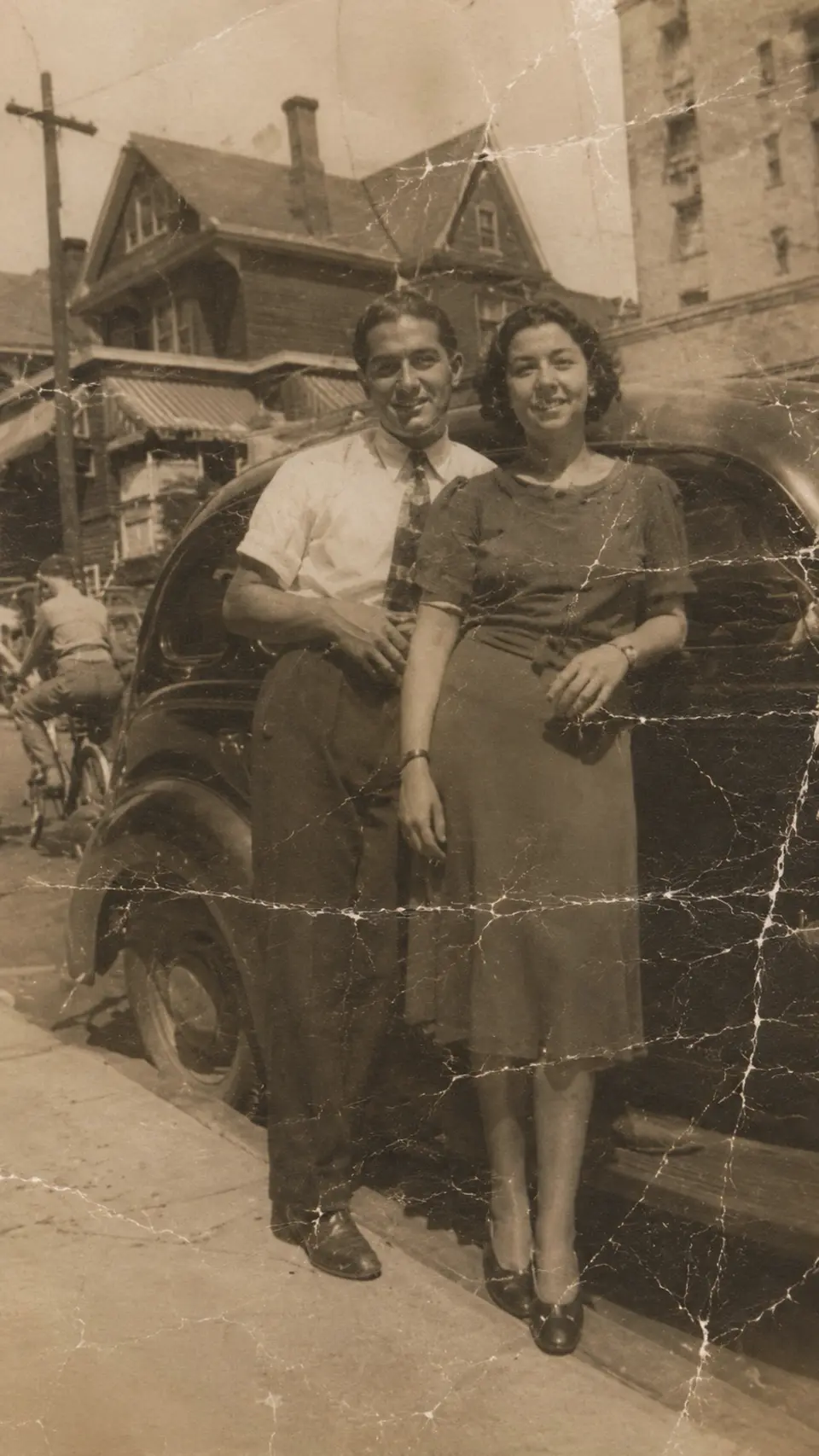
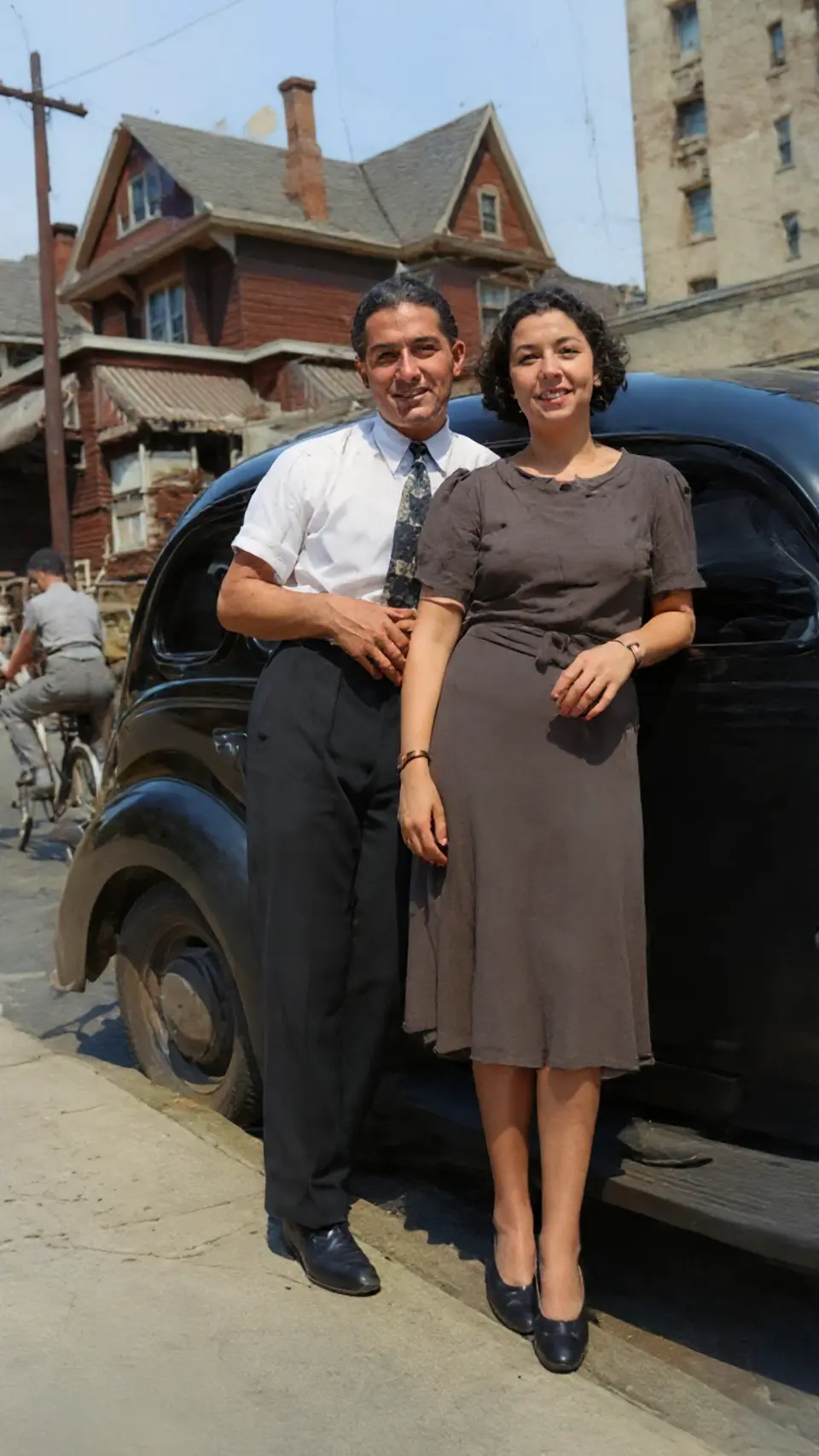
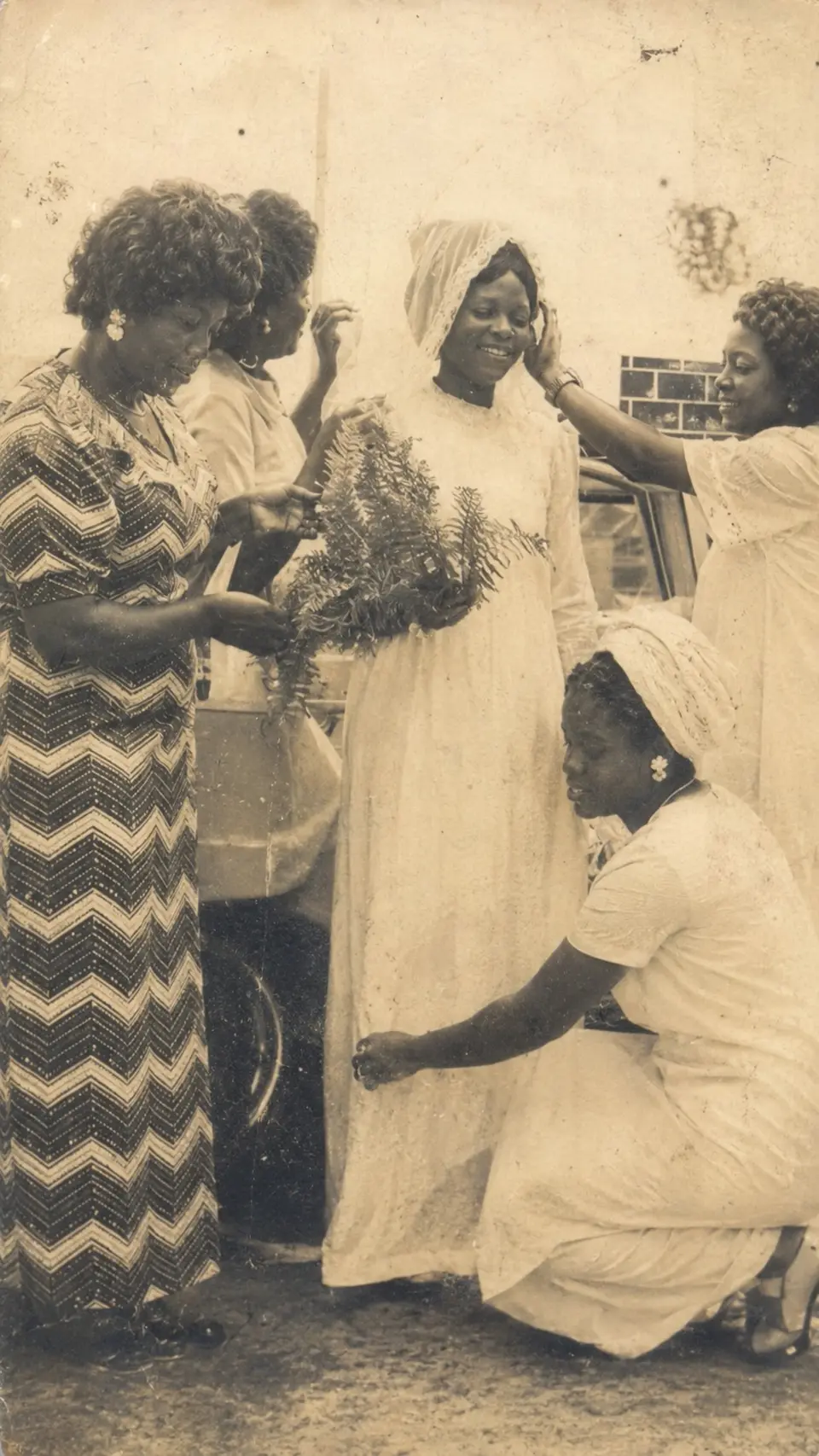
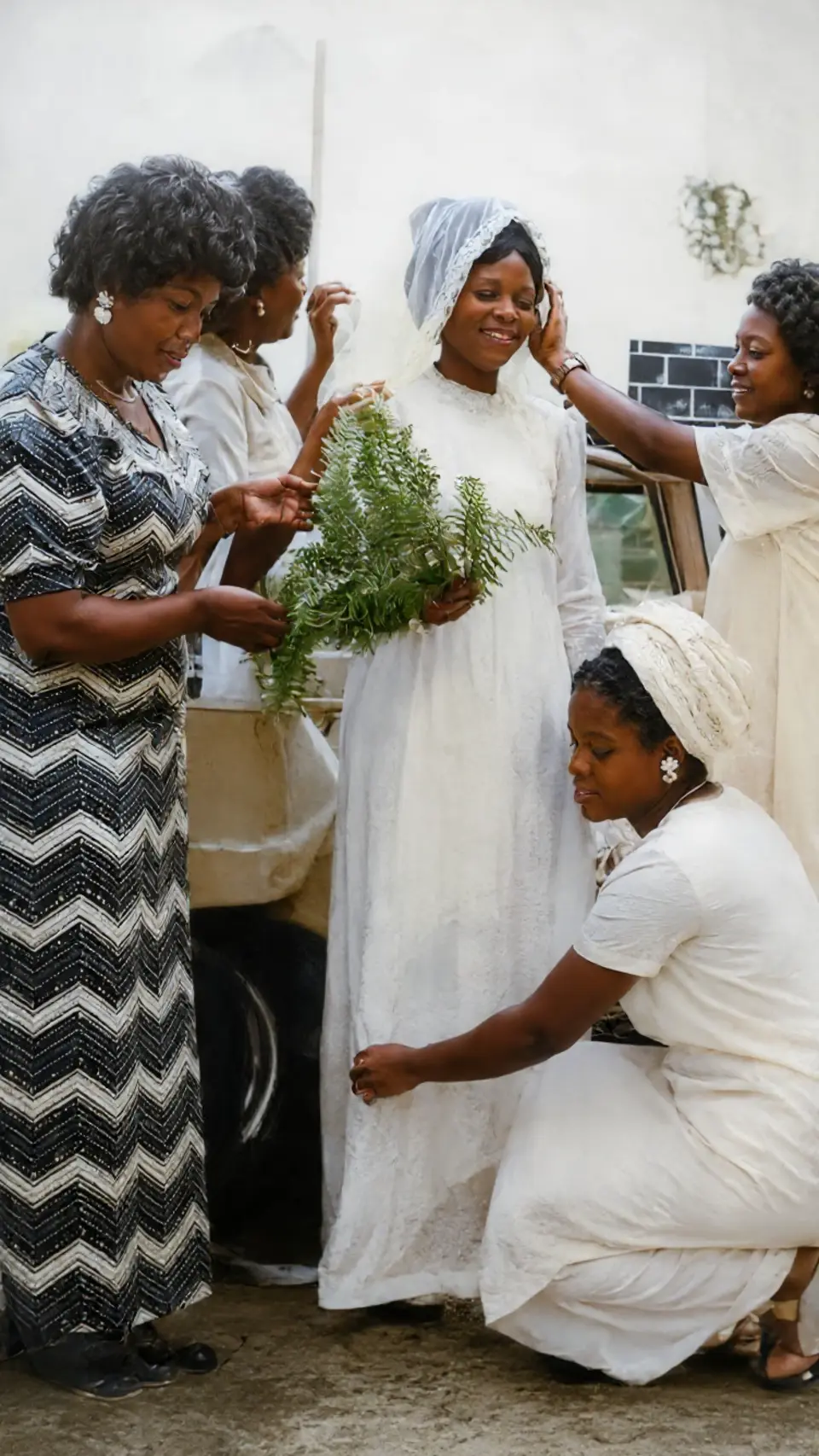
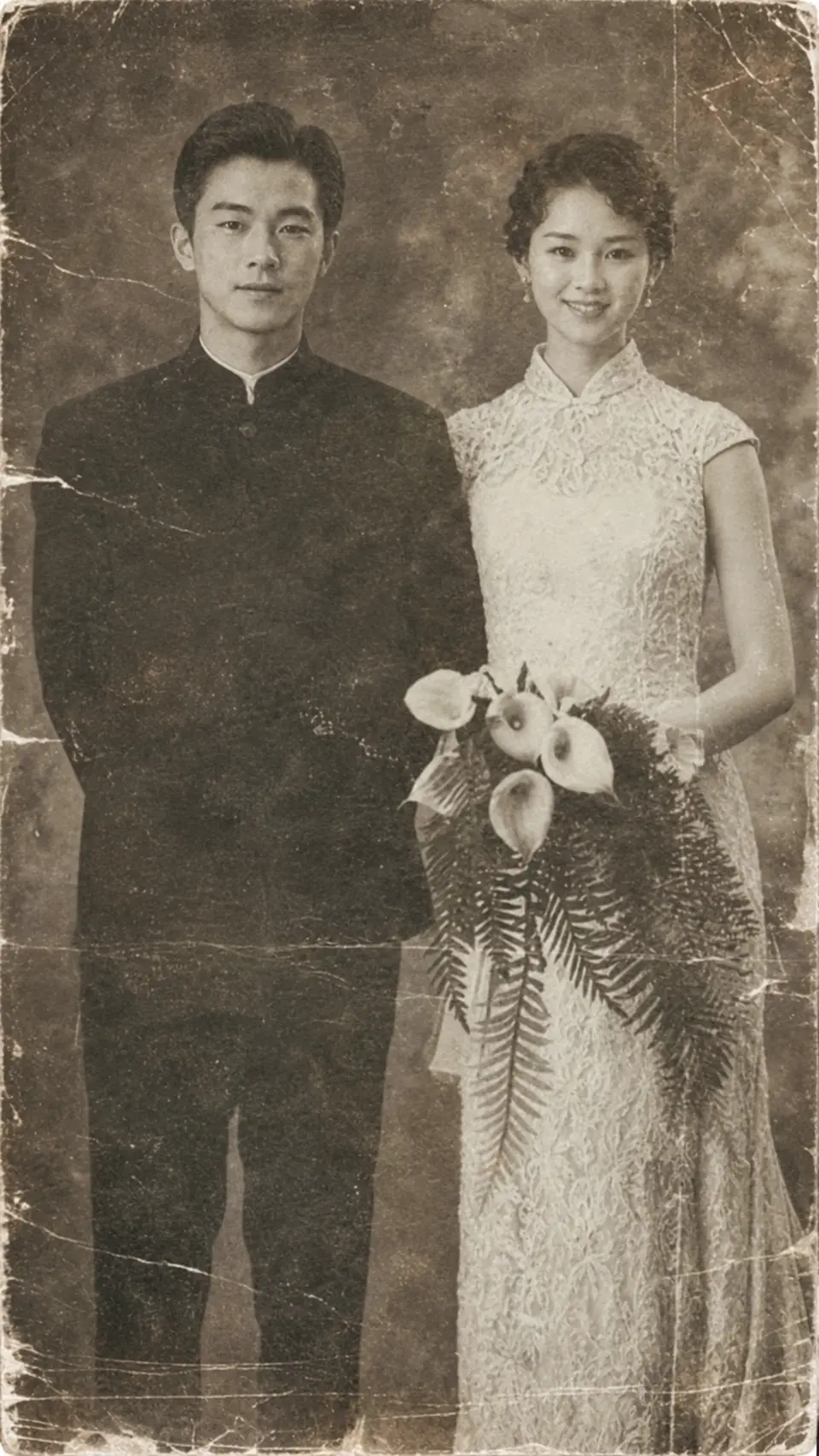
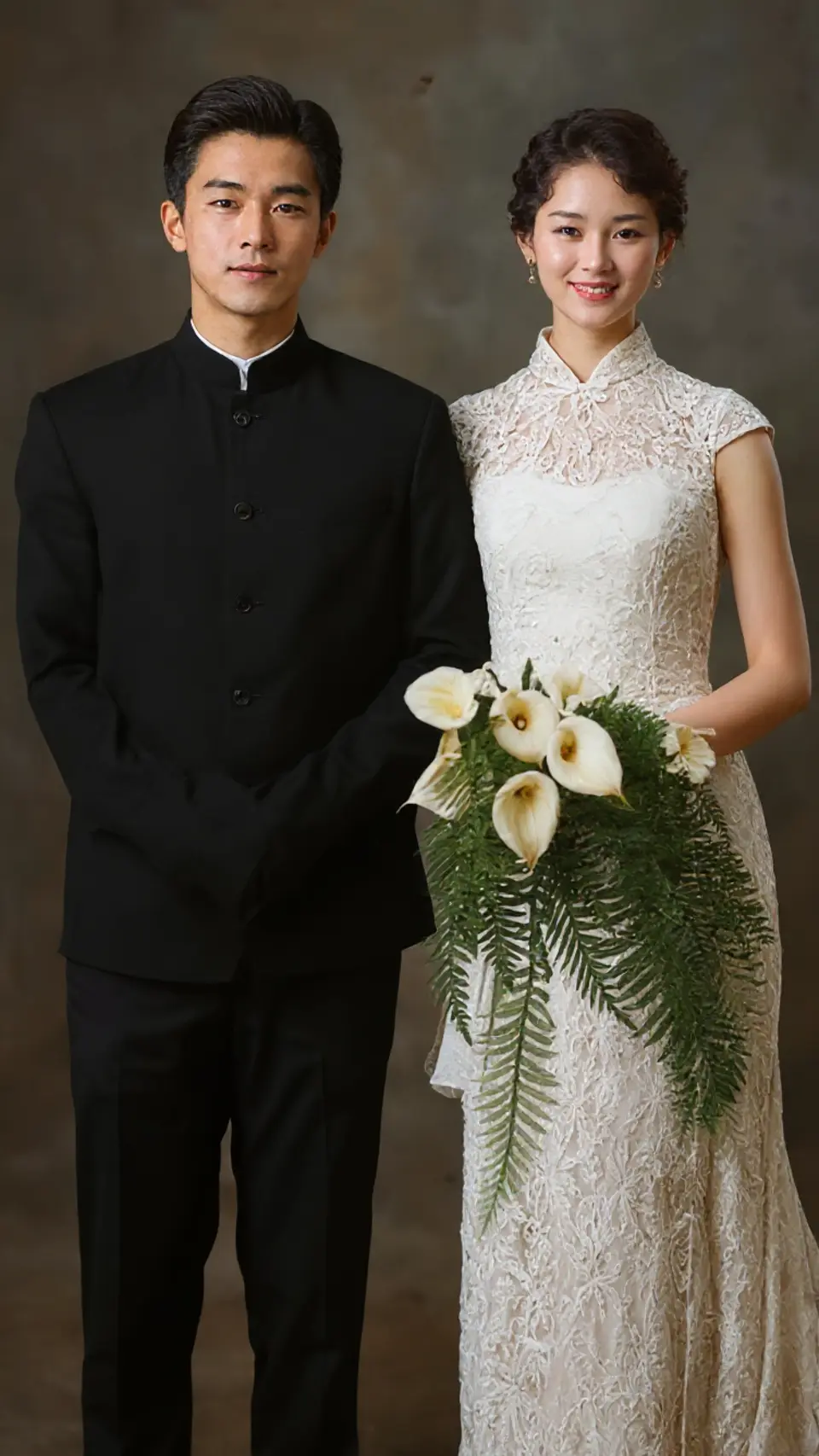
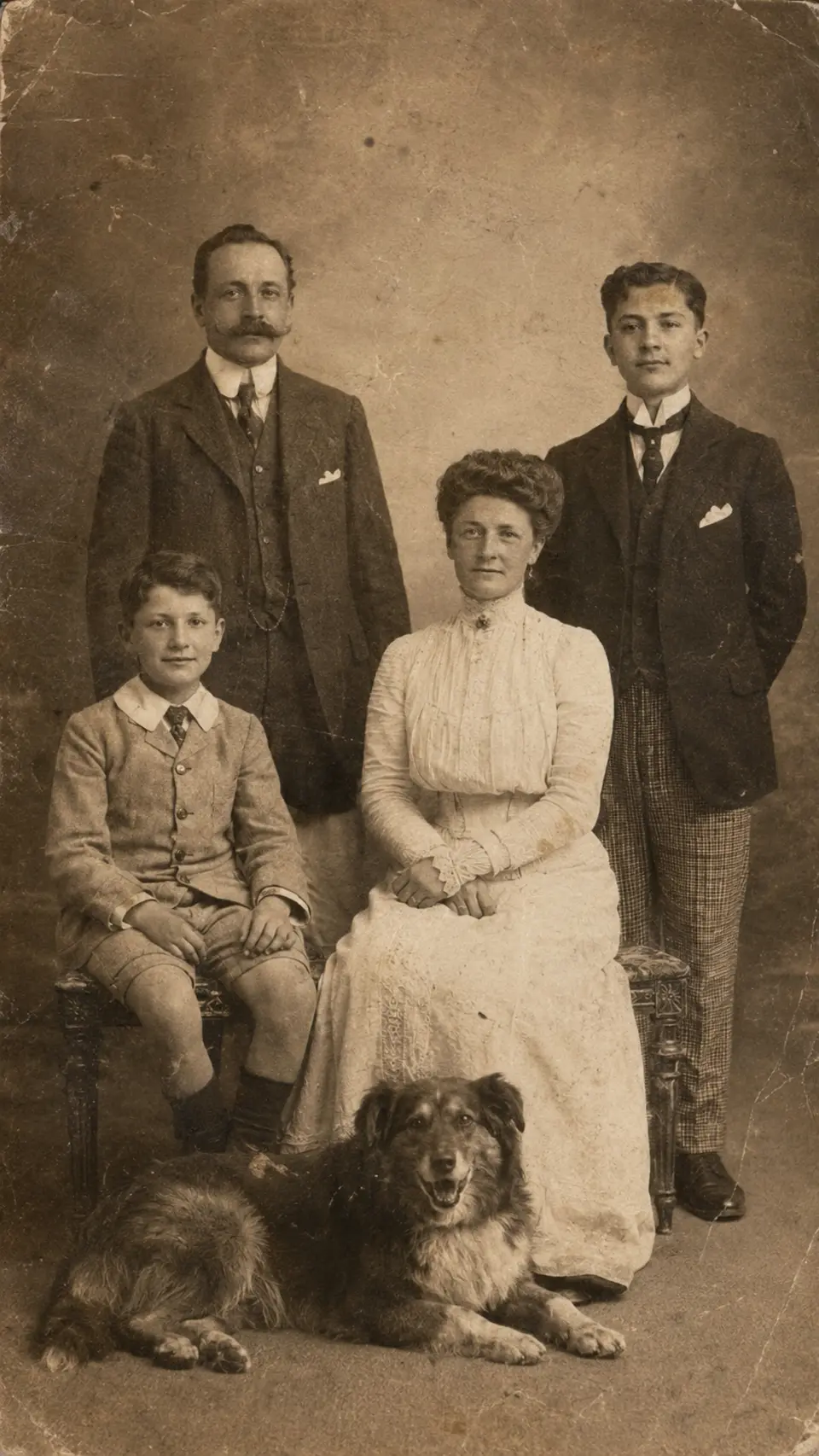
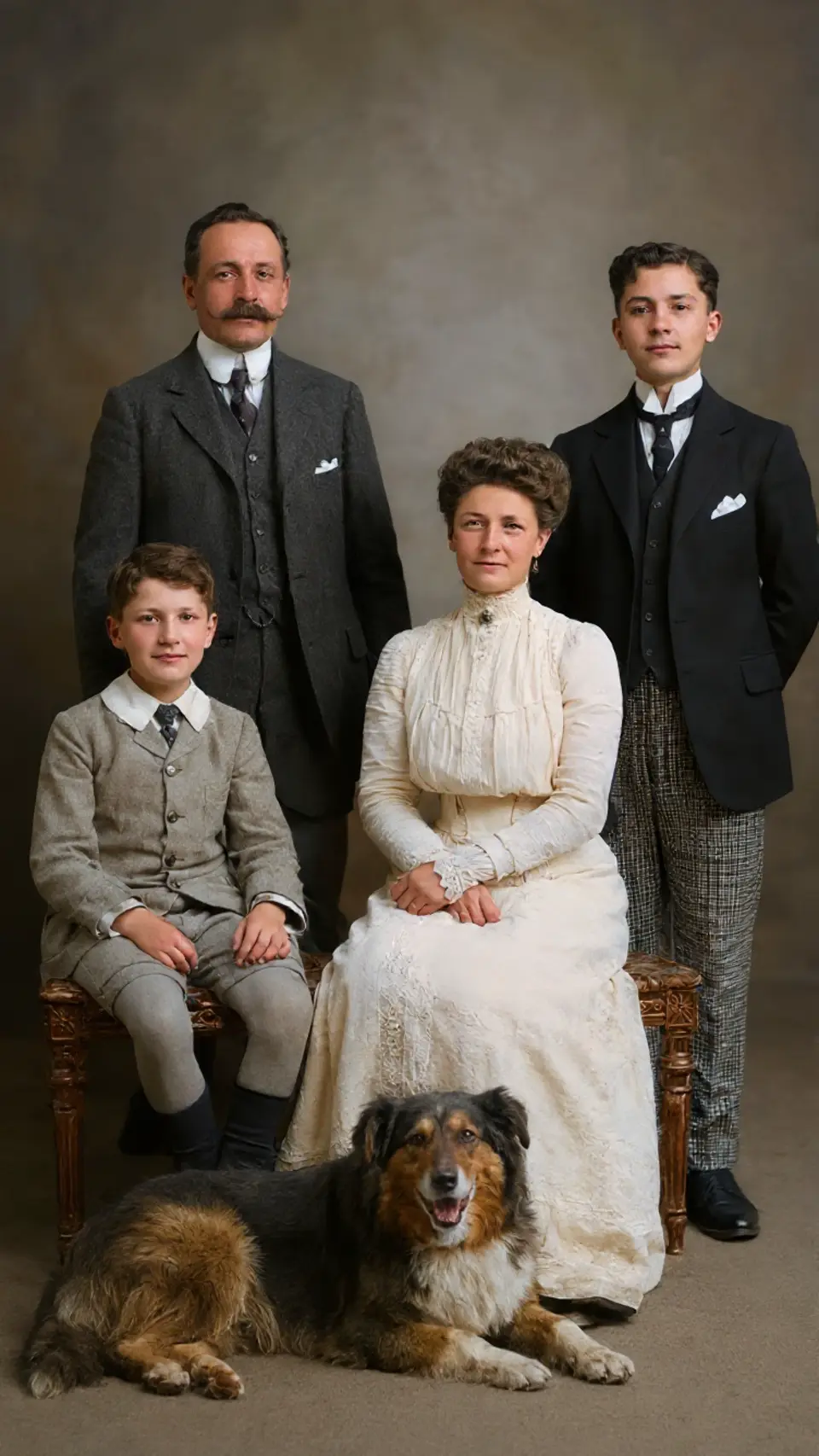
Reviva isn't about editing pictures. It's about getting people back, the ones in the photo you were afraid to lose.
“I cried. This is the only clear photo I have of my grandmother, and now it looks like it was taken yesterday.”
“Found a box of my dad's black-and-white army photos. Colorized in seconds. My whole family was speechless.”
“A water-damaged wedding photo from 1971. Half of it was gone. Reviva brought the faces back. I can't explain what that means.”
“I'd paid a studio $200 for one photo years ago. Did six this morning before coffee. Same quality, on my couch.”
Every download includes free restorations. No card, no catch. When you're ready to bring back the whole shoebox, go unlimited.
To see for yourself
$0
For the whole collection
Unlimited
Billed yearly or weekly · Cancel anytime
No. Reviva is built to restore, not reinvent. It keeps the real faces, expressions, and character of the original. It just removes the damage and fading that time added.
Seconds. Upload a photo, choose a mode, and your restored version is usually ready in well under a minute. No waiting, no email back.
Yes. Your photos are yours. Reviva never sells or shares your images, and they are only used to create your restoration. No public gallery, no watermarks.
Old prints, scanned snapshots, black-and-white portraits, faded color photos, torn or stained keepsakes. If it's precious and a little worse for wear, it's perfect for Reviva.
A clean scan helps, but a clear phone snapshot of the printed photo works too. Lay it flat, get good light, and let Reviva handle the rest.
Yes. Start with free restorations, upgrade only if you love it, and cancel your subscription anytime from the App Store. No lock-in.
Download Reviva, pick the photo you've been meaning to fix for years, and watch it come back to life. Free.
Free to try · No watermarks · Cancel anytime