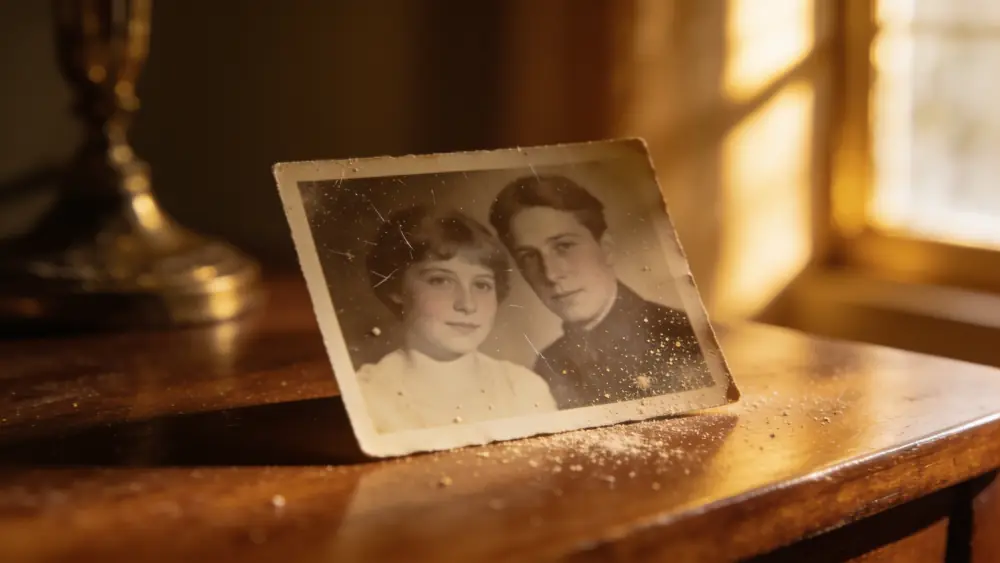

Photo restoration
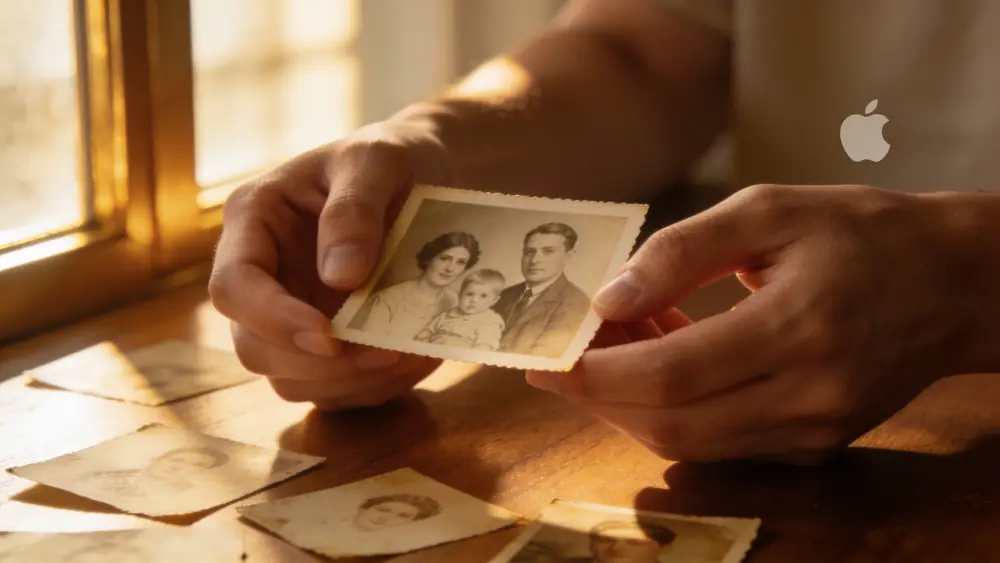
Restore faded photos
Sun-faded, washed-out, and color-shifted prints get their contrast, color, and detail back — without looking artificially boosted.
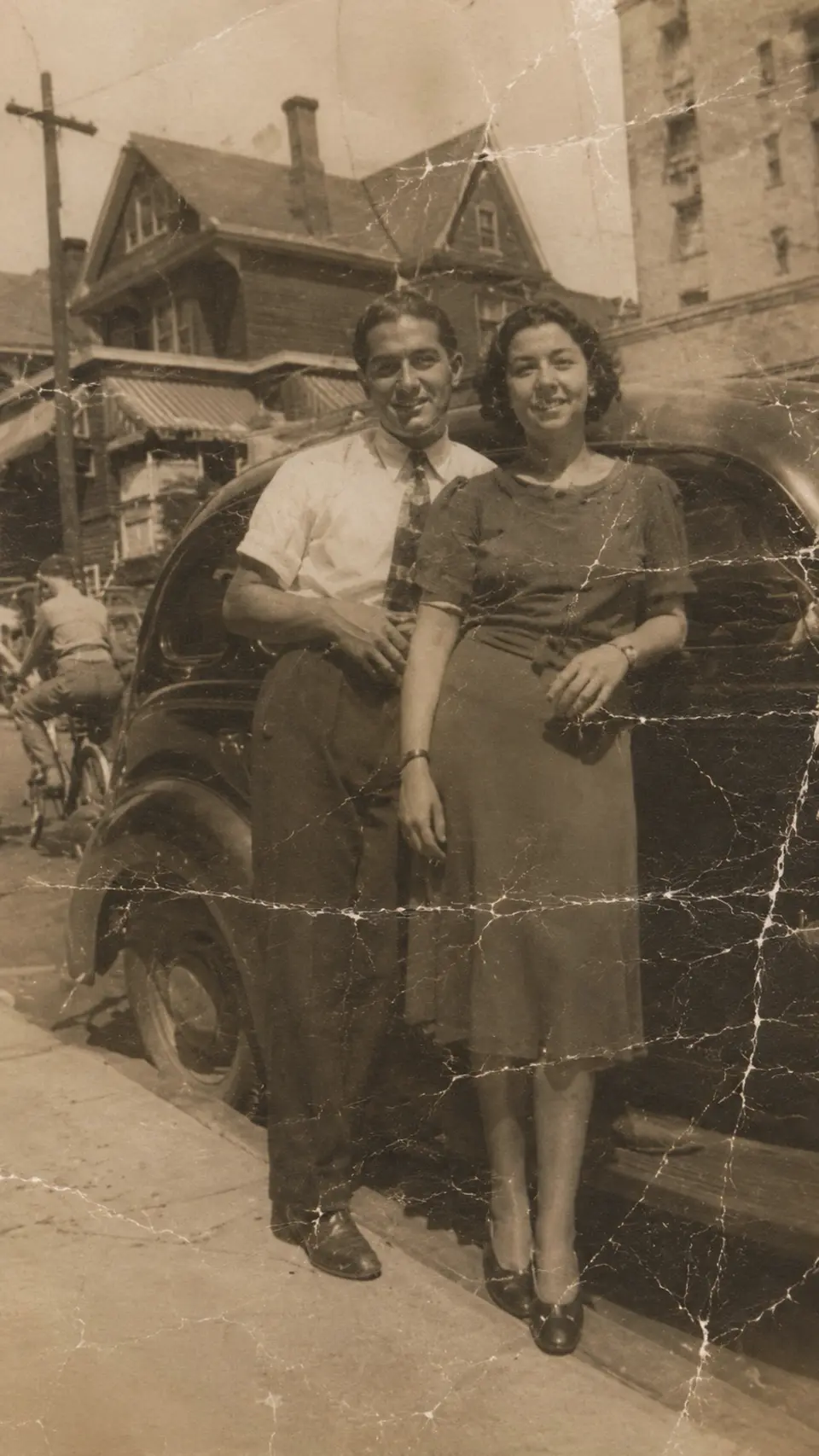
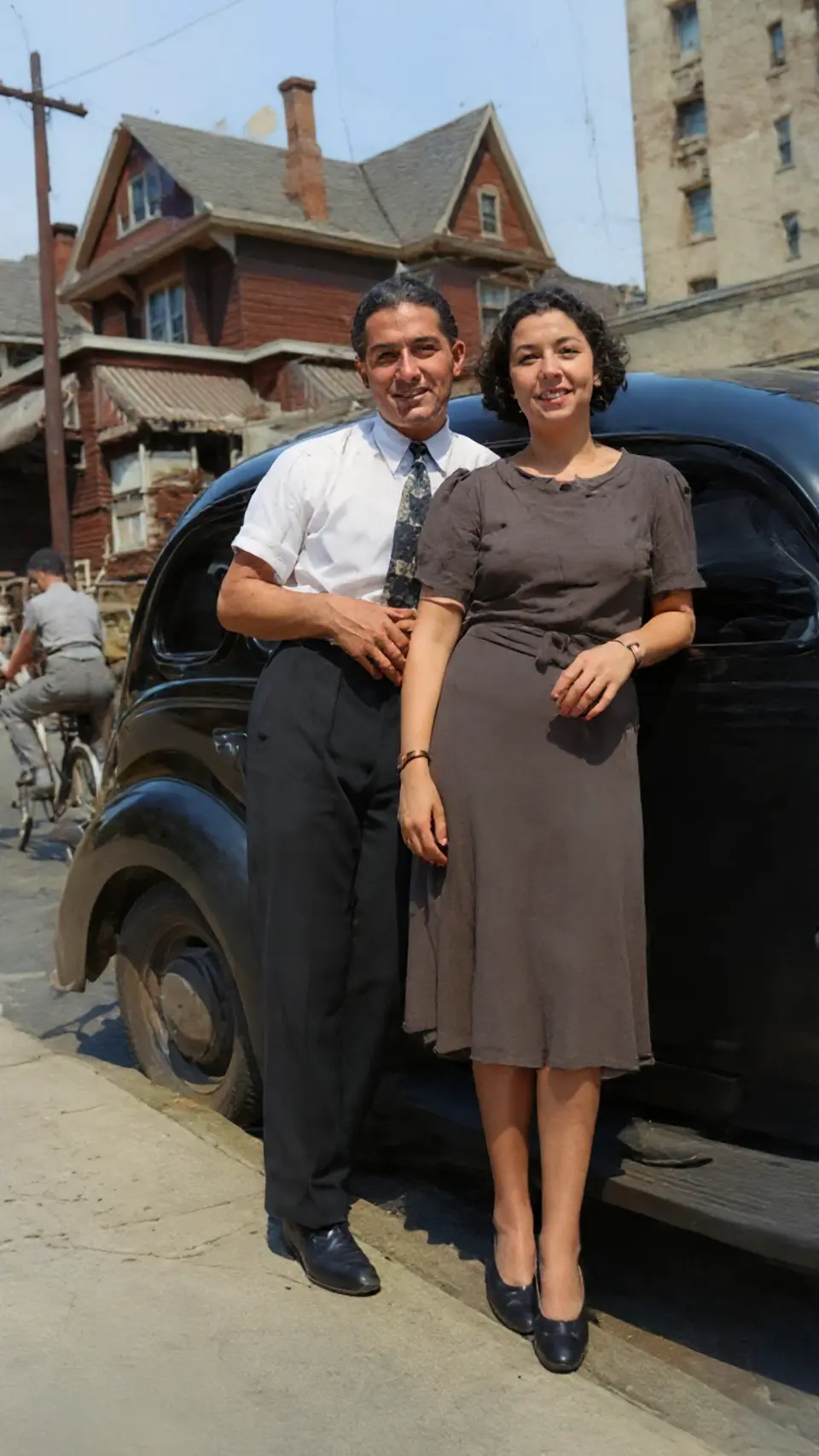
Drag to compare — a real Reviva restore
More than a contrast slider
Faded prints have lost real information, not just brightness. Reviva reconstructs the lost tones and detail, so the recovery looks natural rather than crushed or over-saturated.
Fix the color shift too
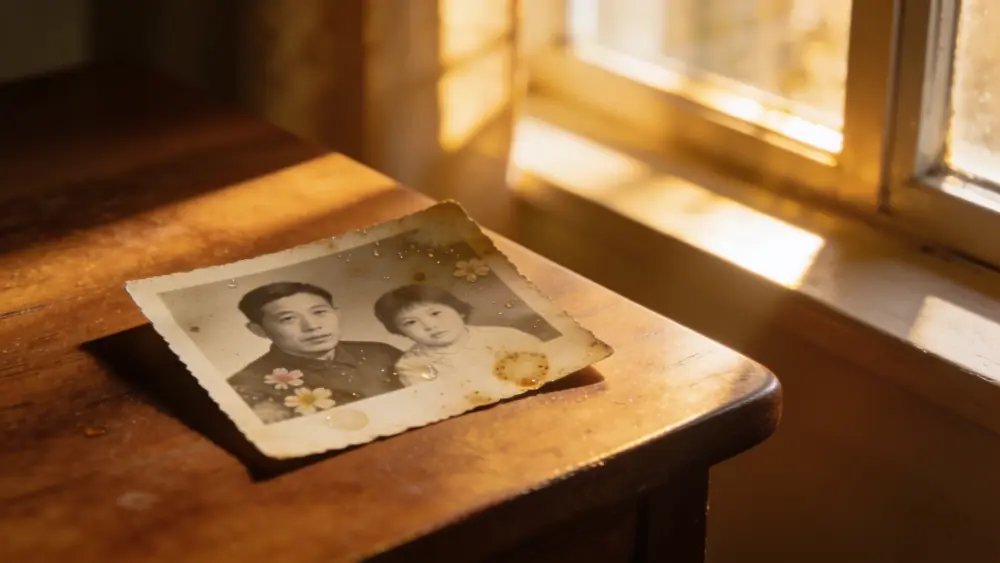
Old prints often drift orange or magenta as dyes fade unevenly. Reviva corrects the color balance while it restores.
Ready to see your photo restored?
Free to try — your first restore takes seconds.
Frequently asked
Why do old photos fade?
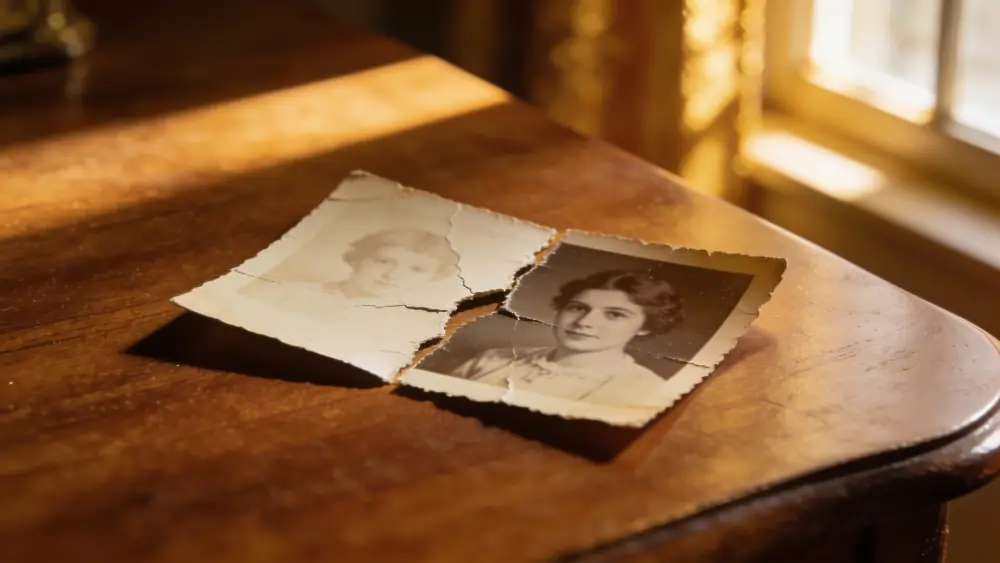
Light exposure and aging dyes cause prints to lose contrast and shift color over decades. Reviva rebuilds the lost tones.
Can a very faded photo be recovered?
If any of the image is still visible, Reviva can usually recover a surprising amount of color and detail.
Is Reviva free?
You can download Reviva and try it for free. A subscription unlocks unlimited restores at full resolution with no watermark. There is no obligation to subscribe to see what Reviva can do with your photo.
Are my photos kept private?
Yes. Your photos are yours. Reviva processes each image to restore it and never sells your photos or uses them to train models. You can delete your data at any time.