Free tool
AI photo restoration
Rebuild damaged, torn, and faded photos automatically. Drag the slider below to see a real restore, then do yours in the Reviva app.
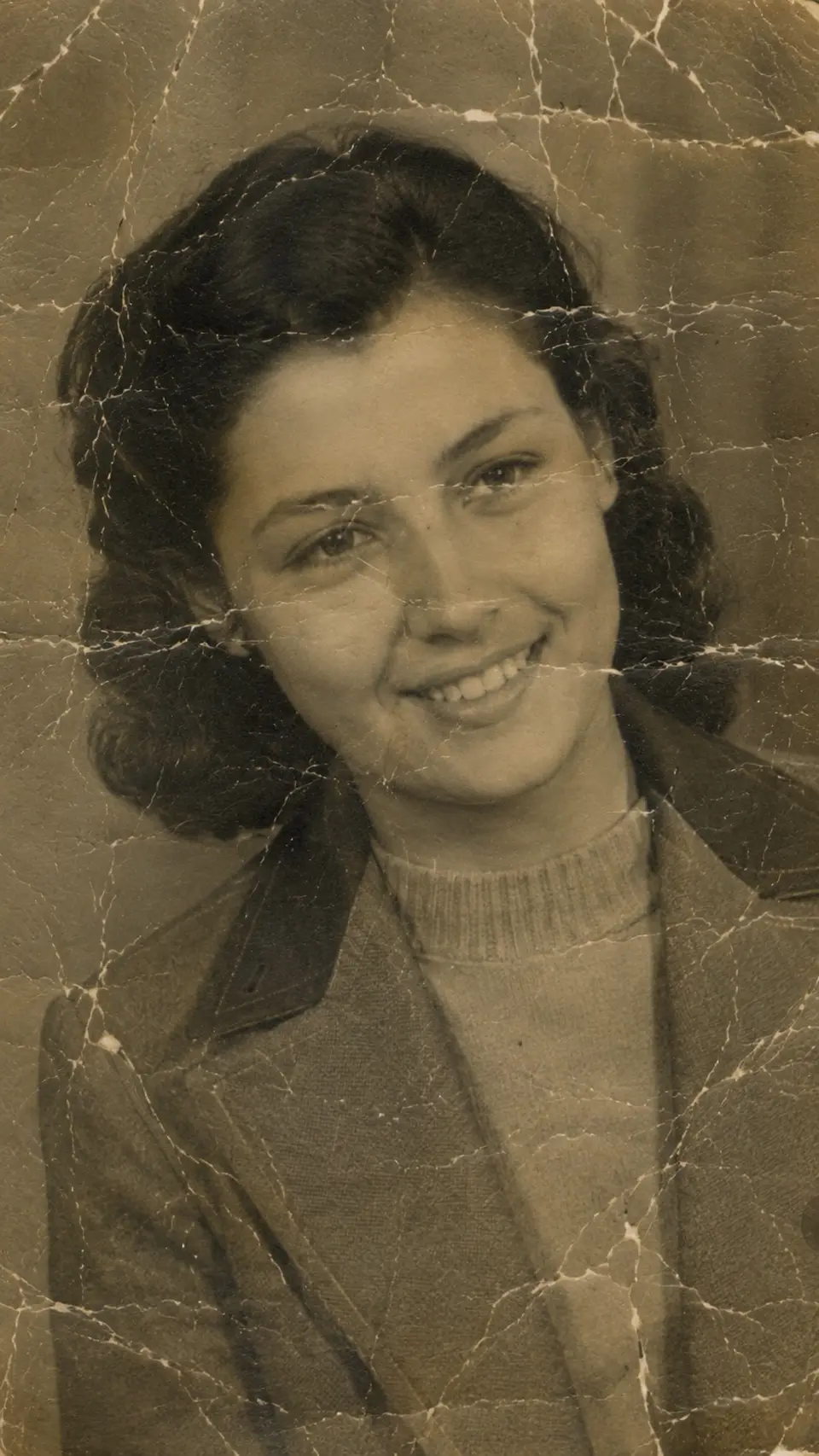

Drag to compare — a real Reviva restore
What the restore tool does
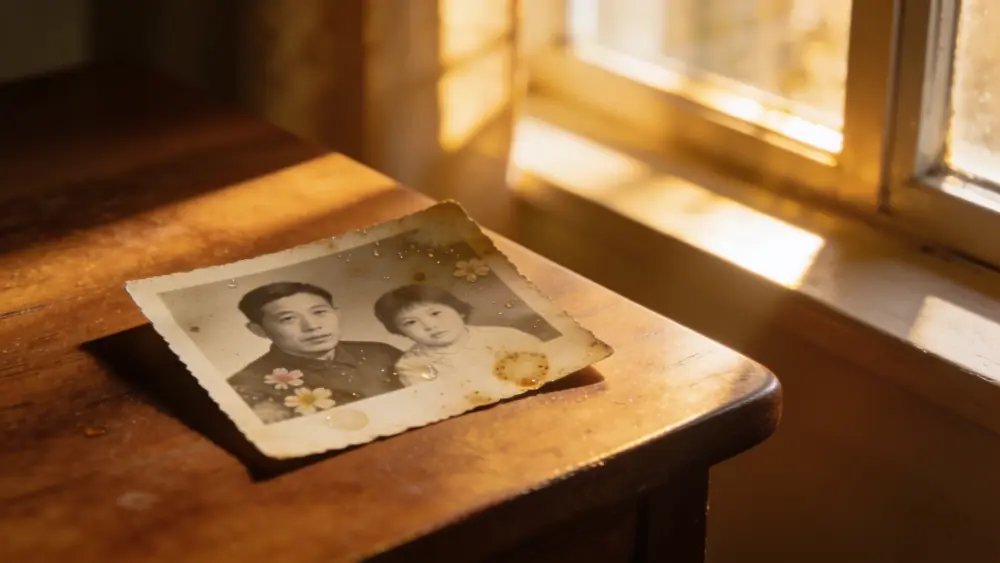
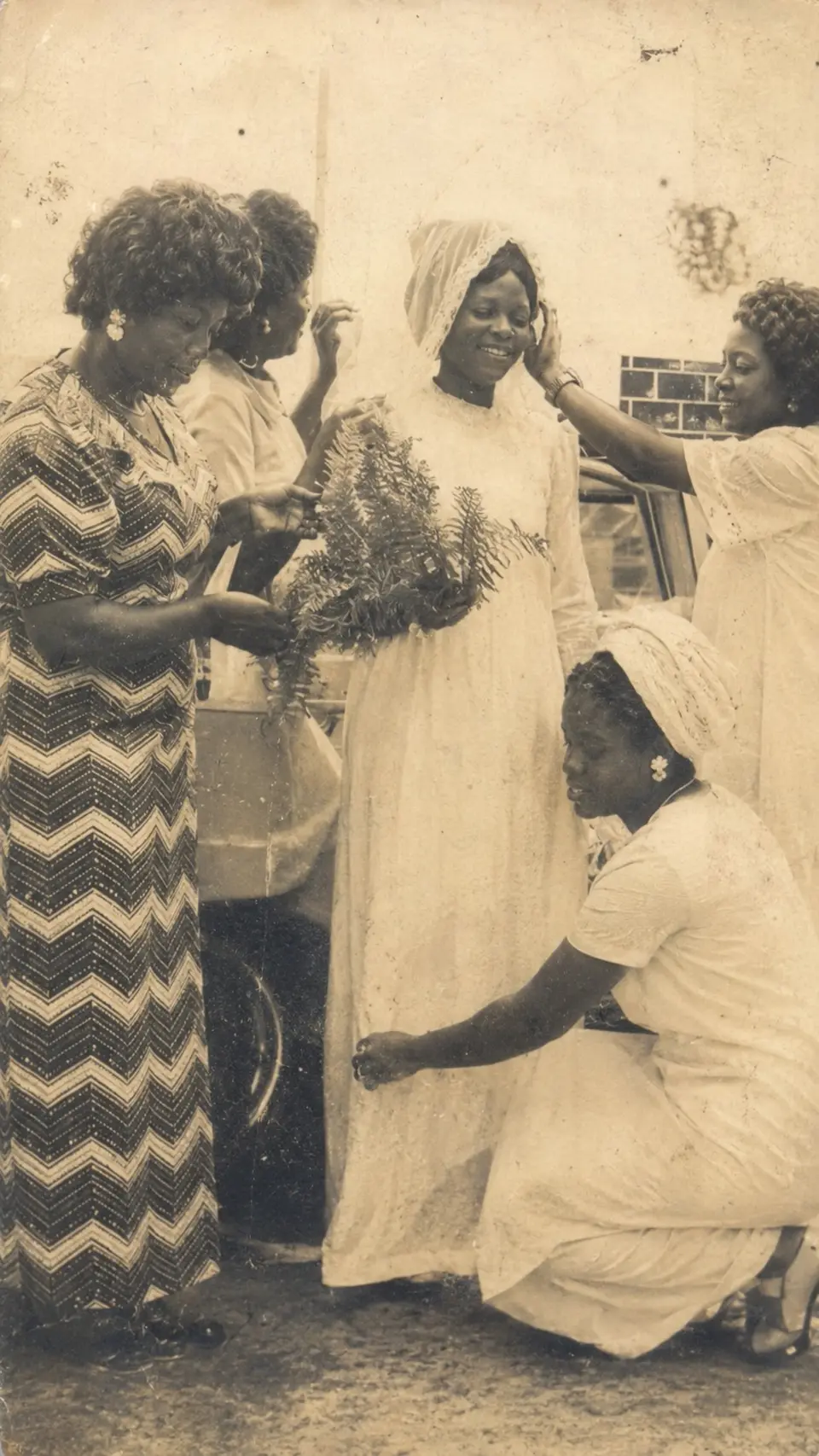
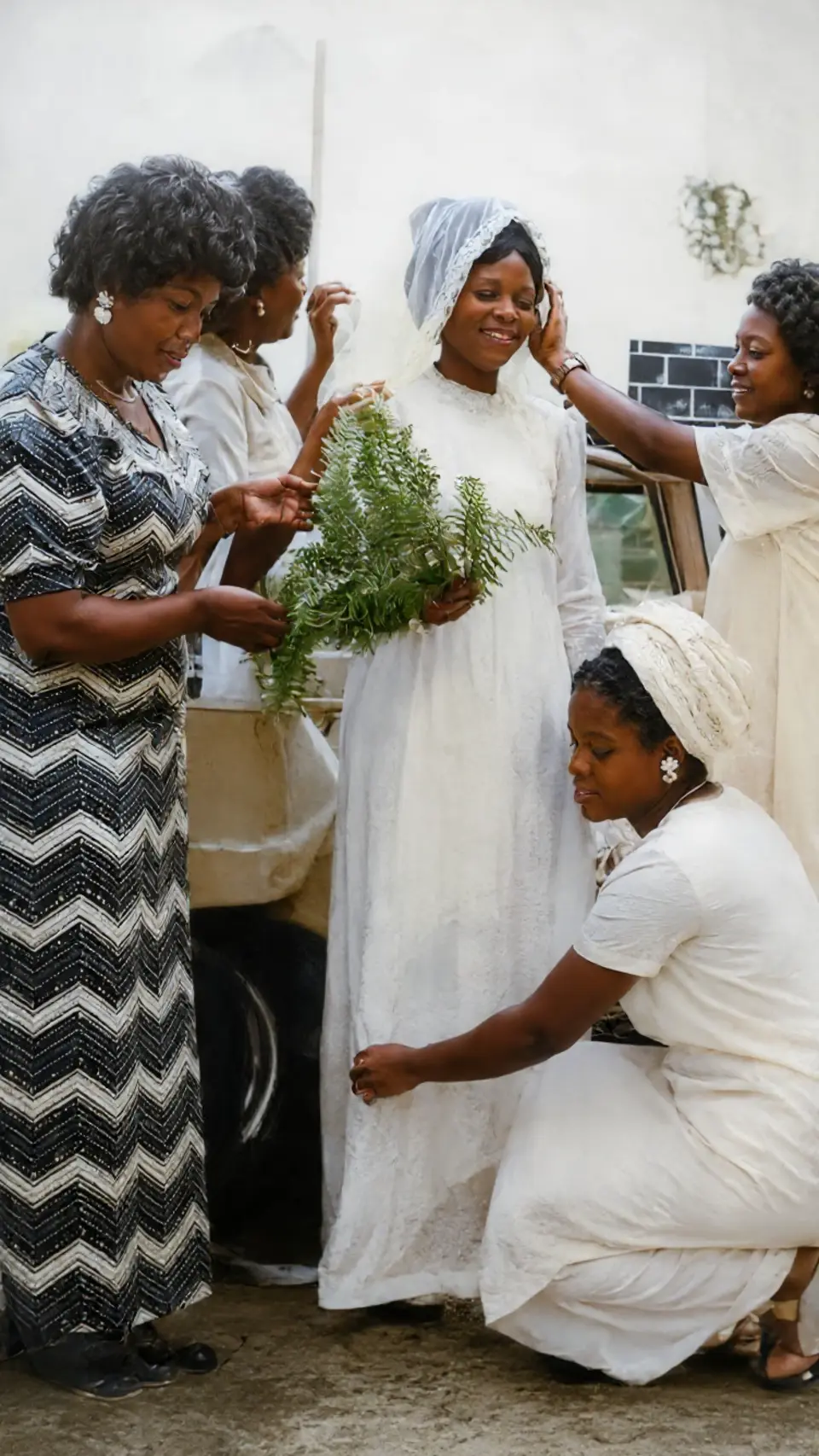
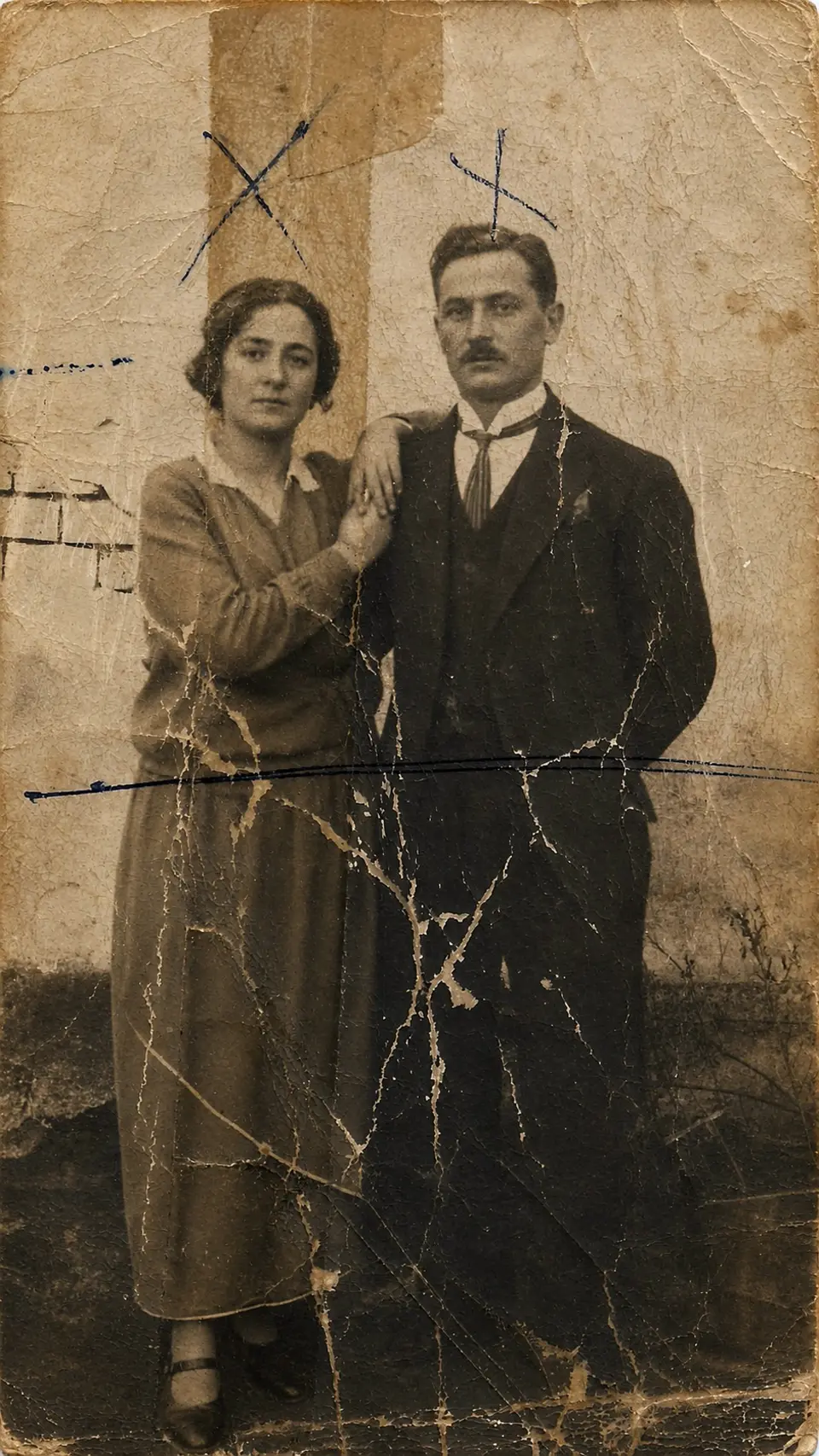
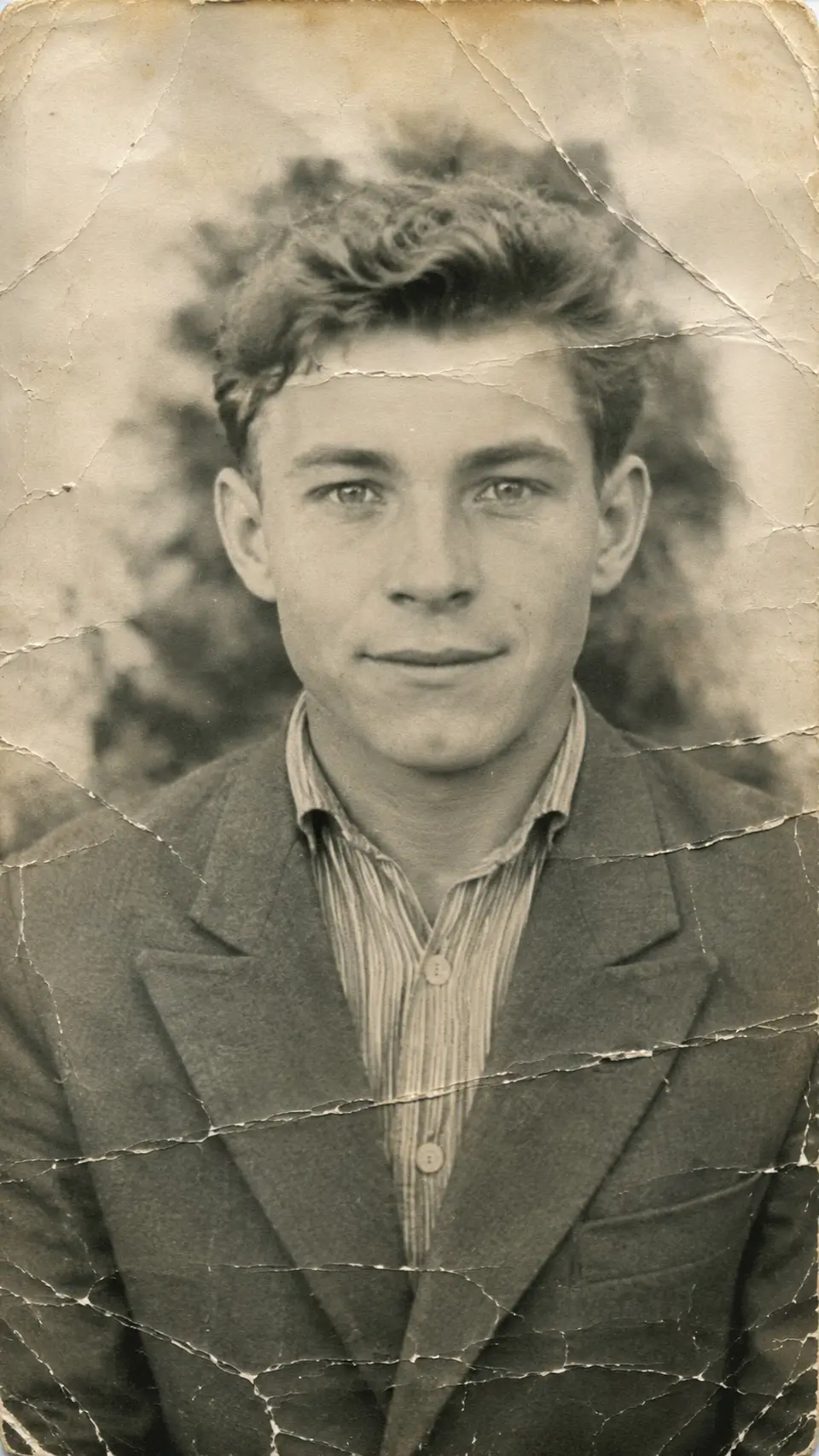
It reconstructs damage — cracks, creases, water marks, torn edges, mold, heavy fading — by reading the intact parts of the photo and rebuilding the rest. The output is a clean, whole-looking print.
Built for the hard cases
Reviva shines on the photos other tools give up on: severe damage, very old prints, and phone photos of prints. The worse the starting point, the more dramatic the recovery.
How it works
From your camera roll to restored in seconds
-
Step 01
Open Reviva
Download the app and tap Restore.
-
Step 02
Pick your photo
Choose the damaged print from your camera roll.
-
Step 03
Save the result
Reviva returns the restored photo in seconds, ready to share.
Ready to see your photo restored?
Free to try — your first restore takes seconds.
More before & after


Frequently asked
Is the restore tool free?
You can try Reviva free. A subscription unlocks unlimited full-resolution restores with no watermark.
How long does a restore take?
Seconds. Pick a photo, choose a mode, and Reviva returns the restored version almost immediately — no queue, no waiting days for a human retoucher.
Are my photos kept private?
Yes. Your photos are yours. Reviva processes each image to restore it and never sells your photos or uses them to train models. You can delete your data at any time.
Keep exploring