

Restore old photos
Restore old photos, right from your phone
Tears, water stains, fading, missing corners — Reviva rebuilds the damage time left behind and gives the photo back the way you remember it. Free to try, no scanner or desktop software required.
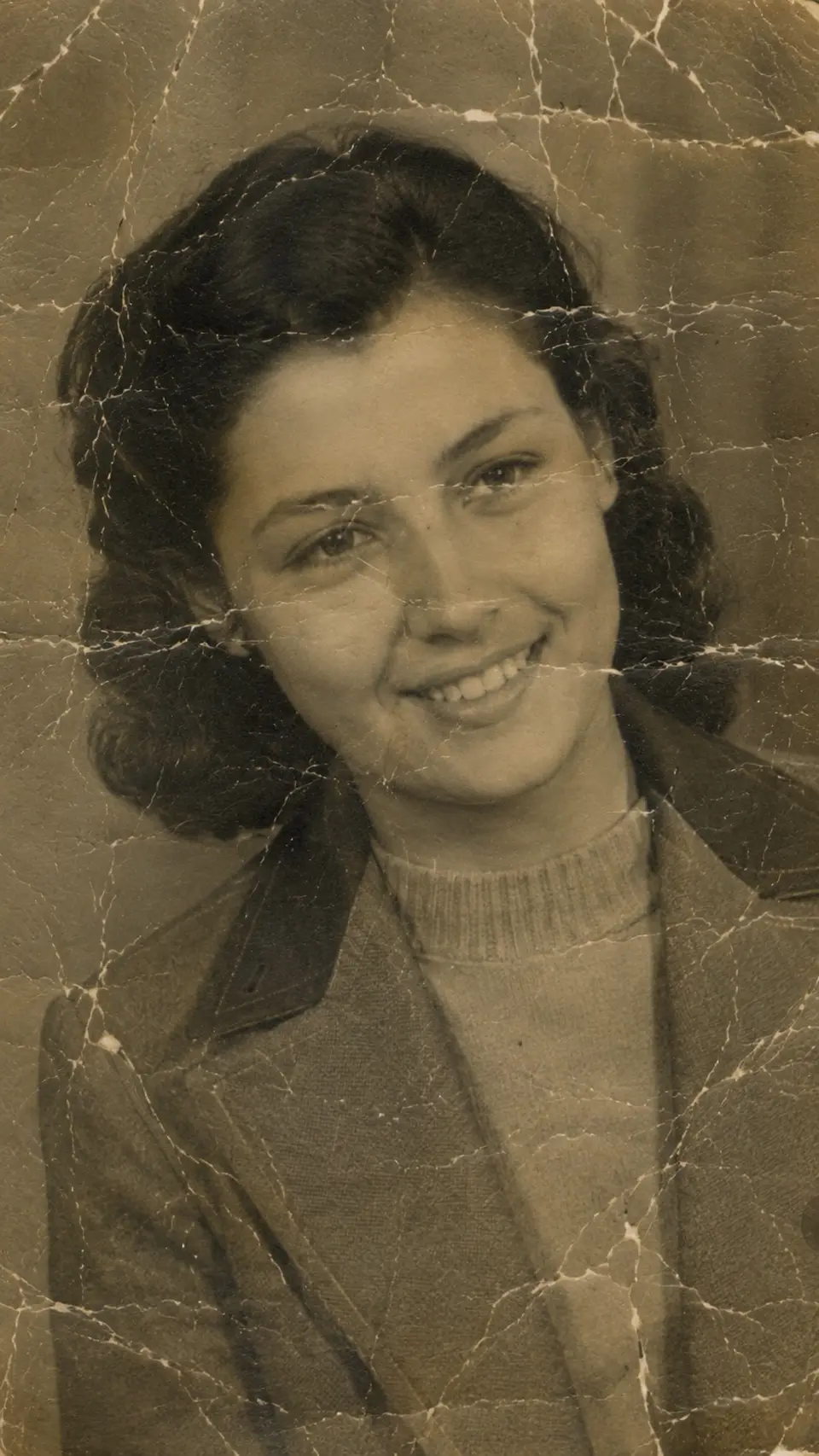

Drag to compare — a real Reviva restore
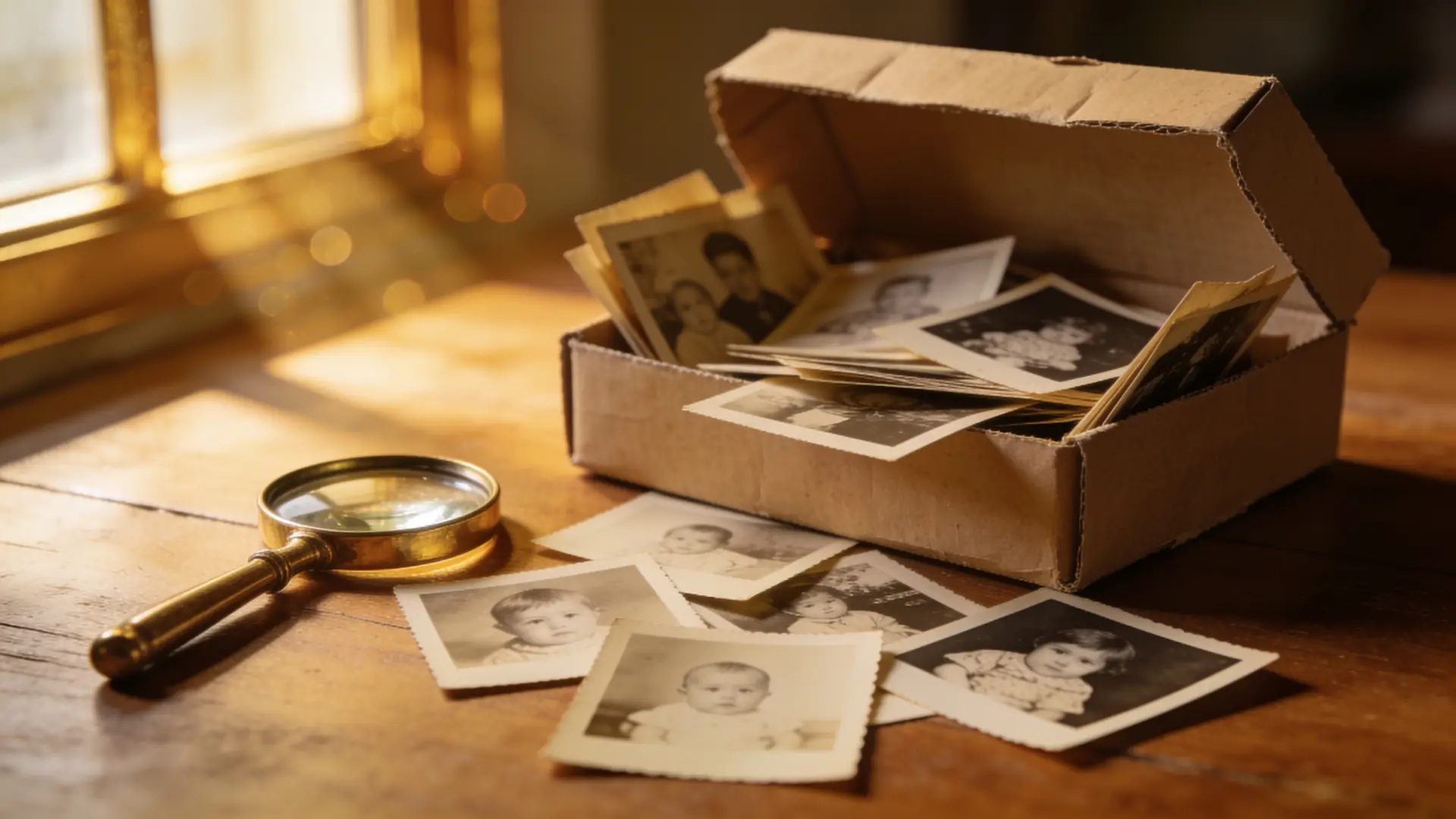
A shoebox of old prints doesn't have to keep fading. Reviva's AI reads what a photo used to look like and rebuilds it — the damage, the color, the sharpness — so the faces come back into focus.
Repair the damage, not just the brightness
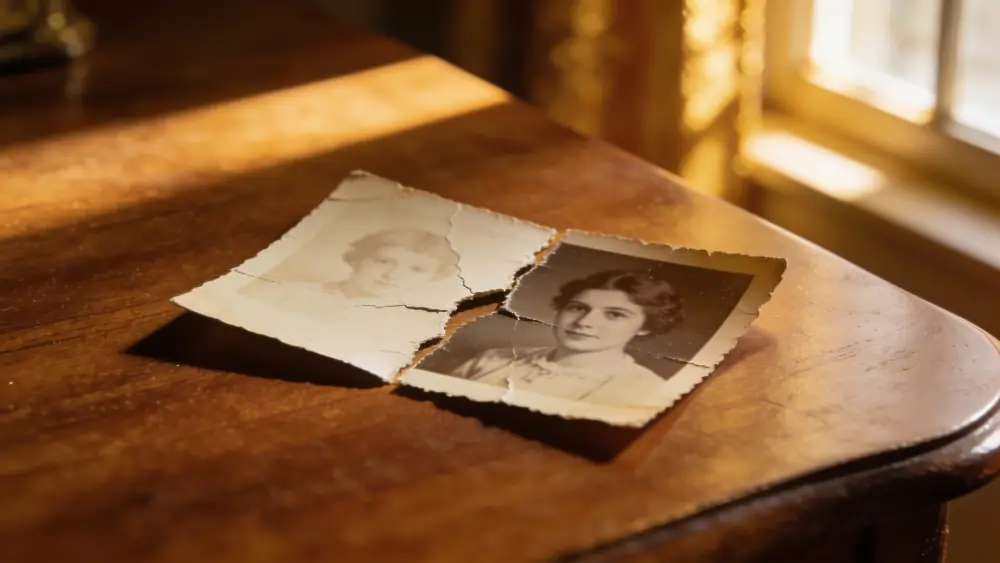
Most 'photo fixers' only nudge contrast. Reviva rebuilds. Cracks, creases, water marks, torn corners, and mold spots are reconstructed from the surrounding detail, so the print looks whole again instead of merely lighter.
Bring black-and-white back to life
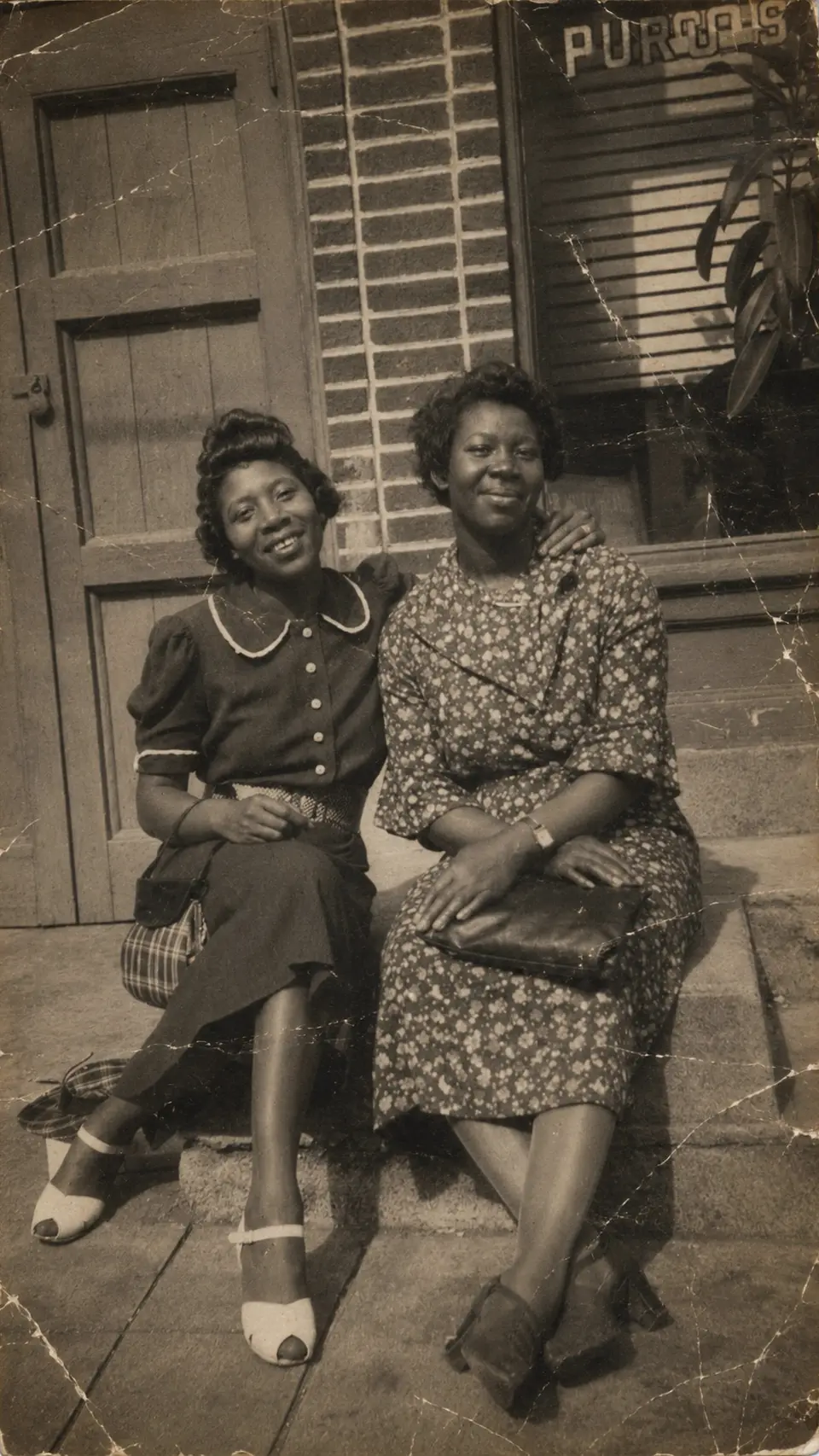
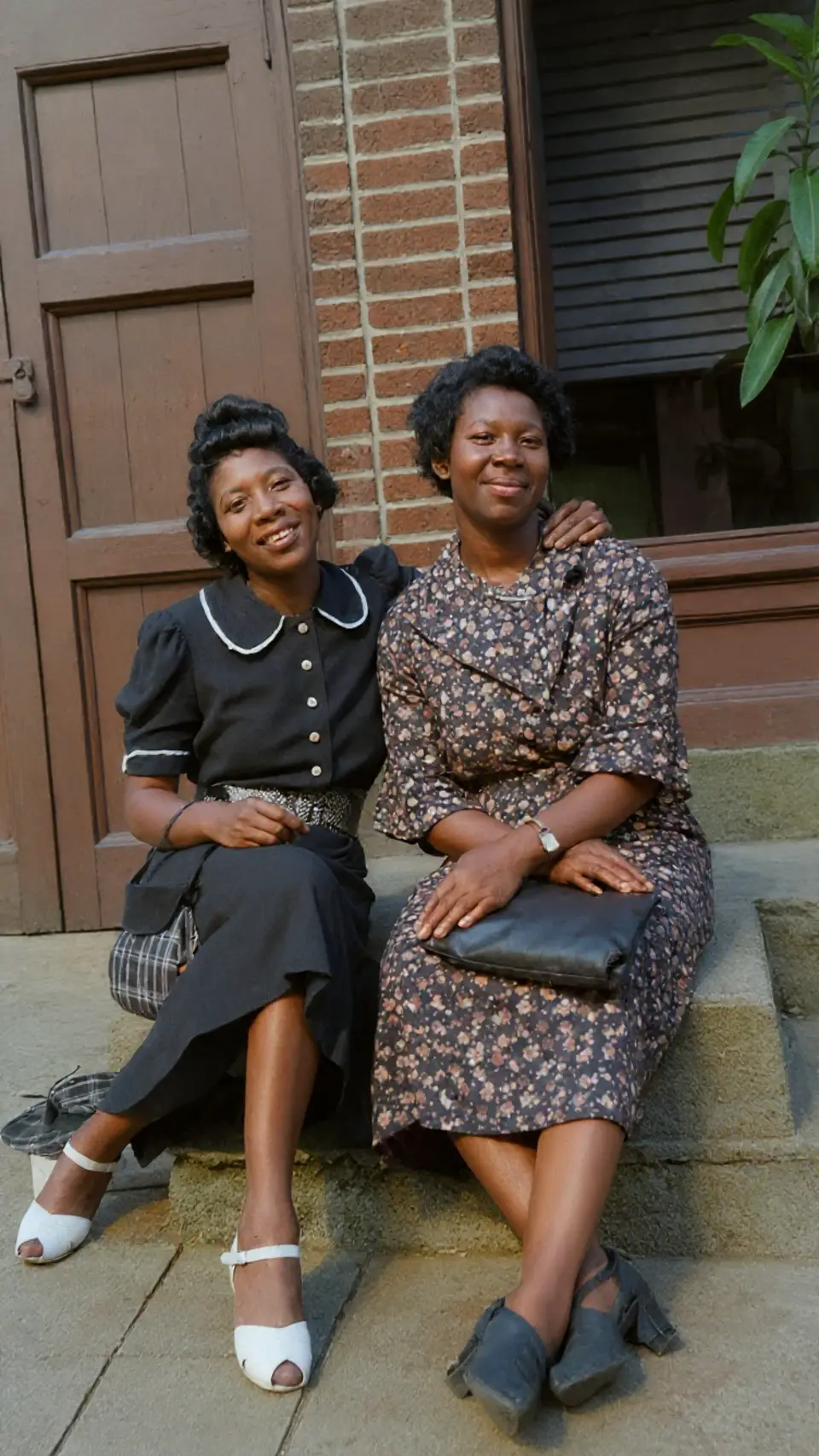
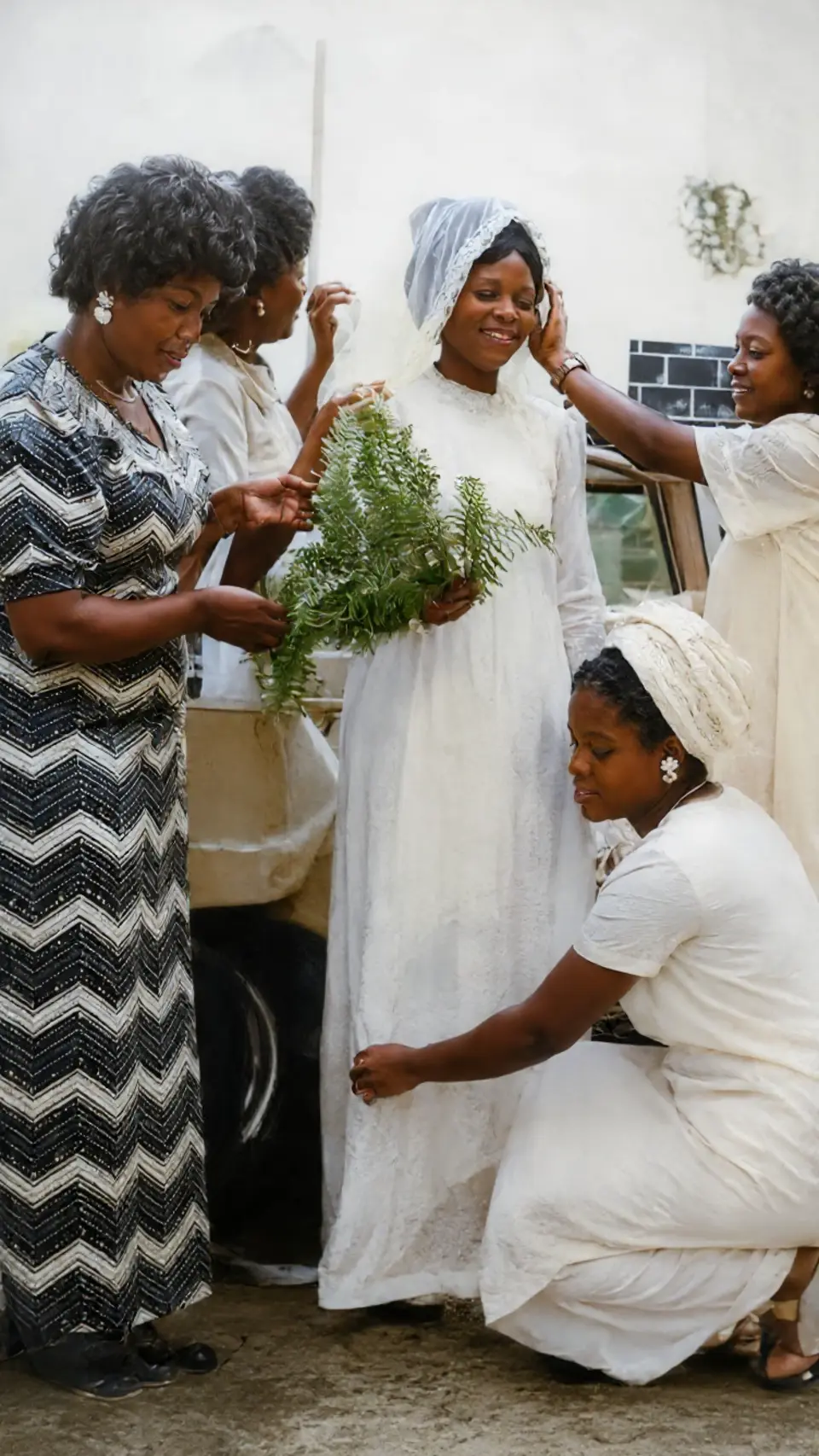
Add natural, true-to-era color to grayscale photos — believable skin tones, skies, and fabric — so a moment from decades ago feels present again. Or keep it monochrome and simply repair it. Your call.
Sharpen the faces that matter
Blurry, soft, low-resolution scans get facial detail and clarity back, even on decades-old prints and phone photos of photos. The people you loved stop being a smudge.
How it works
From your camera roll to restored in seconds
-
Step 01
Pick a photo
Choose any photo from your camera roll — even a quick phone snapshot of an old print. The more faded or damaged it is, the more Reviva has to give back.
-
Step 02
Choose a mode
Restore the damage, colorize black-and-white, or enhance a blurry face. Combine them for a full revival.
-
Step 03
Save and share
Reviva returns the restored photo in seconds. Save it at full resolution and send it to the family group chat.
Ready to see your photo restored?
Free to try — your first restore takes seconds.
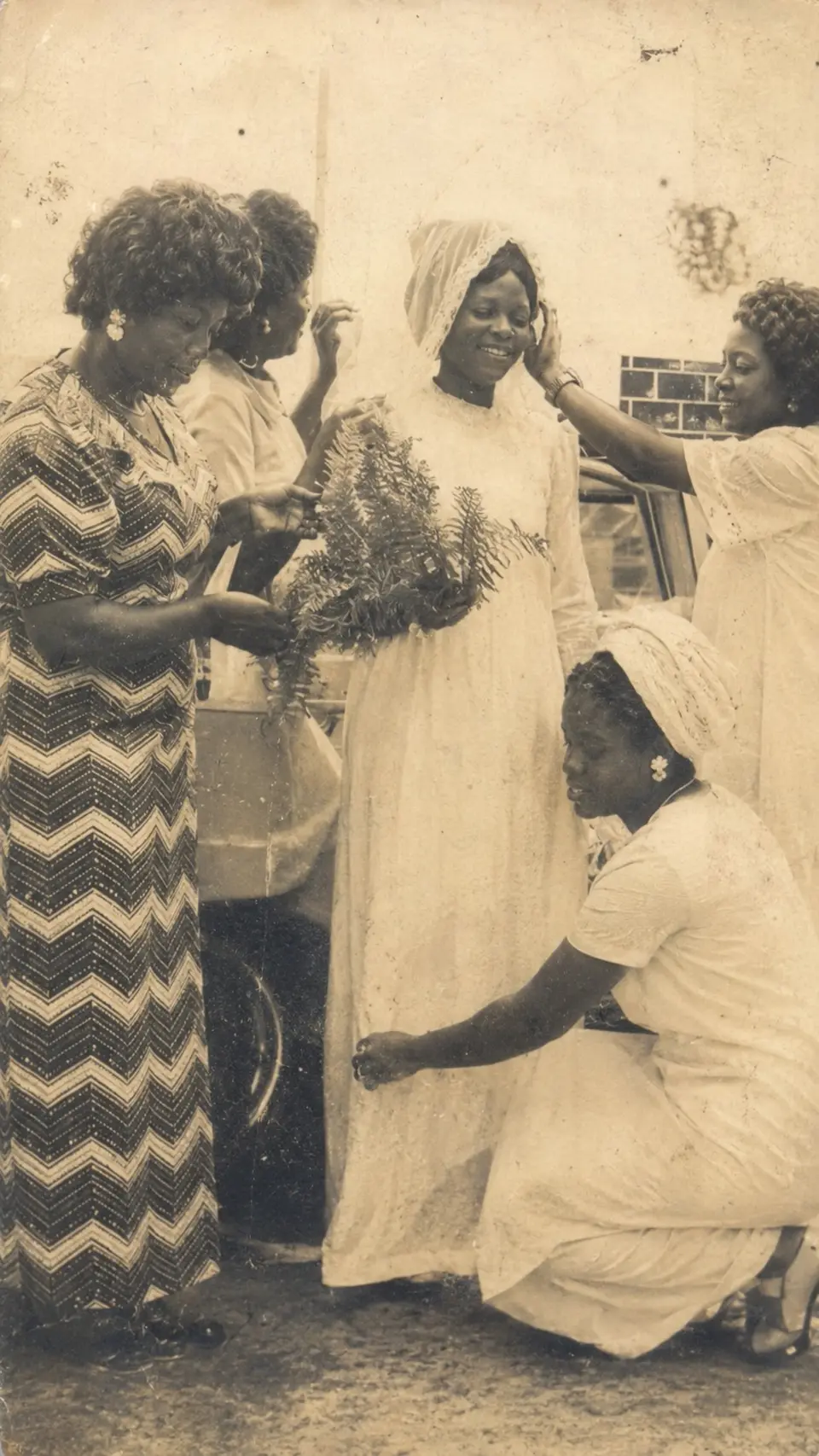
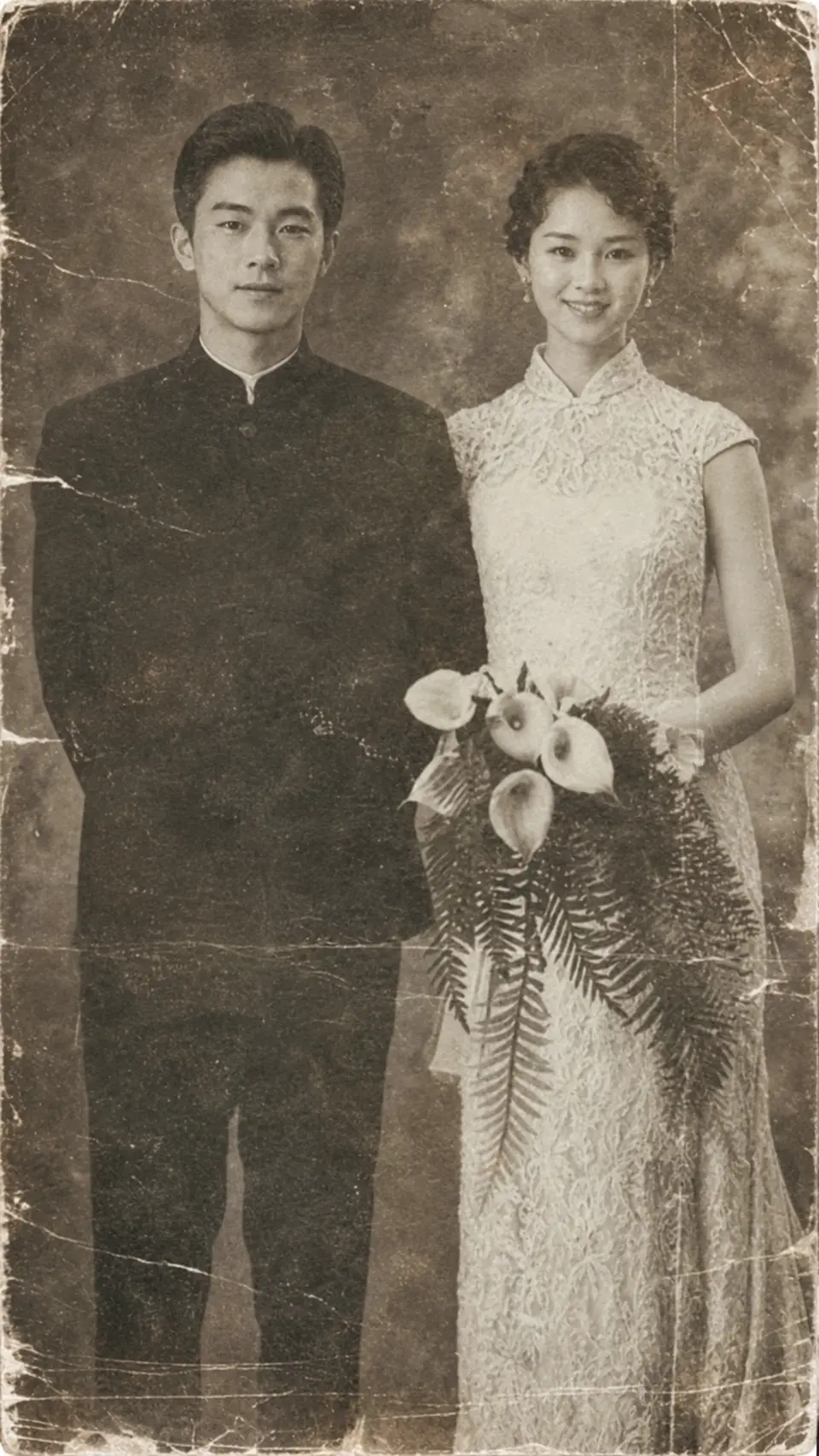
More before & after

Frequently asked
Can Reviva fix badly damaged photos?
Yes — torn, creased, water-damaged, moldy, and heavily faded photos are exactly what it's built for. The AI reconstructs missing and damaged areas from the surrounding detail.
Do I need to scan the photo first?
No. A clear, well-lit phone photo of the print works. You don't need a flatbed scanner or a computer.
Is Reviva free?
You can download Reviva and try it for free. A subscription unlocks unlimited restores at full resolution with no watermark. There is no obligation to subscribe to see what Reviva can do with your photo.
How long does a restore take?
Seconds. Pick a photo, choose a mode, and Reviva returns the restored version almost immediately — no queue, no waiting days for a human retoucher.
Are my photos kept private?
Yes. Your photos are yours. Reviva processes each image to restore it and never sells your photos or uses them to train models. You can delete your data at any time.
Keep exploring
More ways to bring your photos back
Bring your old photos back
Free to try. Your first restore takes about ten seconds.