
Comparison
The best photo restoration app, and how to choose
What actually separates a great restoration app from a filter — and an honest look at where Reviva fits.
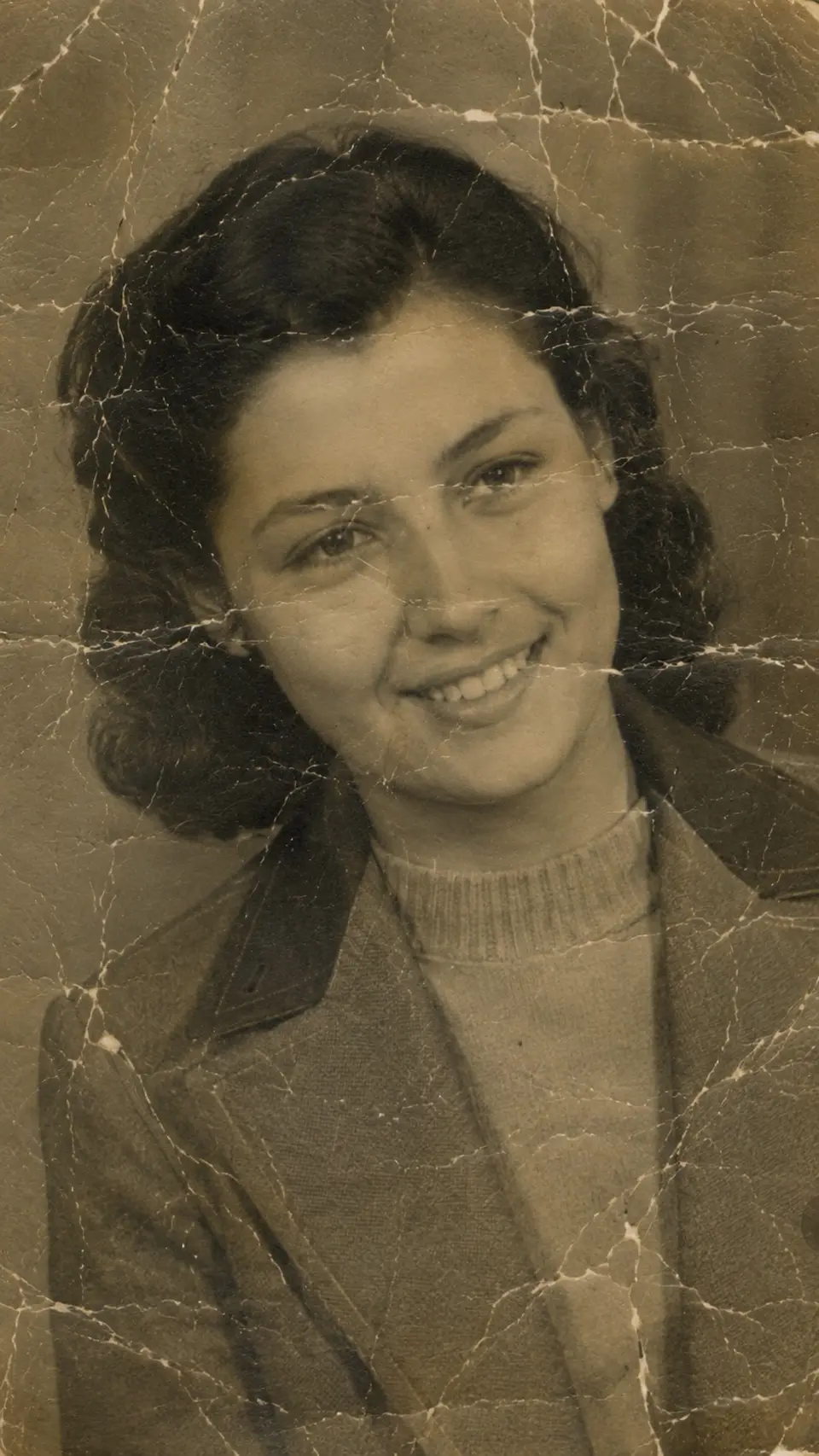

Drag to compare — a real Reviva restore
Every photo app now claims 'AI restoration.' Most just sharpen and brighten. Here's what genuinely matters when you're trusting an app with irreplaceable photos.
Does it repair damage, or just enhance?
The real test is reconstruction. Can it rebuild a tear, a crease through a face, a water stain — or does it only adjust brightness and sharpness? Reviva is built around damage reconstruction, not just enhancement.
Colorization quality
Look for natural, period-accurate color, not neon over-saturation. If a demo's colors look painted on, that's what your photos will look like.
Faces above all
Old photos are about people. The app that best reconstructs facial detail from blur and damage wins, because that's what you're actually trying to recover.
Price and privacy
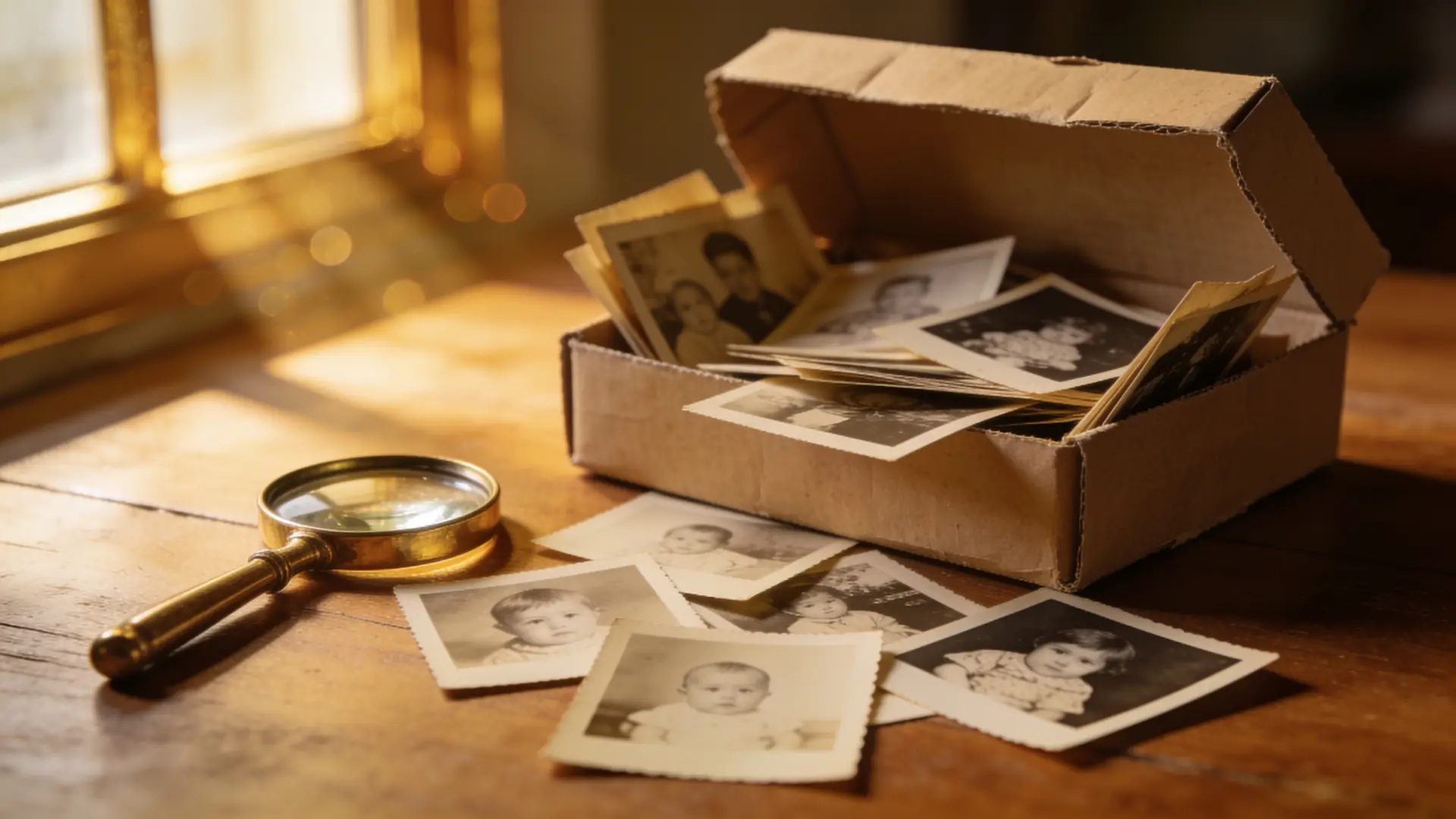
Per-photo pricing punishes big archives. A flat subscription with a free trial, plus a clear privacy stance, is the right shape for restoring a whole shoebox. That's Reviva's model.
Ready to see your photo restored?
Free to try — your first restore takes seconds.
Frequently asked
What is the best app to restore old photos?
The best app reconstructs damage (not just brightness), colorizes naturally, recovers facial detail, and prices for whole archives. Reviva is purpose-built for exactly this.
Is there a free photo restoration app?
Reviva is free to try. A subscription unlocks unlimited full-resolution restores without a watermark.
Is Reviva a good Remini alternative?
Reviva focuses specifically on restoring old and damaged family photos — damage repair, colorization, and face recovery in one flow — which is where it stands out.
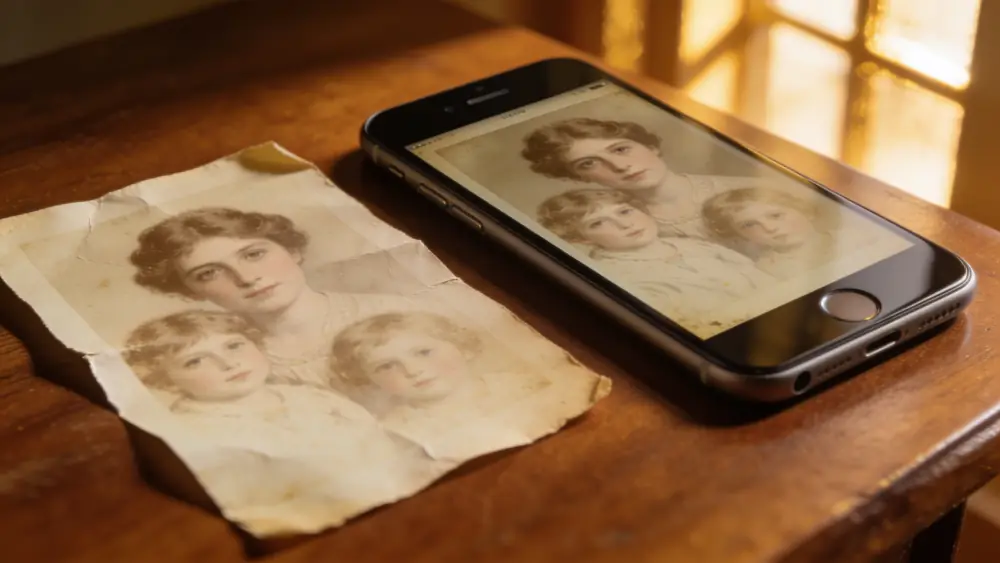


Judge it on your own photo
The only real test: try it on a photo you care about.