
Comparison
A Reviva vs. Remini alternative for old photos
If you're looking for a Remini alternative focused on restoring damaged, old, and black-and-white family photos, here's how Reviva compares.
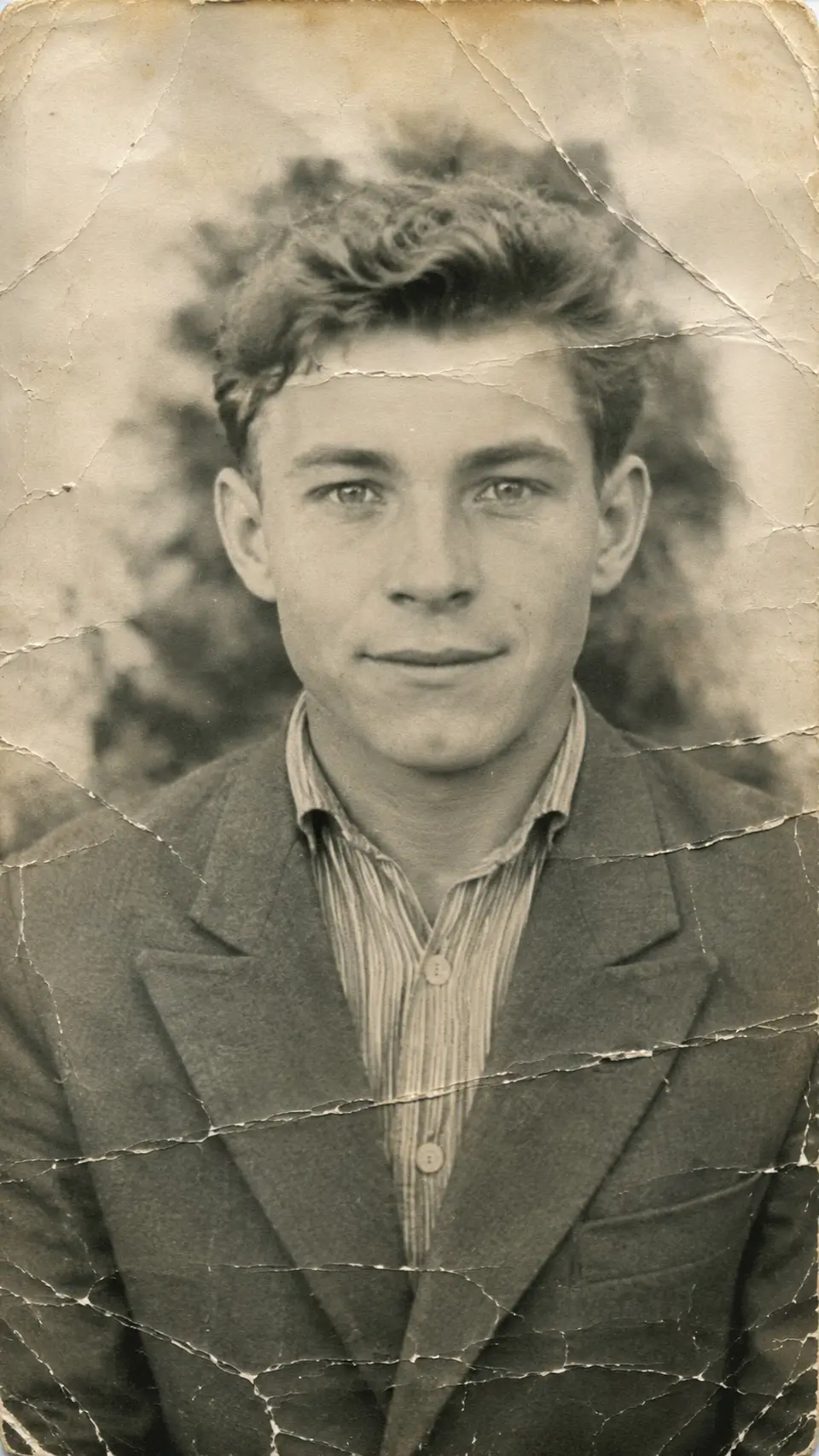

Drag to compare — a real Reviva restore
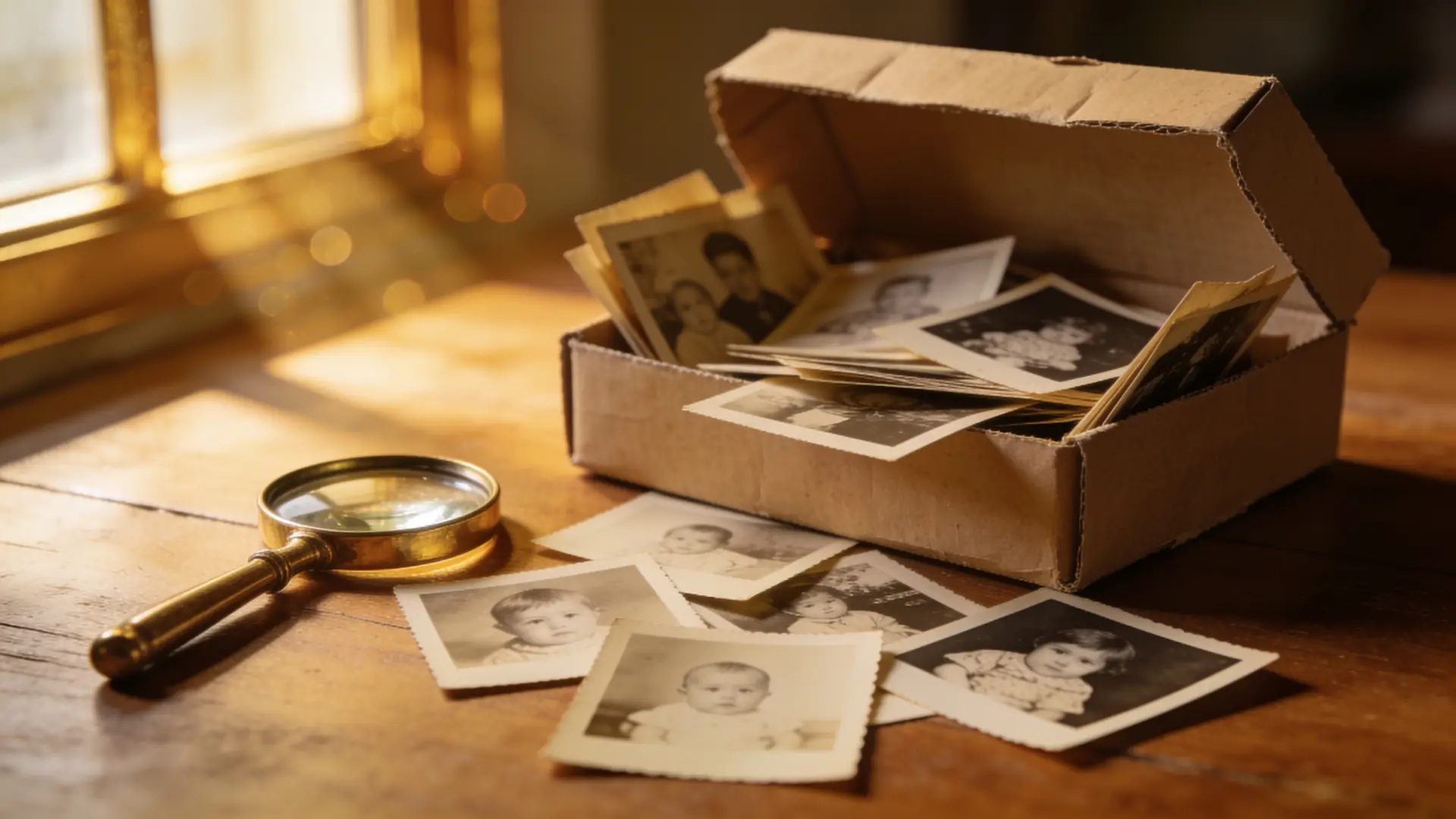
Enhancers and restorers overlap but aren't the same. If your goal is specifically the old, damaged shoebox photos, focus matters.
Restoration-first, not enhancement-first
Many enhancers optimize recent, already-good photos. Reviva is built for the hard restoration cases: tears, water damage, heavy fading, and black-and-white prints.
Repair, colorize, and enhance together
Instead of a single 'enhance,' Reviva gives you distinct modes and combines them — repair the damage, add natural color, and sharpen faces in one project.
Priced for a whole archive
A flat subscription with a free trial suits restoring a full box of family photos, rather than paying per image.
Ready to see your photo restored?
Free to try — your first restore takes seconds.
Frequently asked
Is there a free Remini alternative for old photos?
Reviva is free to try and focuses on old-photo restoration specifically — repair, colorize, and enhance.
How is Reviva different from a photo enhancer?
It's restoration-first: reconstructing damage and fading, not just sharpening an already-decent photo.