
Comparison
A Picsart alternative for restoring old photos
Picsart is a general editor with an AI restoration feature bolted on. If old, damaged family photos are the whole job — not one filter among hundreds — here's how Reviva compares.
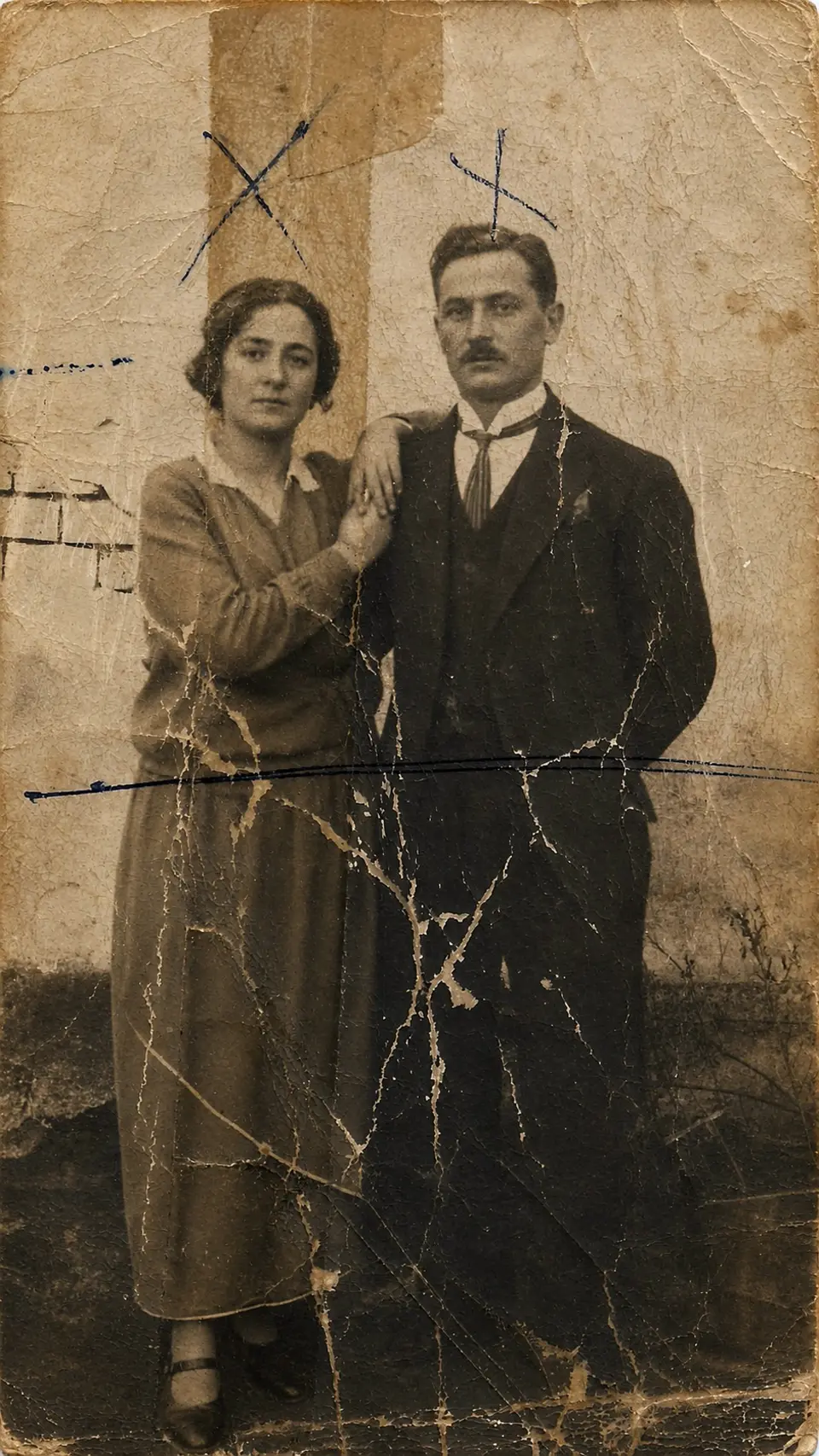
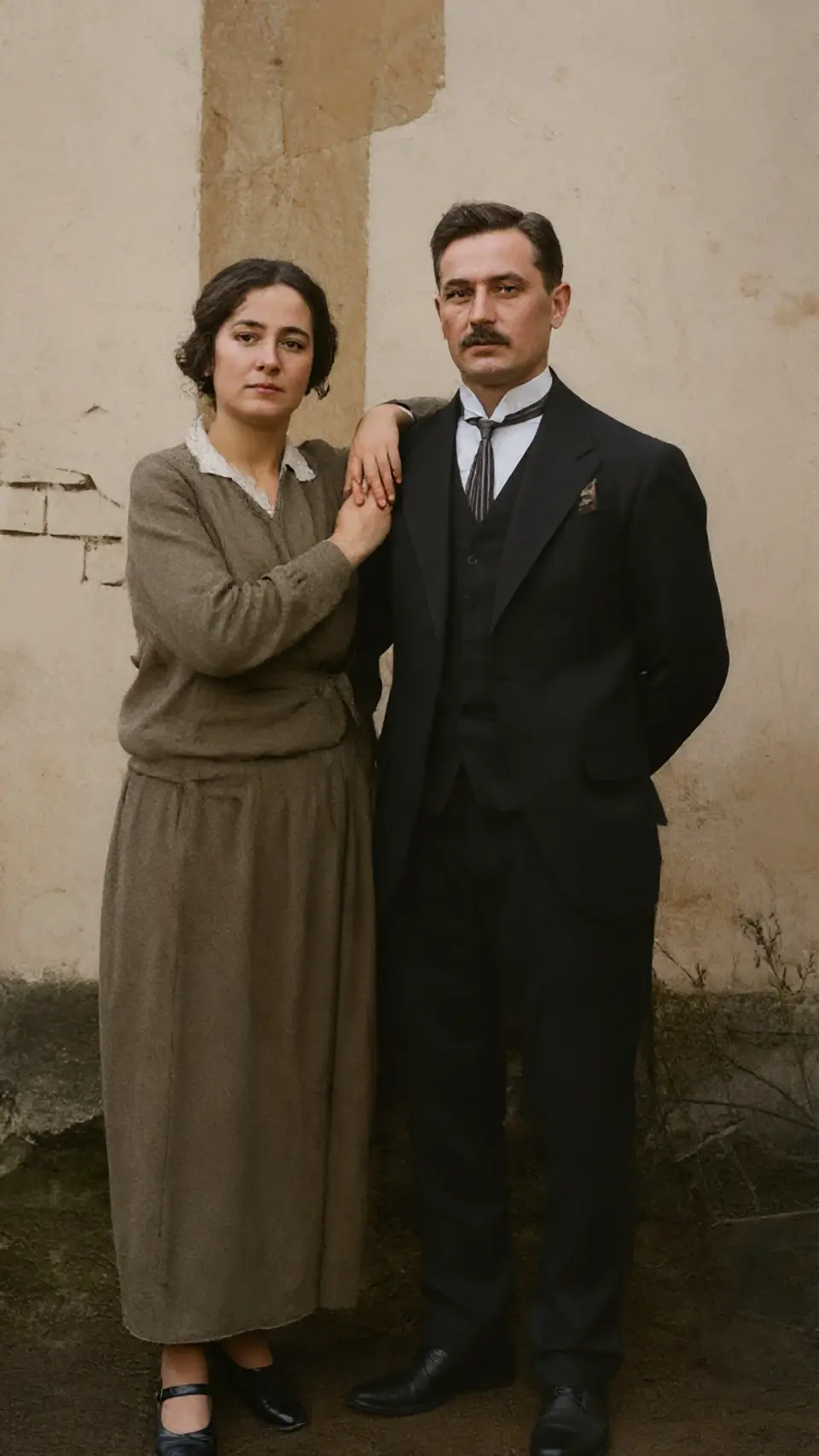
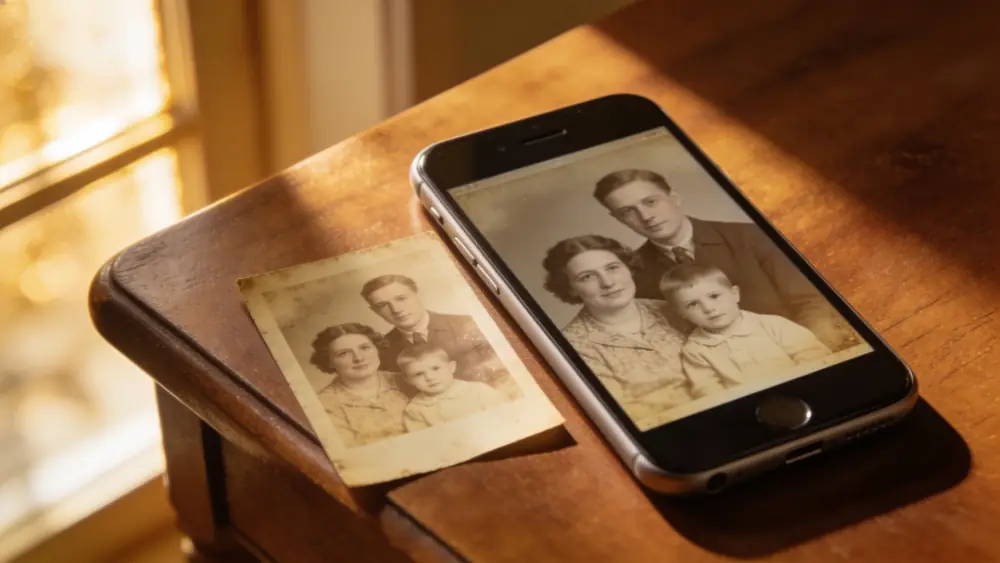
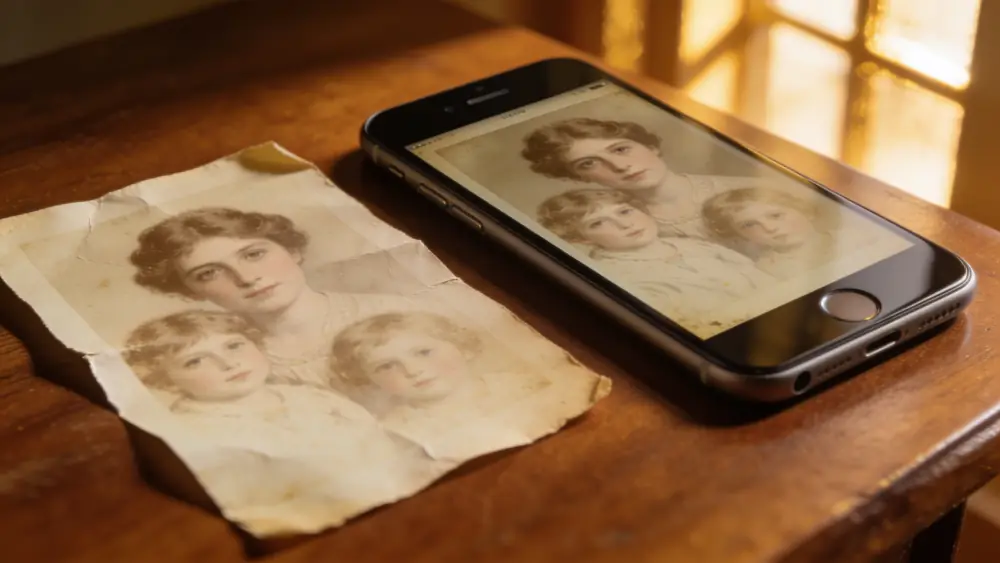
Drag to compare — a real Reviva restore
Picsart's restoration tool lives inside a full graphic-design app — layers, stickers, a whole editor around one feature you actually came for. That's a lot of surface area for a job that should take three taps.
One job, not a hundred tools
Reviva doesn't ask you to learn an editor. Open a photo, pick restore, colorize, or unblur, and you're done — no canvas, no layers, no upsell to a design suite you don't need.
Built for damage, not just filters
Reviva reconstructs tears, creases, water stains, and heavy fading from the surrounding detail. It's restoration-first, where general editors treat it as one enhancement filter among many.
Priced for a whole archive
A flat subscription with a free trial suits restoring a full box of family photos, rather than credits that run out mid-archive.
Ready to see your photo restored?
Free to try — your first restore takes seconds.
Frequently asked
Is there a Picsart alternative just for old photos?
Yes — Reviva is purpose-built for old and damaged family photos, without the general photo-editing suite around it.
Can Reviva unblur images like Picsart?
Yes, unblurring and sharpening faces is one of Reviva's core modes, alongside damage repair and colorization.
Is Reviva free?
You can download Reviva and try it for free. A subscription unlocks unlimited restores at full resolution with no watermark. There is no obligation to subscribe to see what Reviva can do with your photo.
Keep exploring
More ways to bring your photos back

Try Reviva on an old photo
No editor to learn — just restore, colorize, or unblur.