Free tool
Unblur and sharpen photos
Bring back facial detail and clarity in blurry, soft, or low-resolution photos. Preview the difference below, then sharpen yours in the Reviva app.


Drag to compare — a real Reviva restore
Recover faces, not just edges
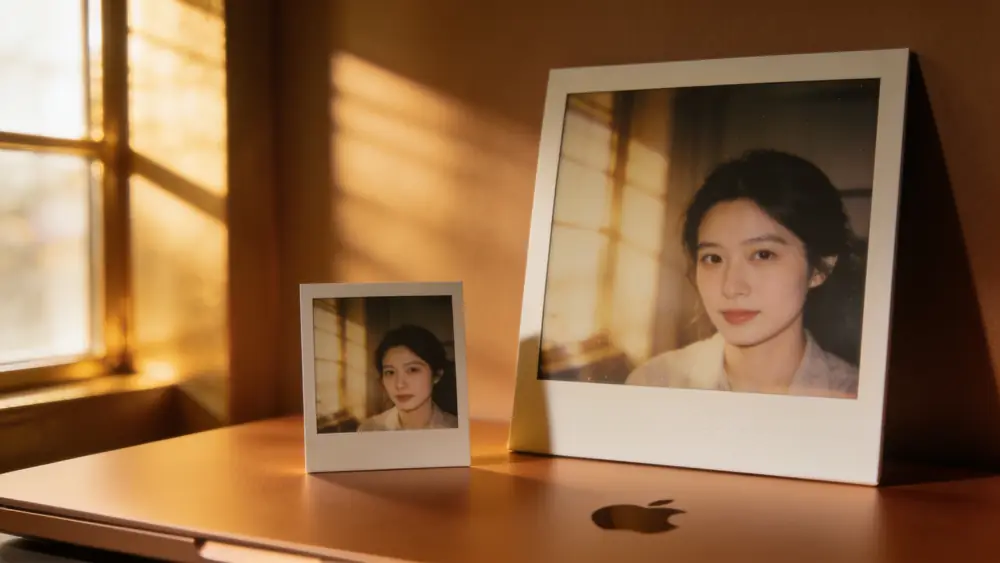
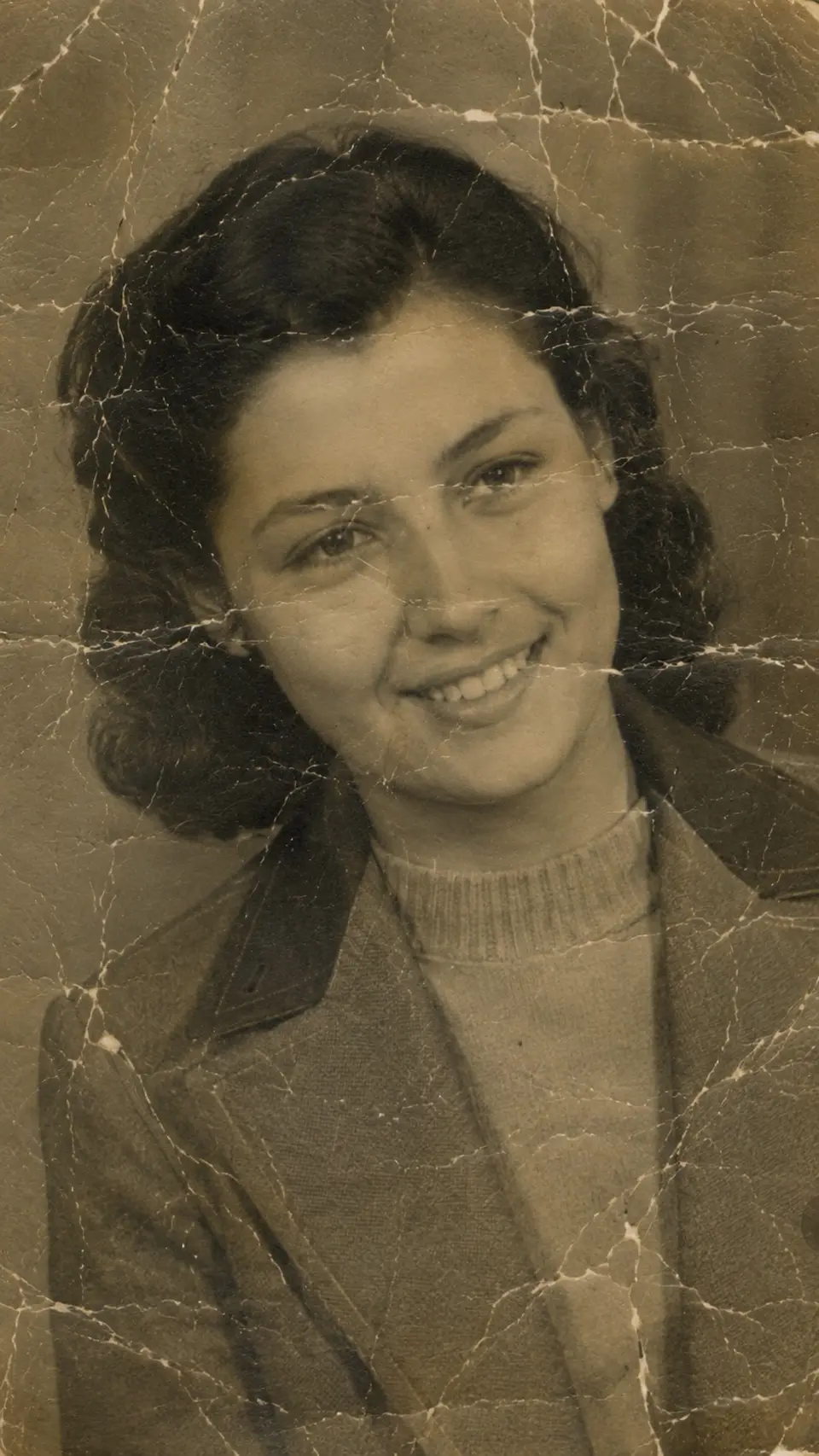
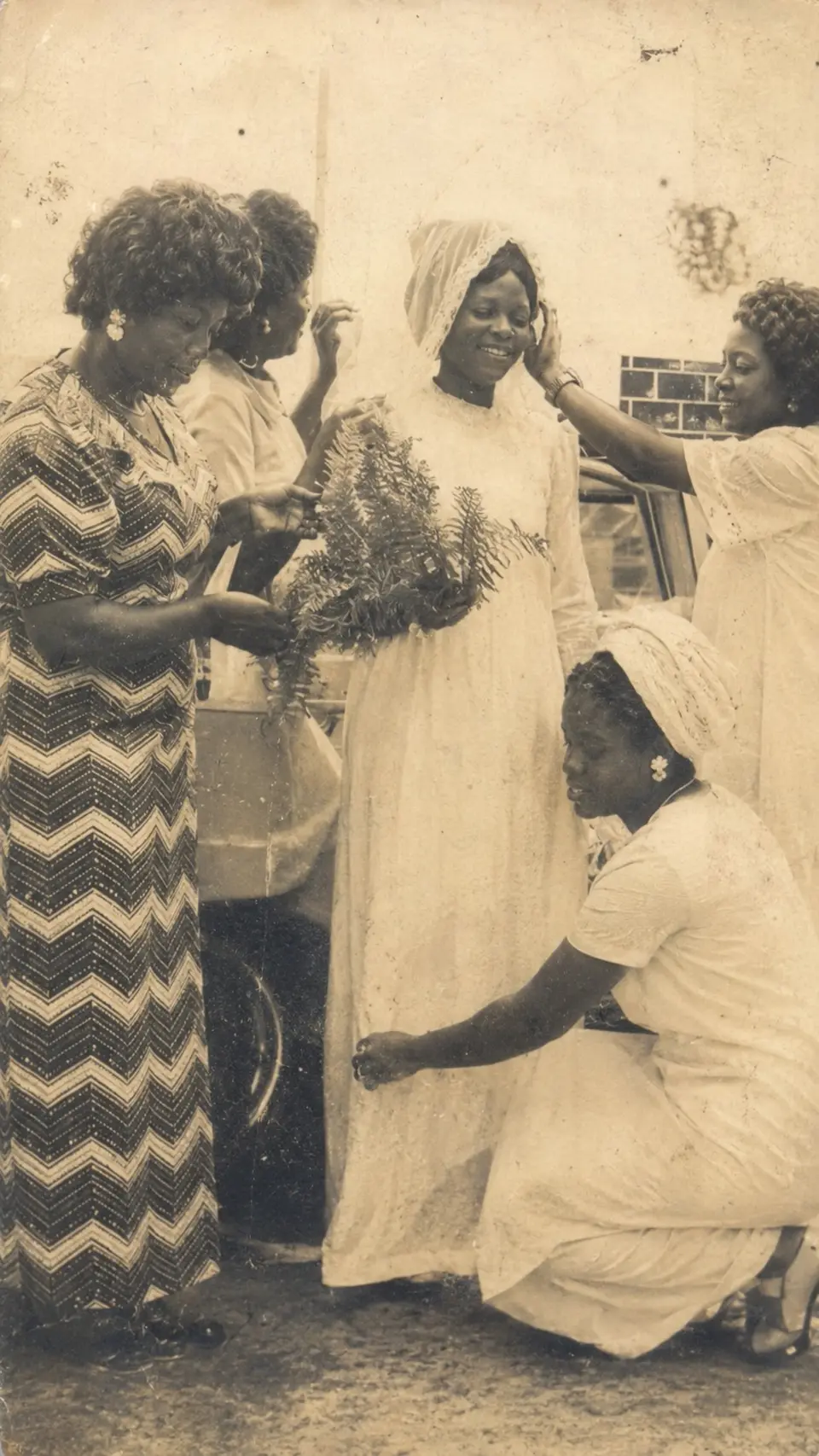
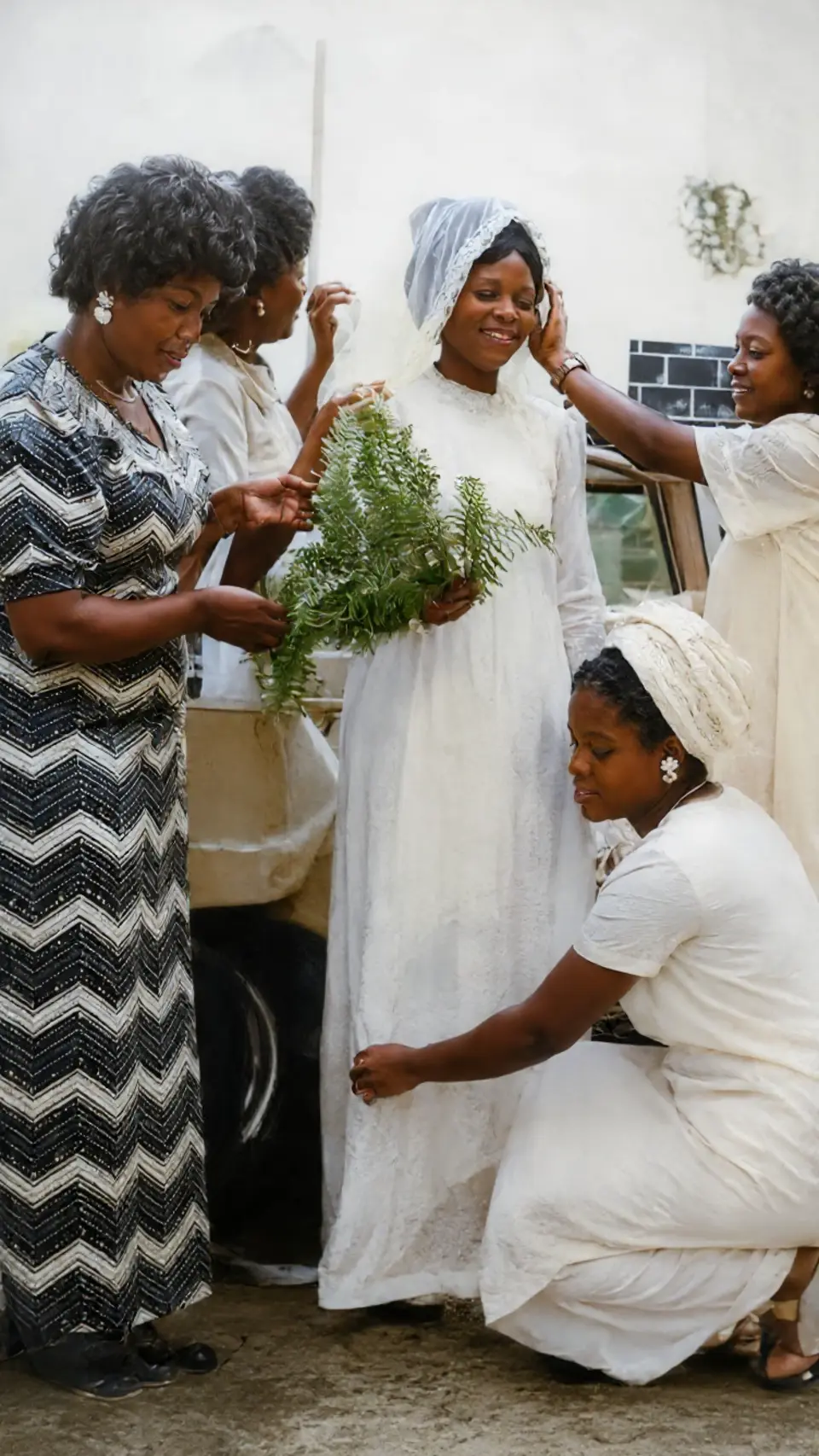
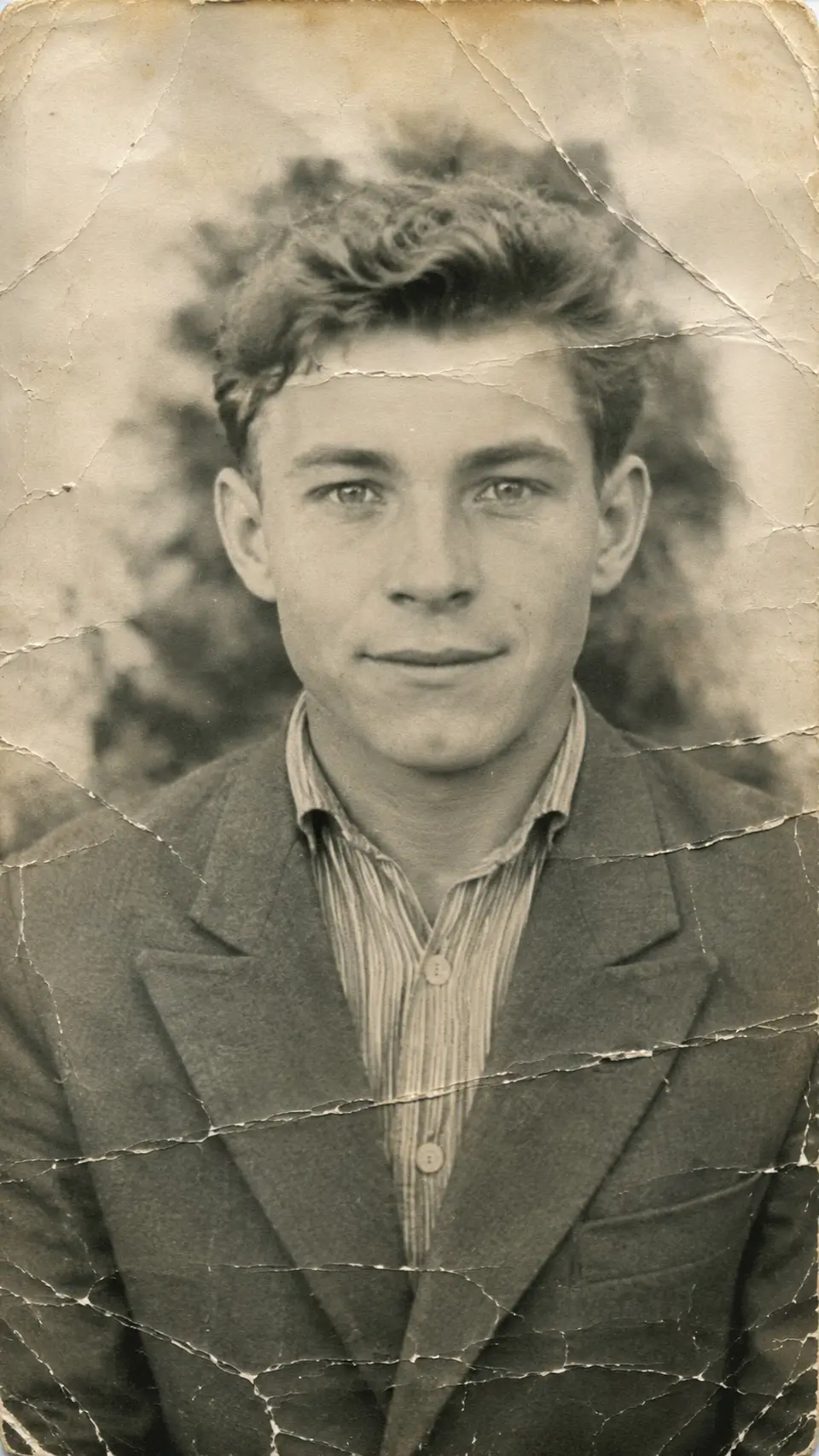
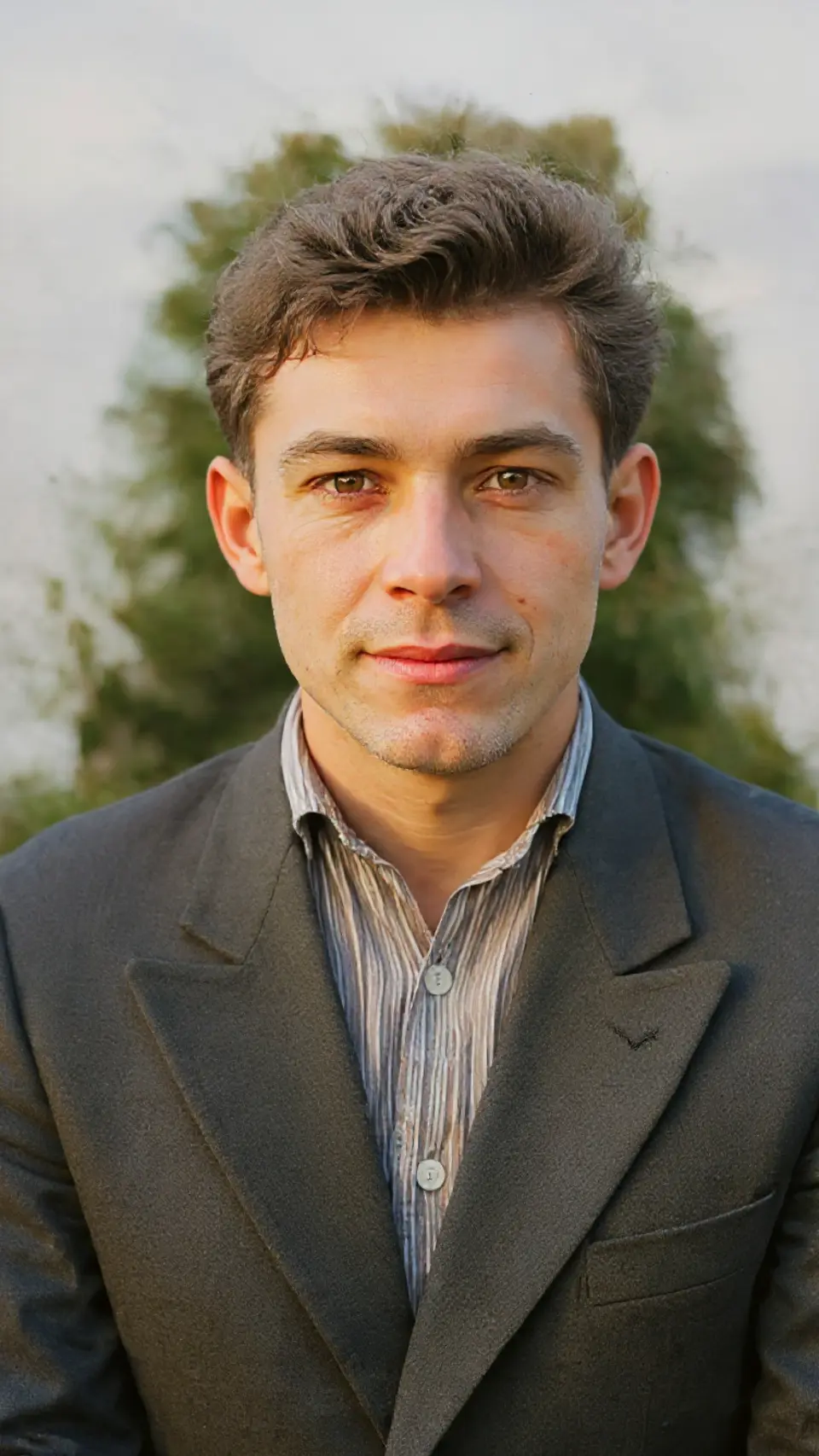
Generic sharpening just raises contrast on the blur. Reviva reconstructs facial detail — eyes, expression, texture — so a soft, out-of-focus photo becomes someone you recognize again.
Great on scans and photos-of-photos
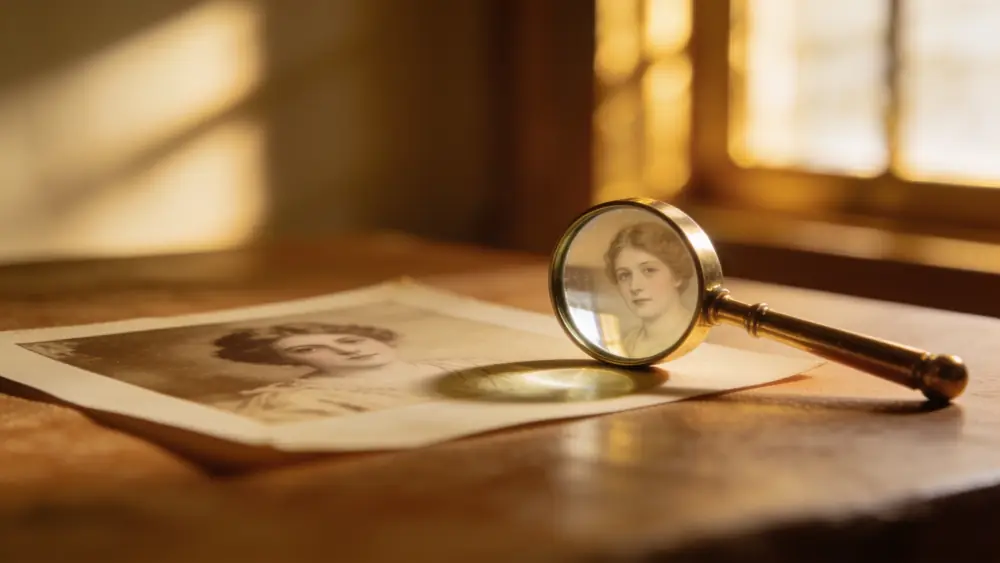
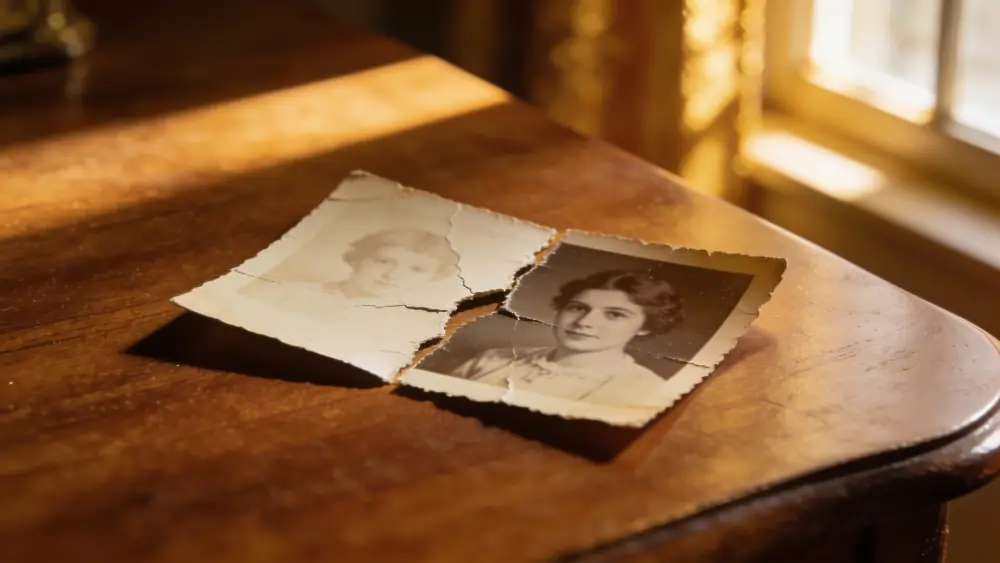
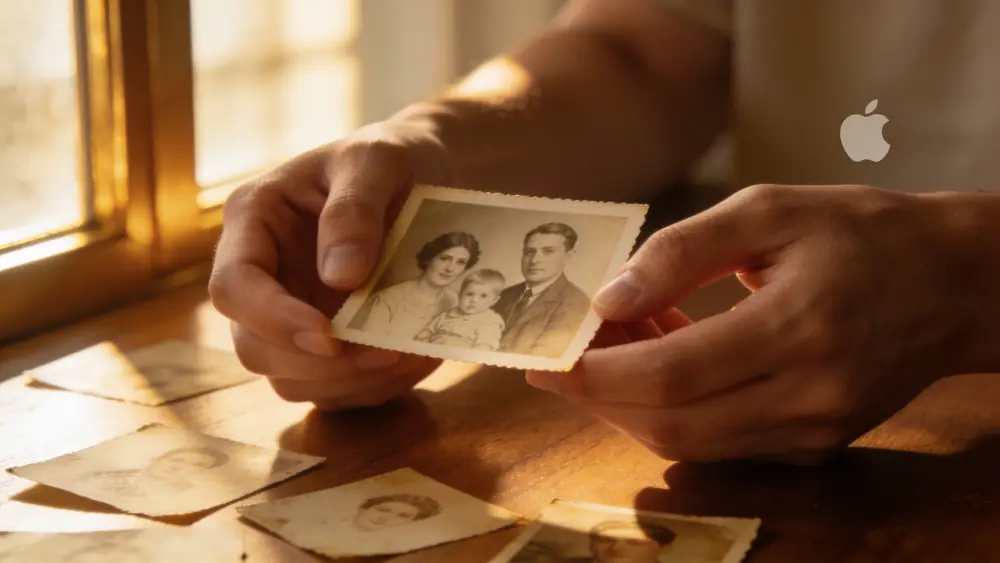
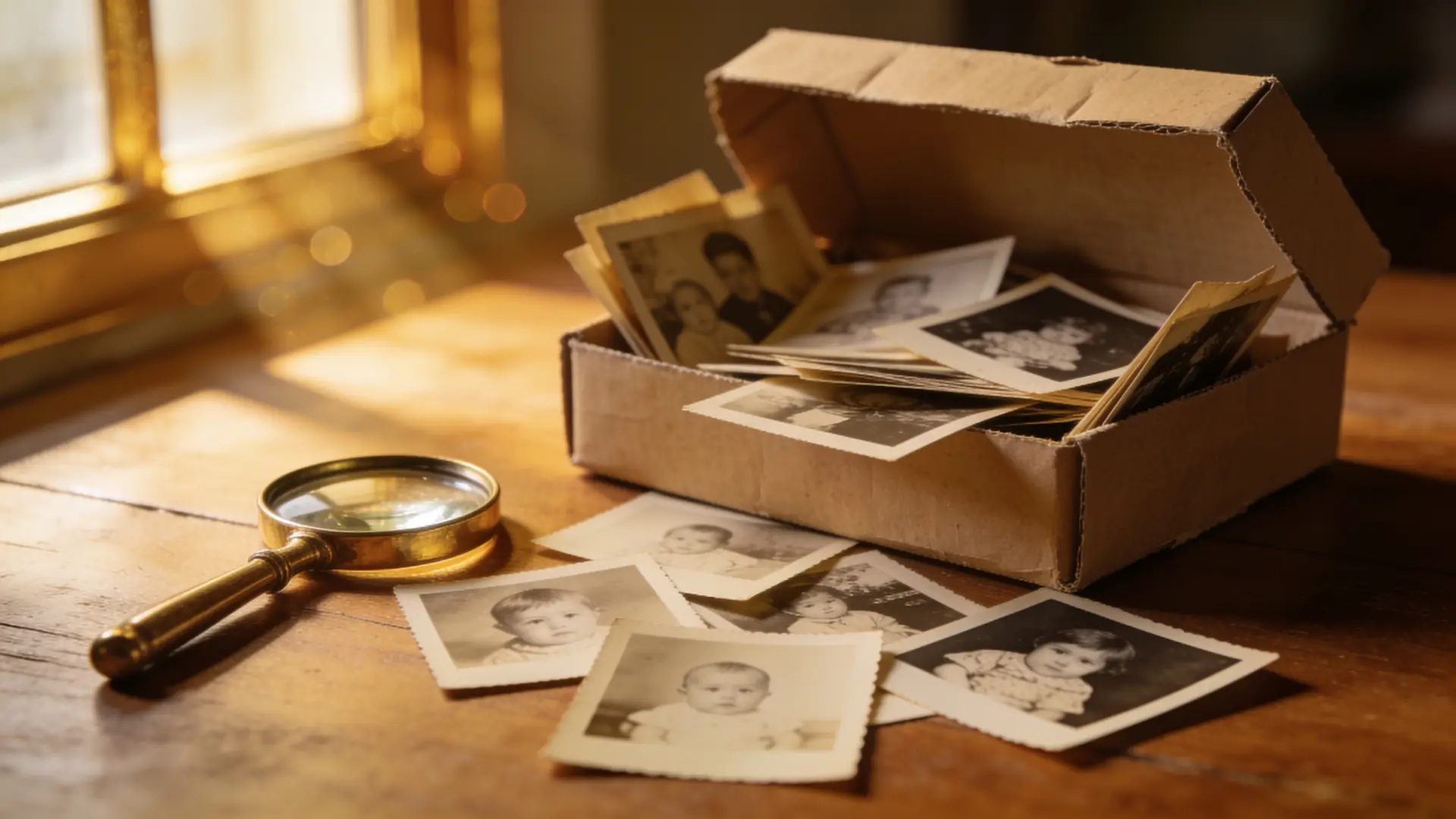
Low-resolution scans and quick phone shots of old prints are the most common blur cases. Reviva is tuned for exactly these, adding real detail rather than a smeared over-sharpen halo.
How it works
From your camera roll to restored in seconds
-
Step 01
Open Reviva
Download the app and tap Enhance.
-
Step 02
Pick the blurry photo
Choose the soft or low-res image from your camera roll.
-
Step 03
Save the sharp version
Reviva returns a clearer photo in seconds.
Ready to see your photo restored?
Free to try — your first restore takes seconds.
More before & after

Frequently asked
Can it fix motion blur and out-of-focus photos?
Reviva improves soft, low-resolution, and mildly out-of-focus photos the most. Severe motion blur has limits, but faces usually recover impressively.
Does it increase resolution too?
Yes — the enhance flow adds detail and clarity, which effectively increases usable resolution for old scans.
Is Reviva free?
You can download Reviva and try it for free. A subscription unlocks unlimited restores at full resolution with no watermark. There is no obligation to subscribe to see what Reviva can do with your photo.
Keep exploring