
Free tool
Colorize black and white photos
Turn a black and white photo into color — natural, true-to-era tones for skin, sky, and fabric. Slide to preview, then colorize yours in the app.
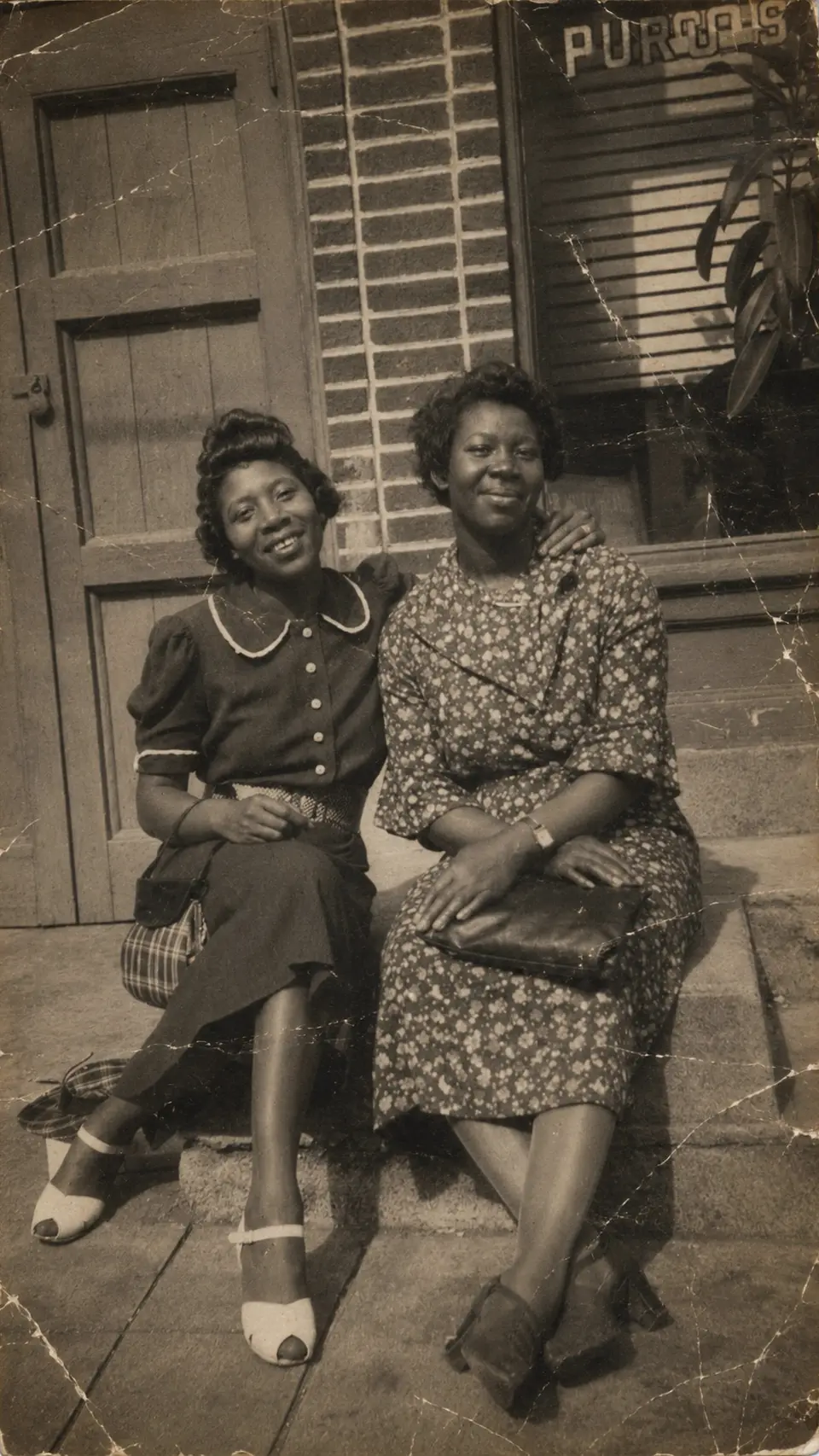
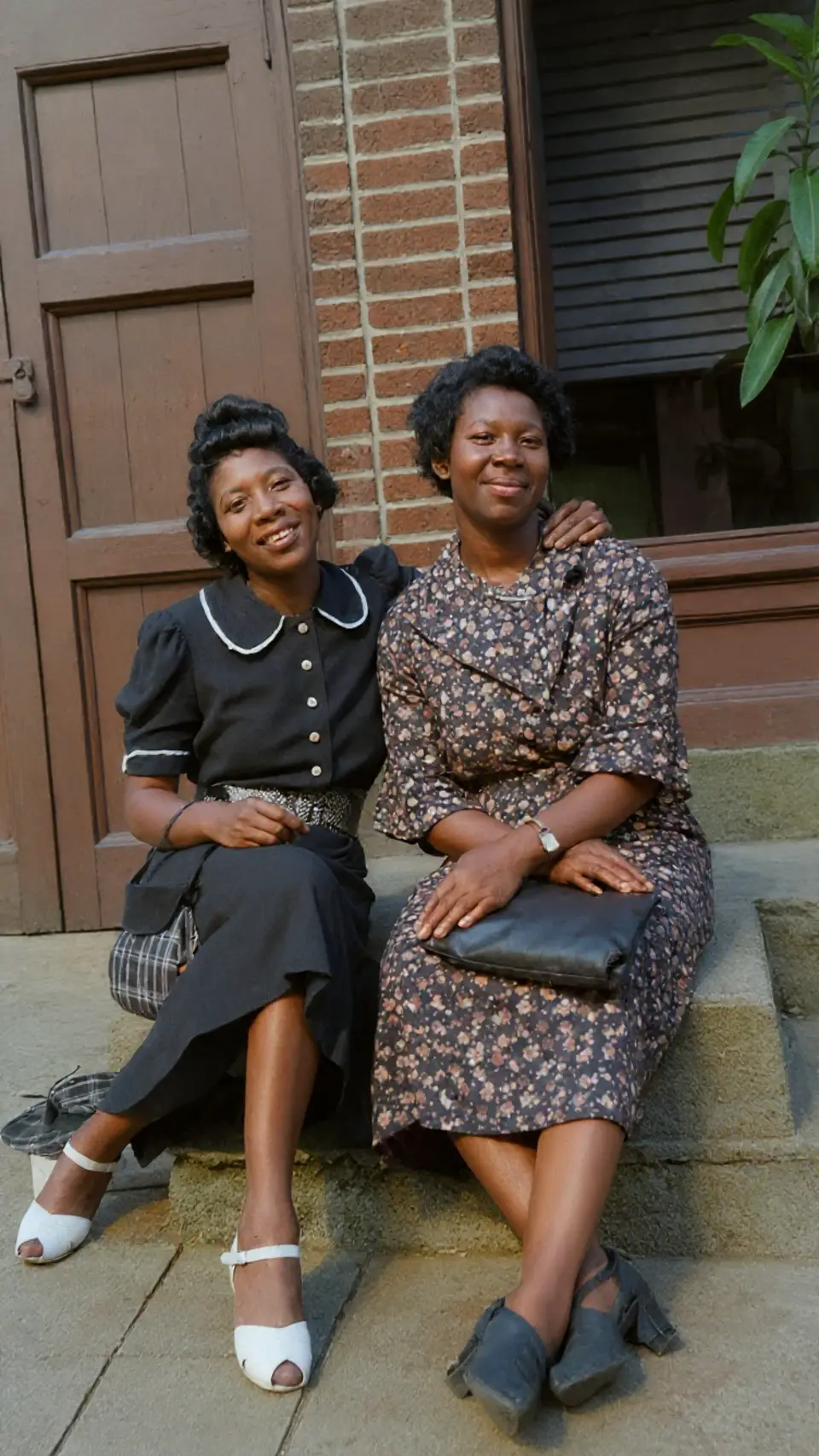
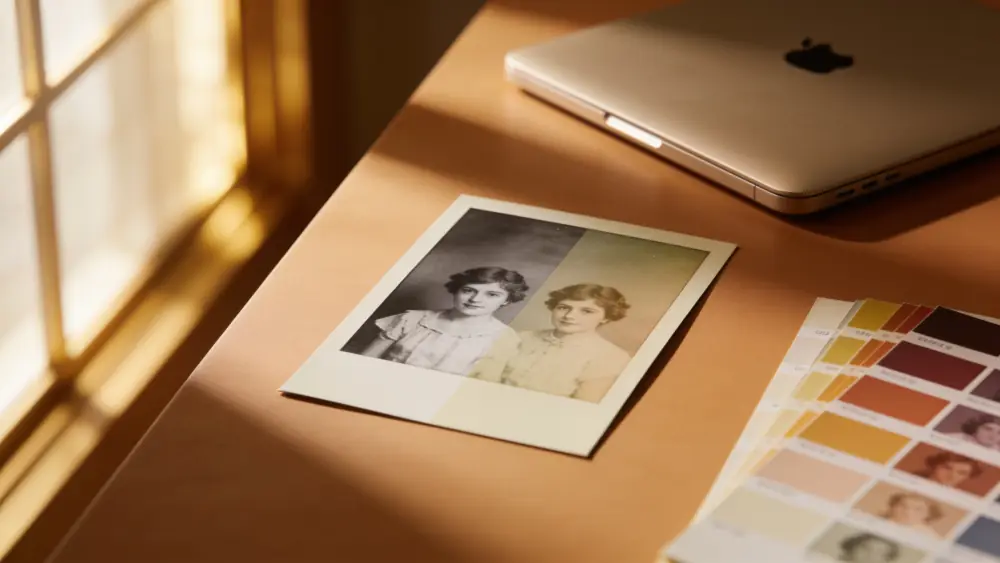
Drag to compare — a real Reviva restore
Color that looks like memory, not paint
The hard part of colorization isn't adding color — it's adding the right color. Reviva infers period-accurate tones so grandma's dress and the summer sky look believable, not cartoonish.
Restore and colorize in one pass
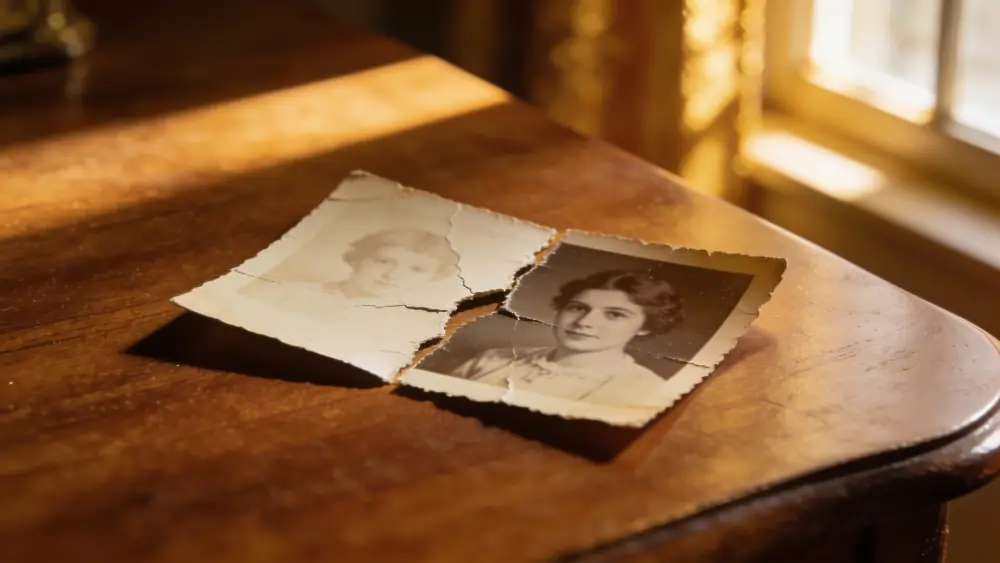
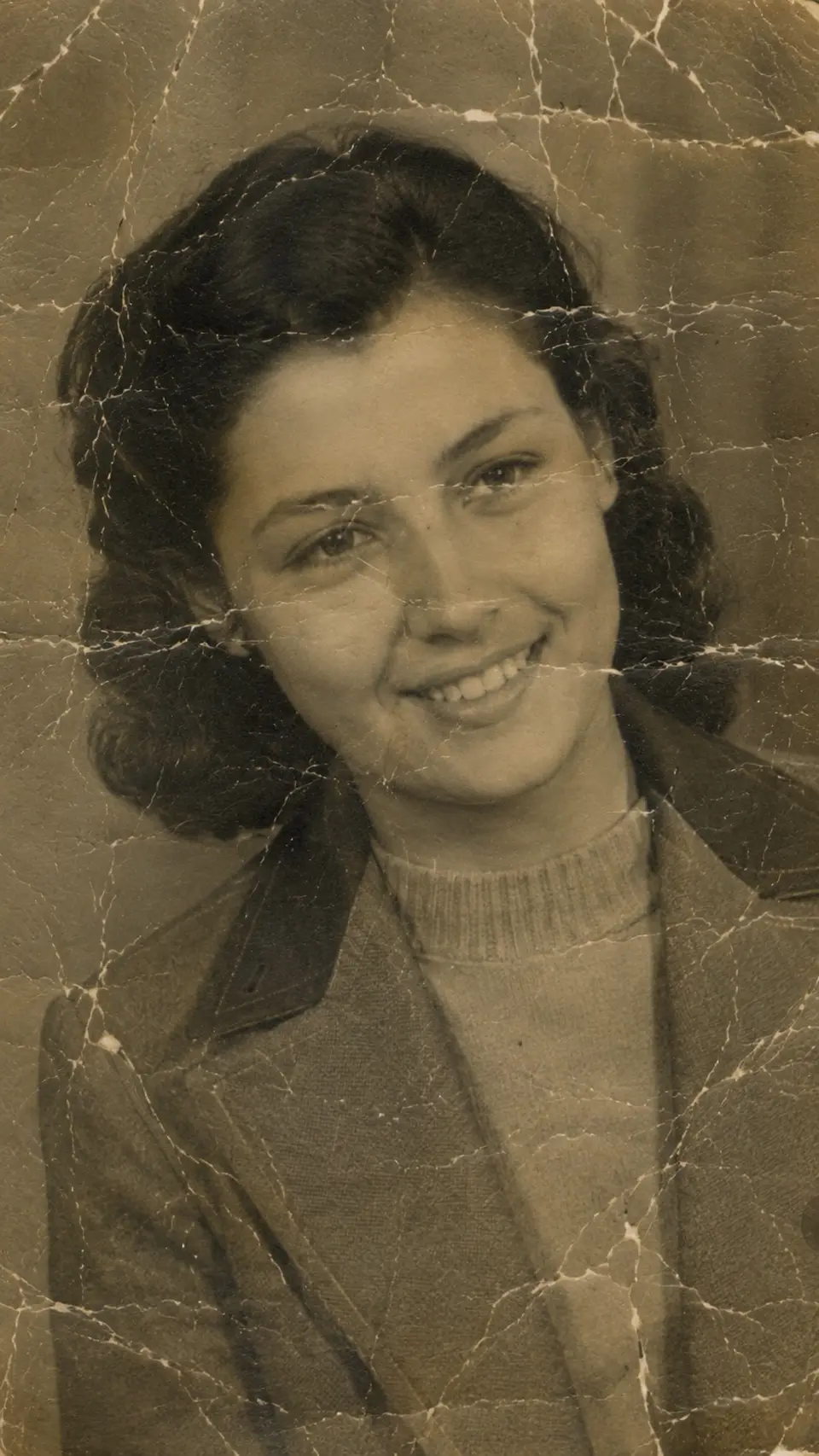
Old black-and-white prints are often damaged too. Reviva can repair the cracks and fading first, then colorize — so you get a clean, colored photo, not a colored version of the damage.
How it works
From your camera roll to restored in seconds
-
Step 01
Open Reviva
Download the app and tap Colorize.
-
Step 02
Choose a black-and-white photo
Any grayscale print or scan from your camera roll.
-
Step 03
Save the color version
Reviva adds natural color in seconds. Keep both versions.
Ready to see your photo restored?
Free to try — your first restore takes seconds.
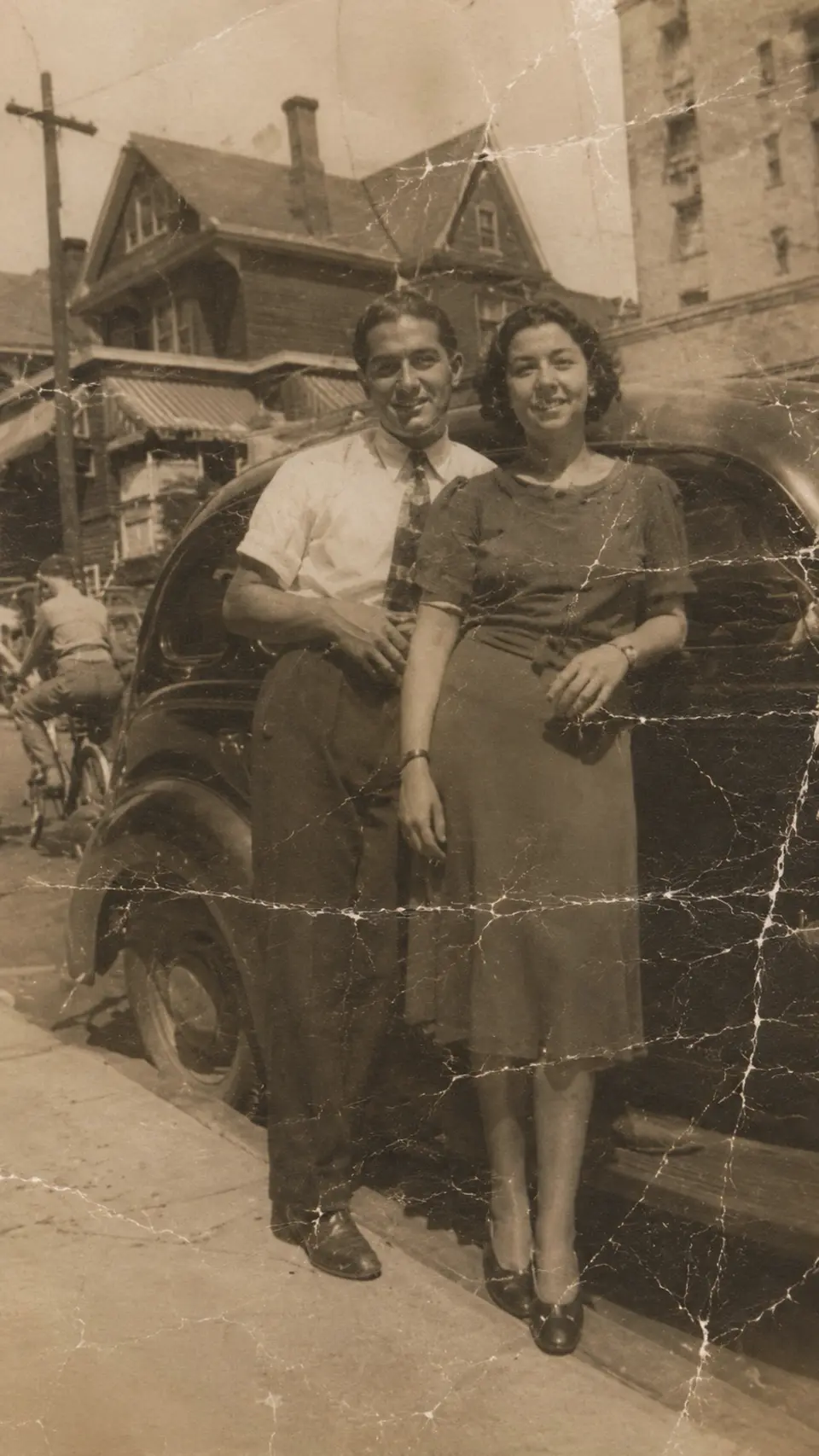
More before & after
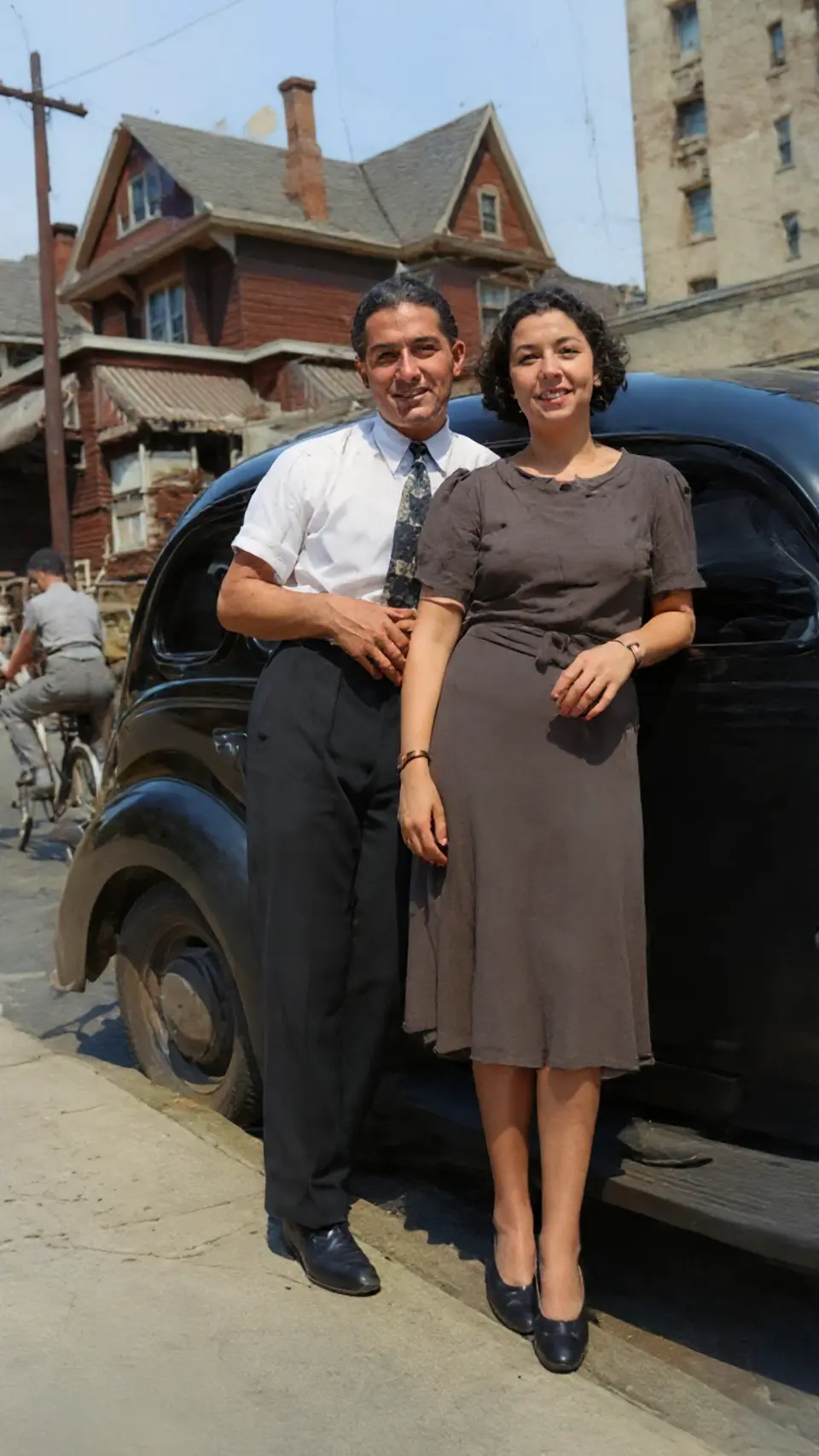
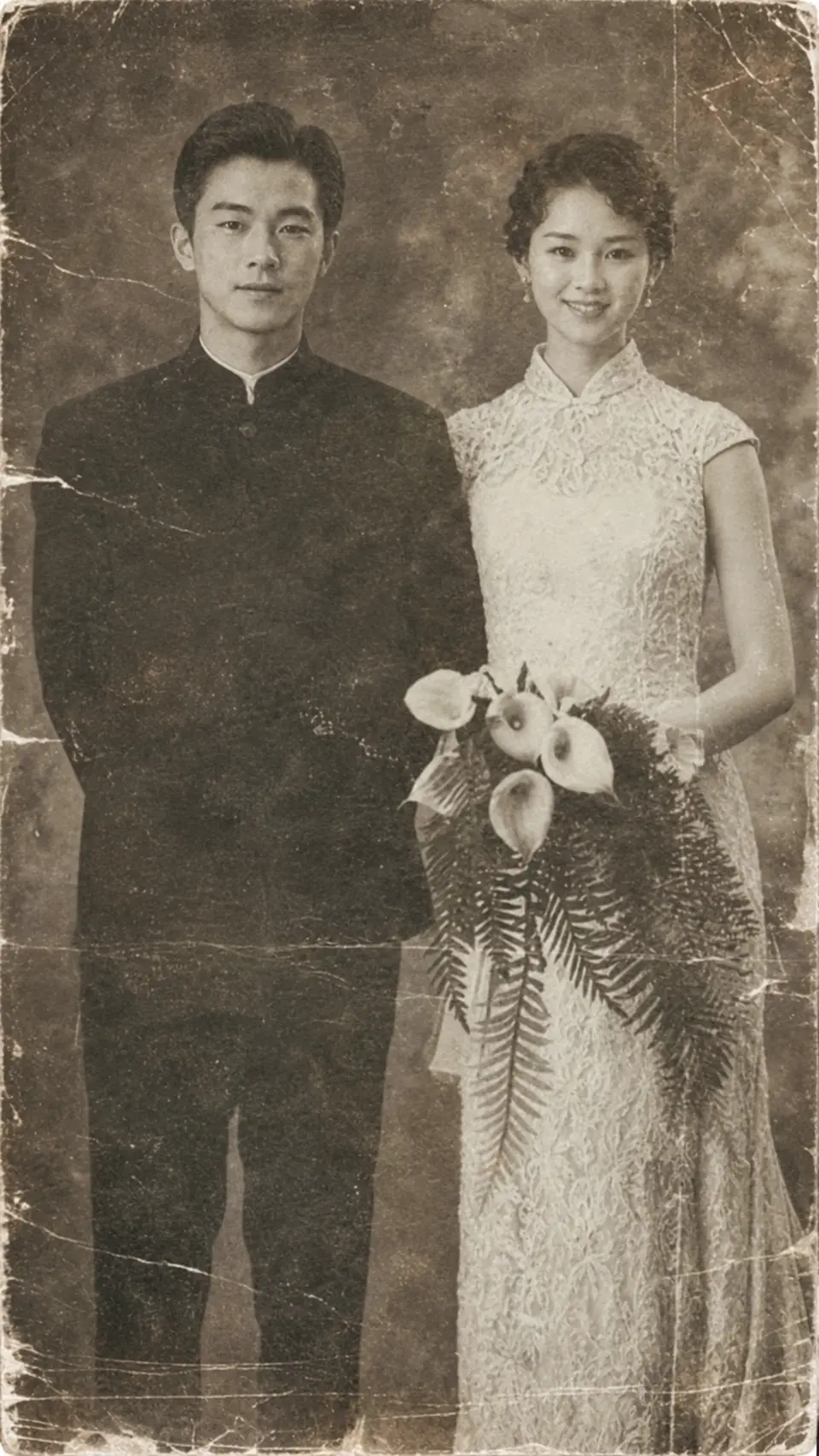


Frequently asked
Does the colorizer work on old, damaged photos?
Yes. Reviva can restore damage and colorize in the same flow, so faded or cracked black-and-white prints come out clean and in color.
Will the colors be historically accurate?
Reviva infers natural, period-plausible tones. Results look believable rather than neon — and you can keep the original monochrome version too.
Can I turn a black and white photo into color for free?
Yes — Reviva is free to try, and colorizing a black-and-white photo is one of the modes you can use right away.
Is Reviva free?
You can download Reviva and try it for free. A subscription unlocks unlimited restores at full resolution with no watermark. There is no obligation to subscribe to see what Reviva can do with your photo.
Keep exploring