

Photo restoration
Restore black-and-white photos
Repair the damage and, if you like, add natural color — turning a fragile monochrome print into a clean photo you can share.
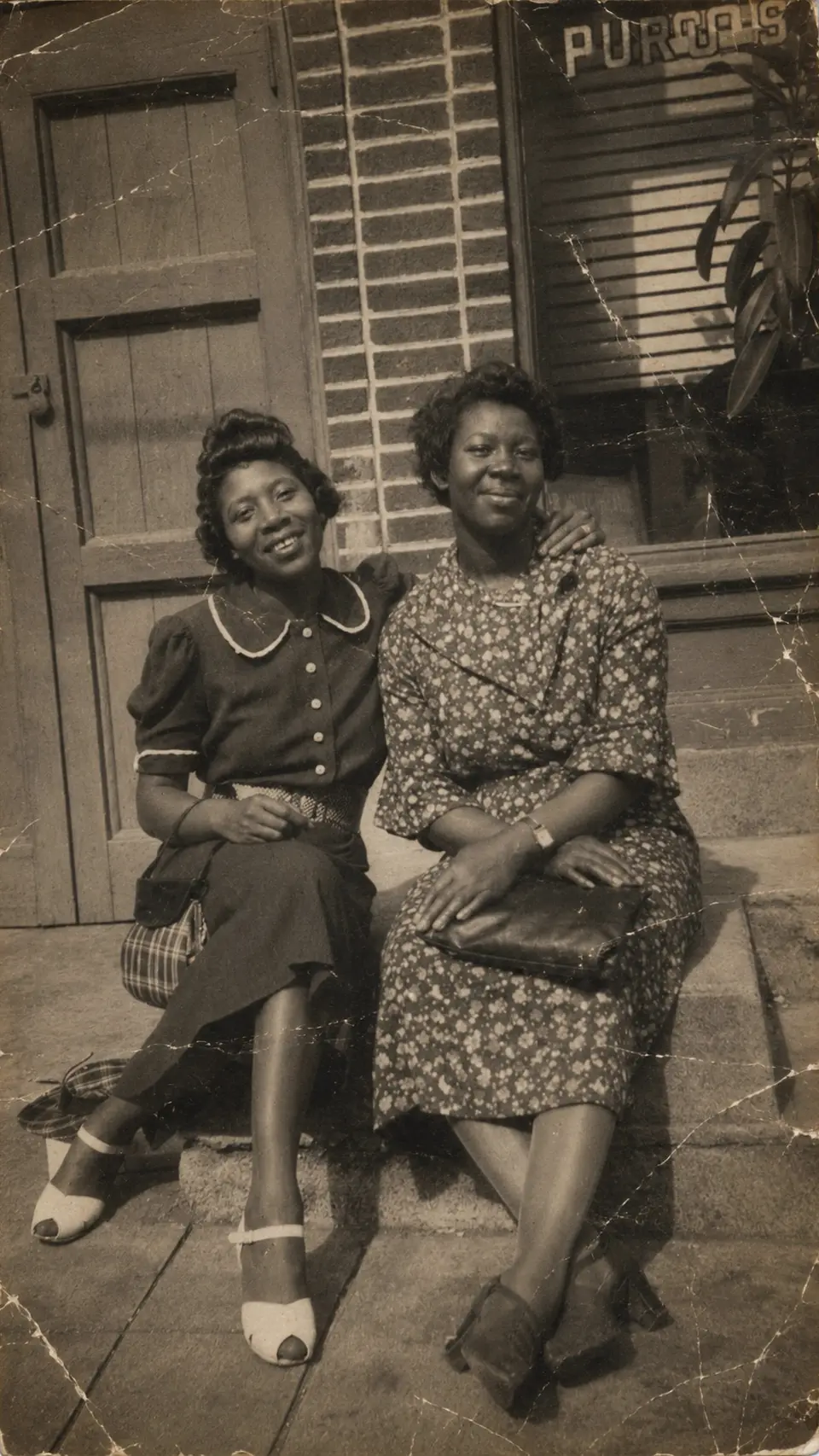
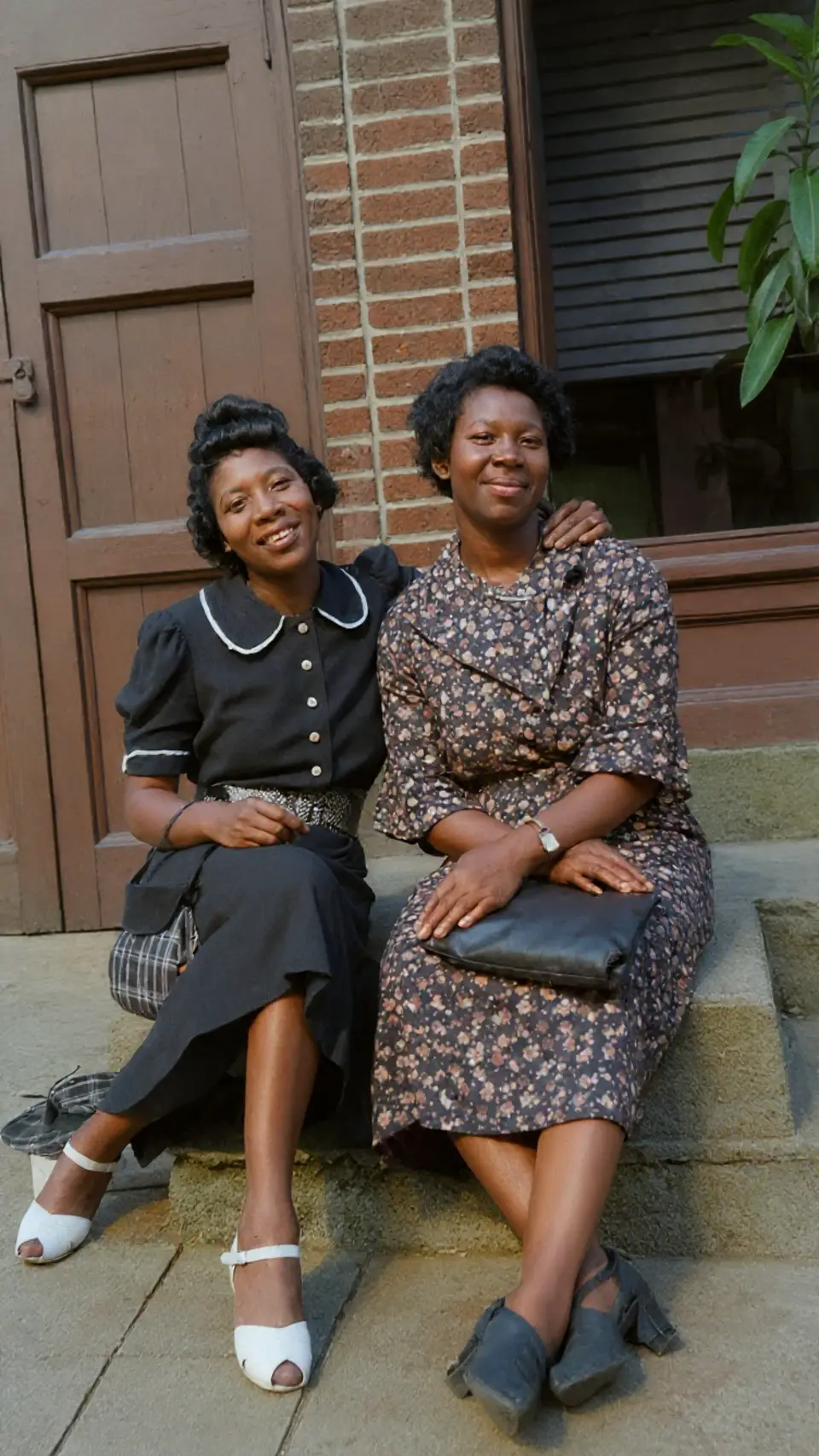
Drag to compare — a real Reviva restore
Restore first, color optional
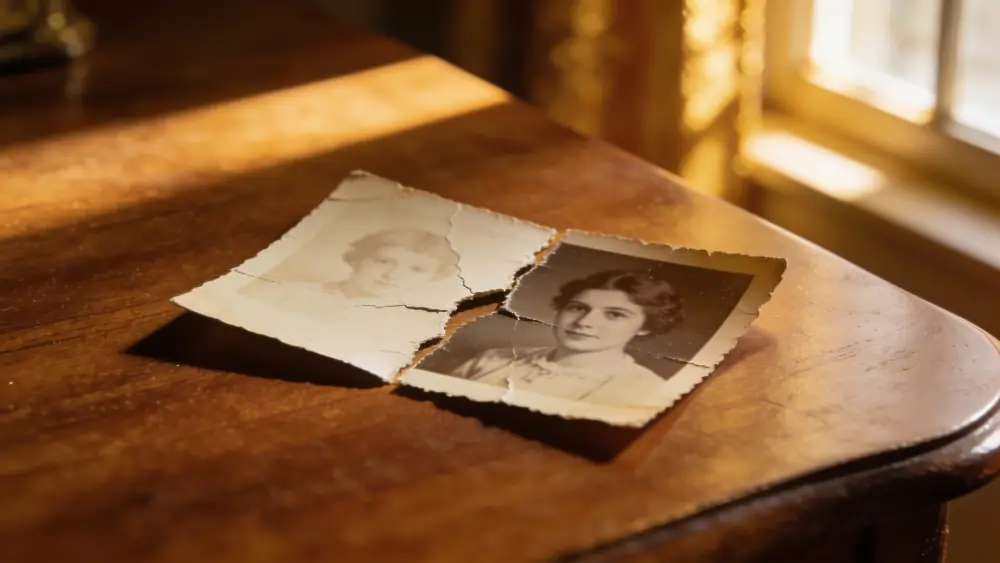
Reviva cleans up the cracks, fading, and scratches on a black-and-white print. Keep it monochrome, or add believable period color — your choice.
The oldest photos, brought forward
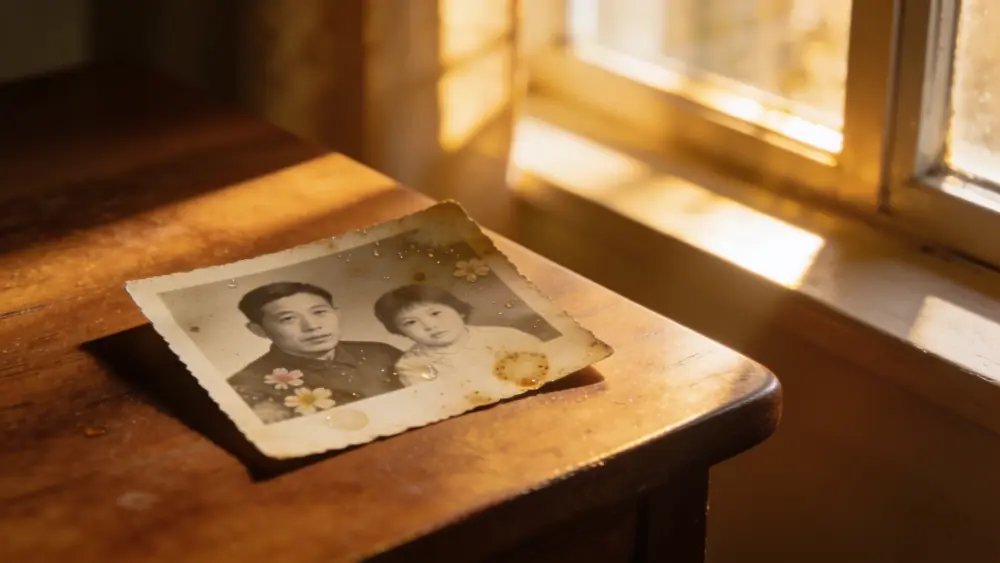
Black-and-white prints are often the oldest and most damaged in the box. They're also where a good restore feels the most like time travel.
Ready to see your photo restored?
Free to try — your first restore takes seconds.
Frequently asked
Should I colorize or keep it black and white?
Both are one tap. Many people keep the restored monochrome version and also save a colorized one to compare.
Can it restore very old prints?
Yes — Reviva handles century-old prints, reconstructing damage and fading from whatever detail remains.
Is Reviva free?
You can download Reviva and try it for free. A subscription unlocks unlimited restores at full resolution with no watermark. There is no obligation to subscribe to see what Reviva can do with your photo.
Are my photos kept private?
Yes. Your photos are yours. Reviva processes each image to restore it and never sells your photos or uses them to train models. You can delete your data at any time.
Restore your black-and-white photos
Free to try. Your first restore takes seconds.