
Free tool
Upscale and improve photo quality
Increase resolution and recover detail in small, pixelated, or low-quality photos — up to crisp, print-ready clarity. Preview below, then upscale yours in the app.
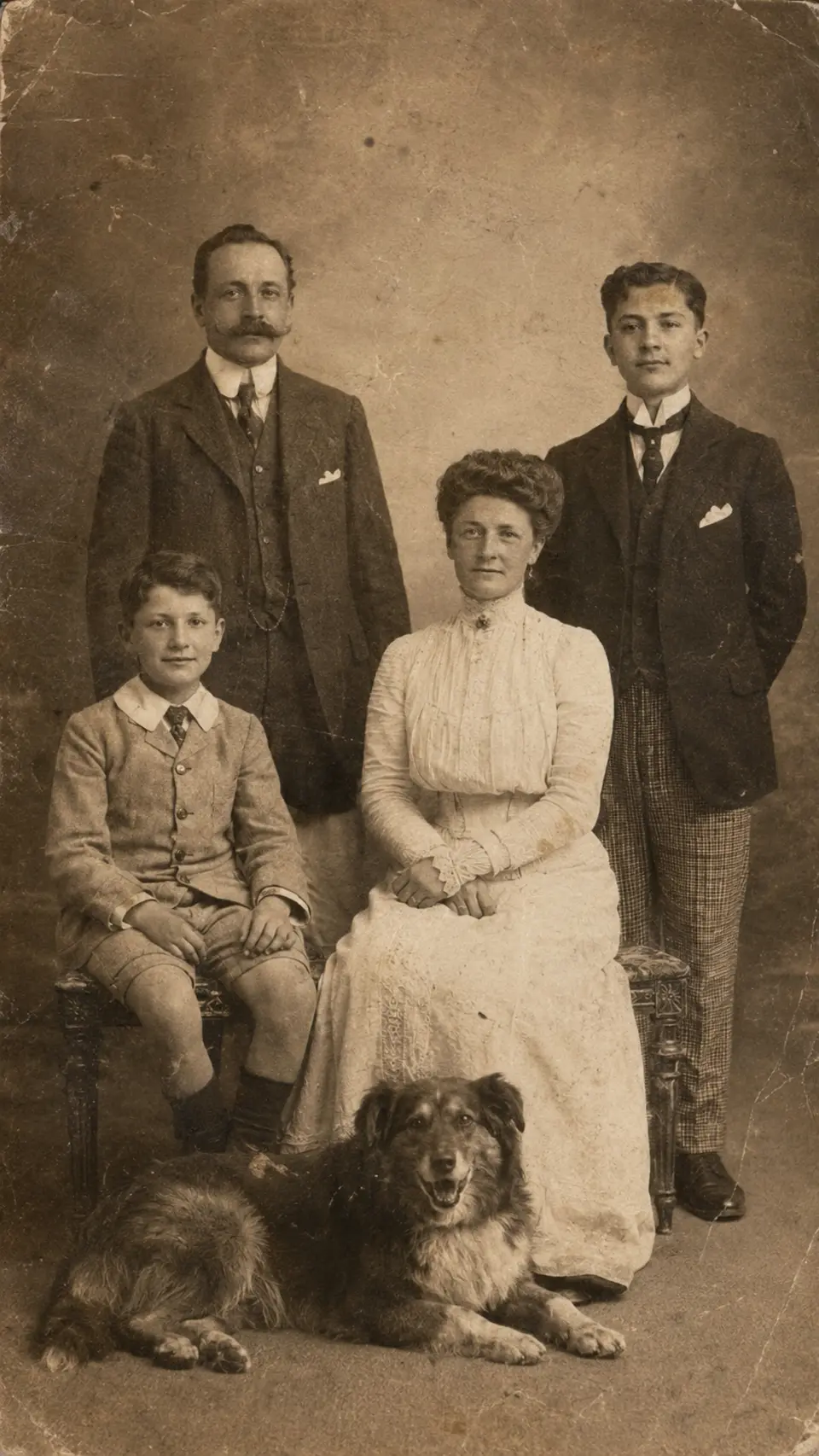
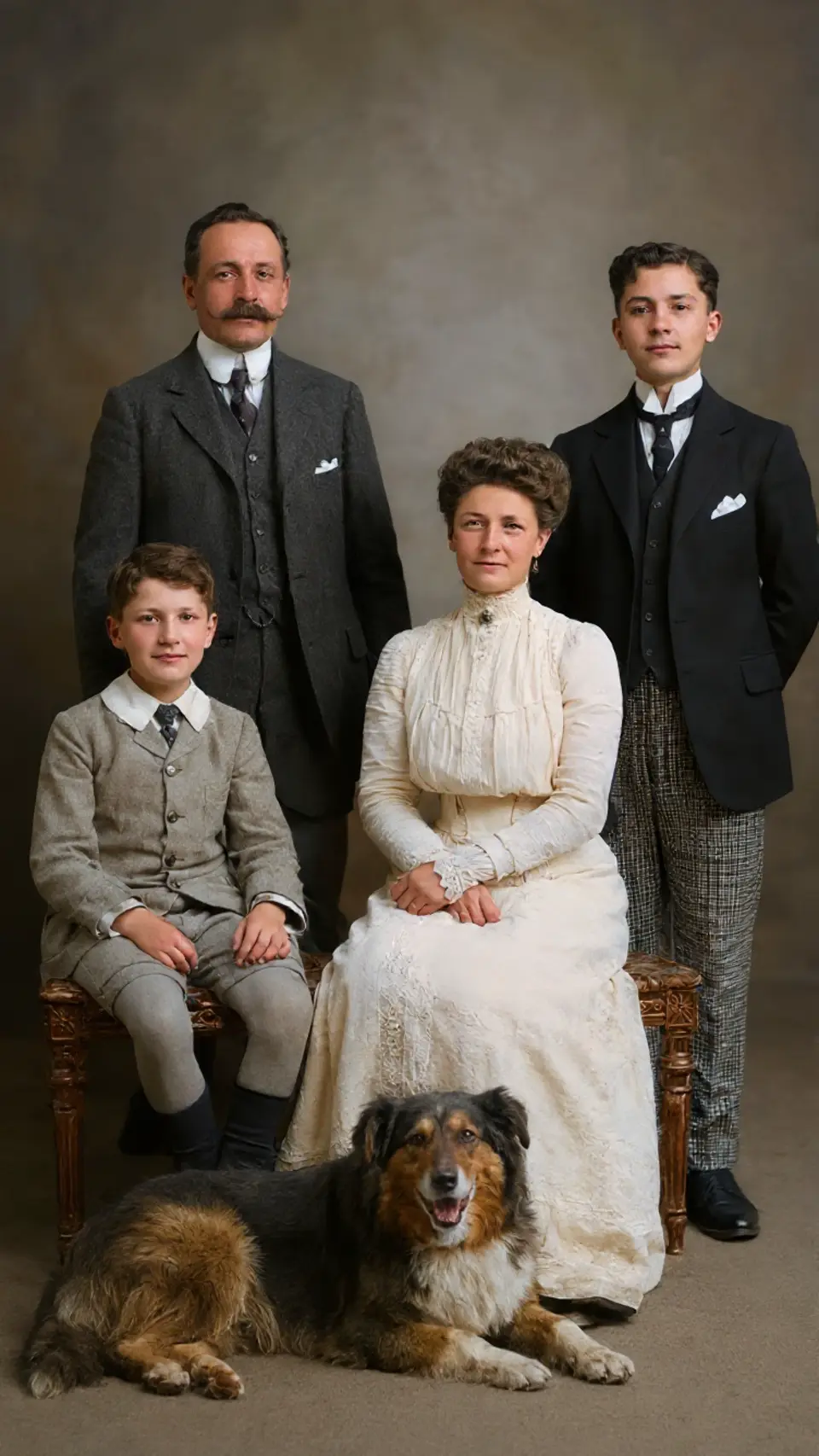
Drag to compare — a real Reviva restore
More resolution with real detail
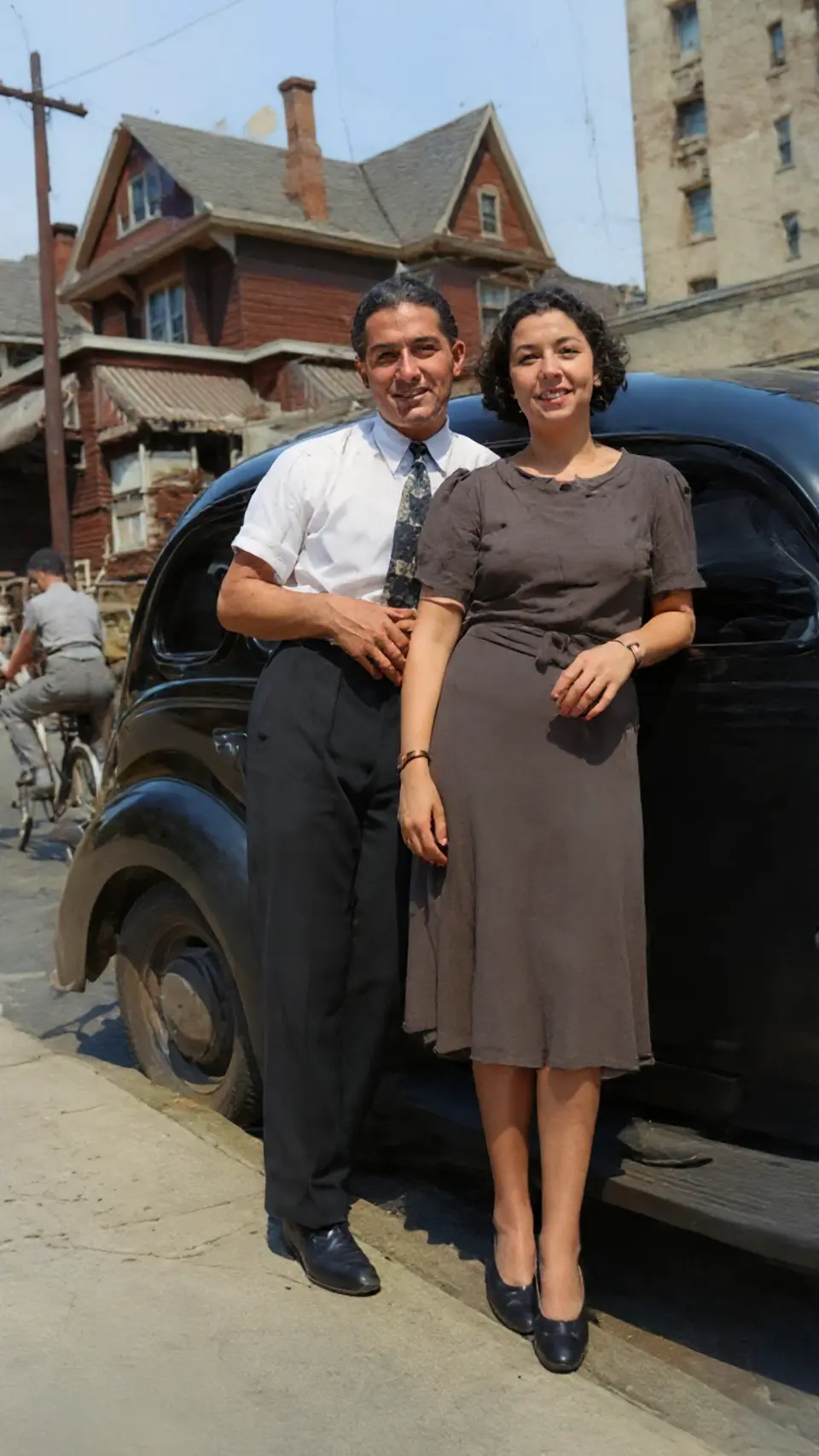
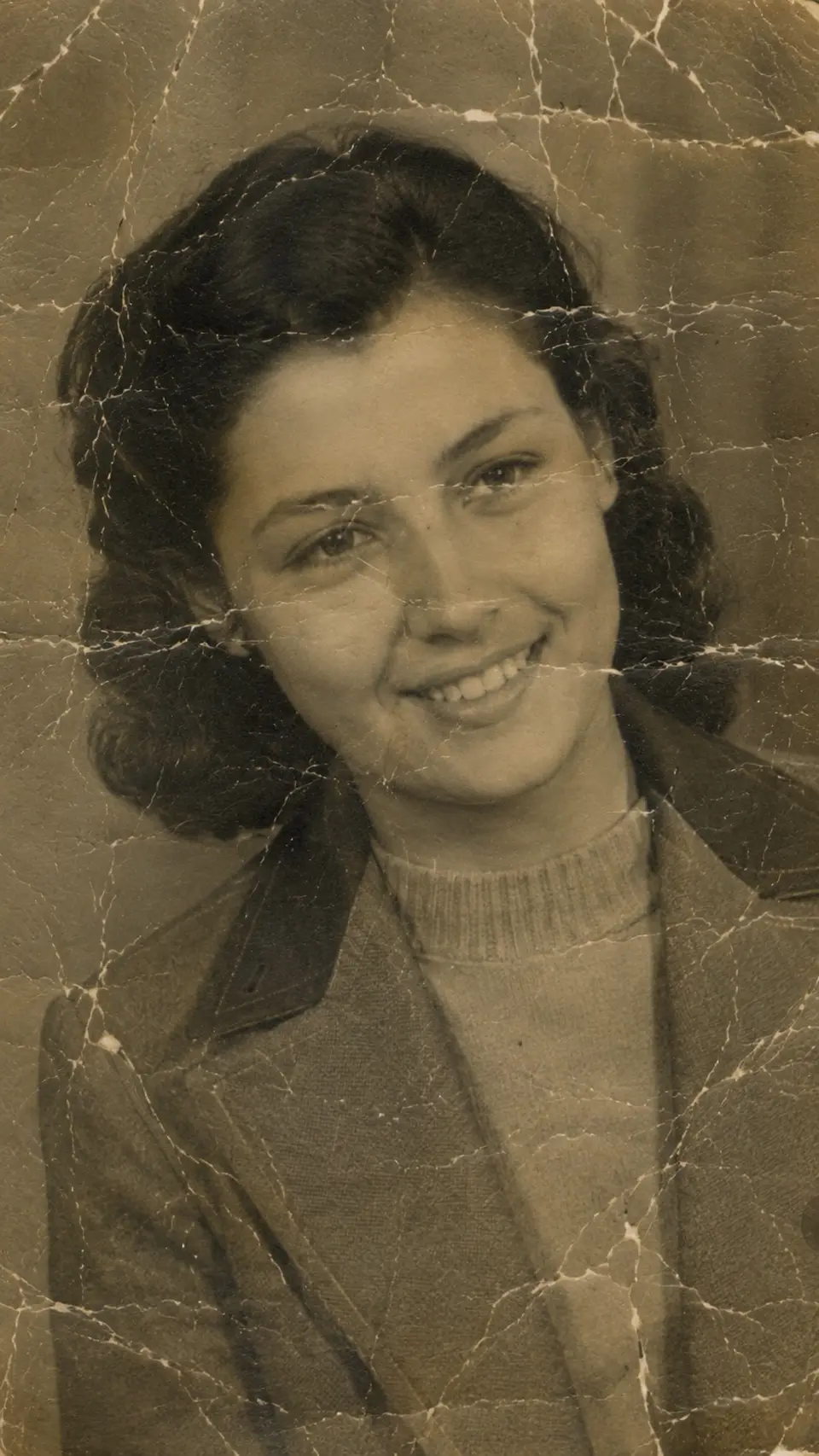
Reviva doesn't just stretch pixels. It reconstructs texture and edges as it upscales, so an enlarged photo gains genuine clarity instead of a soft, blocky blow-up.
Rescue tiny and pixelated images
Small social-media saves, old low-res scans, and pixelated exports all get a second life — clean enough to print or use as a wallpaper.
How it works
From your camera roll to restored in seconds
-
Step 01
Open Reviva
Download the app and tap Enhance.
-
Step 02
Choose a low-quality photo
Any small or pixelated image from your camera roll.
-
Step 03
Save the upscaled photo
Reviva returns a higher-resolution, sharper version in seconds.
Ready to see your photo restored?
Free to try — your first restore takes seconds.
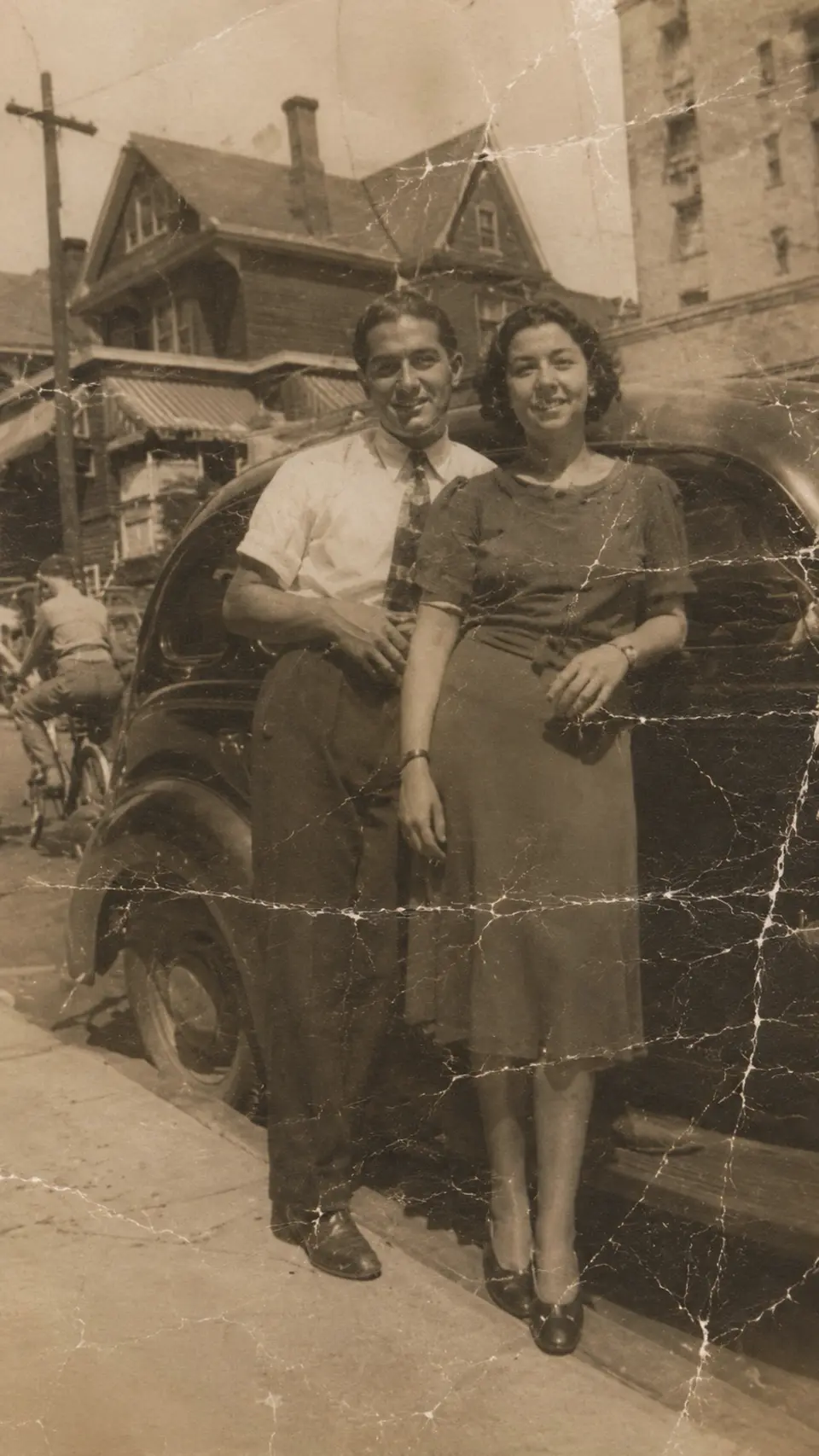
More before & after



Frequently asked
How much can Reviva upscale a photo?
Reviva increases resolution substantially while reconstructing detail, comfortably enough for sharing and most prints.
Will it fix a pixelated photo?
Yes — reconstructing detail as it upscales is exactly how Reviva cleans up pixelated and low-resolution images.
Is Reviva free?
You can download Reviva and try it for free. A subscription unlocks unlimited restores at full resolution with no watermark. There is no obligation to subscribe to see what Reviva can do with your photo.
Keep exploring